
Dr_Pepe__ - Minecraft Skins & Skin History
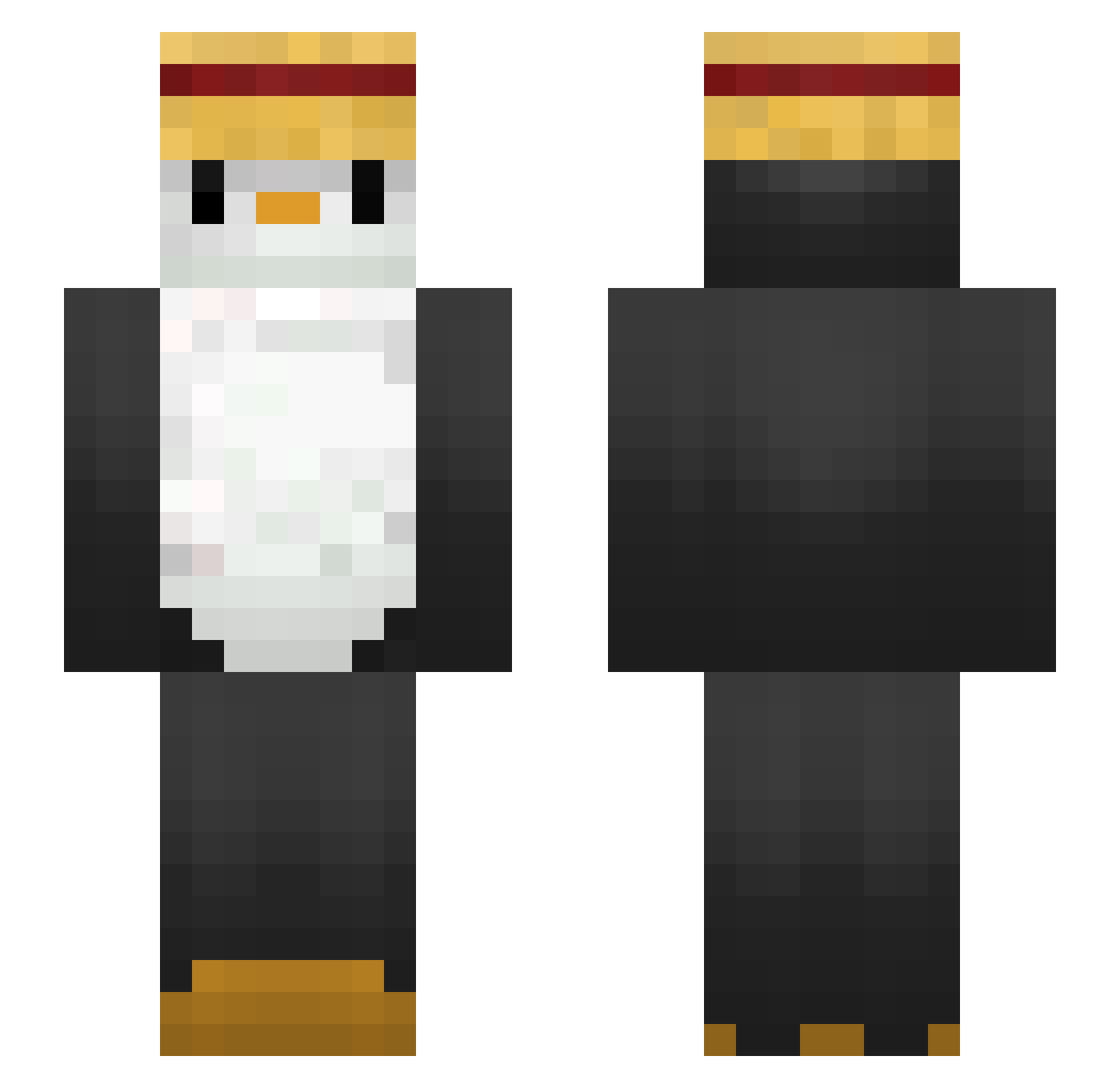
Current Minecraft skin of the player Dr_Pepe__, loaded from the official Mojang API. Rotate the 3D model with your mouse or finger, then download the skin as a PNG file and use it in Minecraft: Bedrock Edition or Java Edition for free. When Dr_Pepe__ changes their skin, this page updates automatically and the old skin stays in the history below.
Other players with this skin (288)
Dr_Pepe__ was the 227th player we have seen with this skin, first spotted on 16.10.2026. The same skin was seen on these players. Open a nickname to see their current skin and skin history.
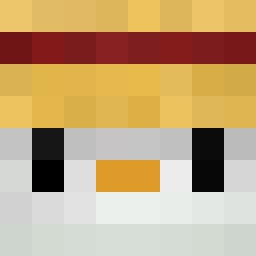 WillSigee Hayao0819 honghongyee Mokcandy0914 OliverWaddles Gathier hayul1030 Strugas full_fence Raviczx yatoji GTmerry Hongye04 Valo52 jaegumingu BabyGrqqt niceuserjordan Yuukkiaru elCapitan310 Camillorus itsaally jgpark1216 almas_2376 Junseok132 TallPenguin Samsaaam daZai_12 AndreTheMiner12 WhereMyMono H4c_k3d Indamampu neekorivas Ilikebals lasonil Ducki220709 GonGoozled donatediamonds Fakeneil11 Okany_ Mik3y88 nangpang B_E_N_N_Y_12 EjonJoni RjSc_Br HugoHcc Shiroman _fonsecaas pupukaka_ Nashao maaaaneul pingudiogo bluepengwin CRJ782 Gabar31 RobertoSun SeductivePenguin S1lentH1ll_ Micko66 Rukimin Blindwalk99
More Straw Hat Minecraft skins
How to install the Dr_Pepe__ skin
- Press the Download button above to save the skin as a PNG file.
- Minecraft: Bedrock Edition (PE): open the Dressing Room from the main menu (or tap your character → Edit Character), go to Classic Skins → Owned, press the + (new skin) button, choose the downloaded PNG and pick the Slim (Alex) model. Works on PC and mobile; consoles cannot import custom skins.
- Minecraft: Java Edition: open the Minecraft Launcher, go to the Skins tab, click New Skin, load the PNG, pick the Slim (Alex) model and press Save & Use. You can also upload it at minecraft.net → Profile → Change Skin.
The skin does not show up after import - what should I do?
Restart Minecraft and open the Dressing Room again - imported skins sometimes appear only after a restart. Also make sure you selected the imported skin and picked the Slim (Alex) model.
Which model should I choose, Classic or Slim?
This skin is designed for the Slim (Alex) model. If you pick the wrong model, the arms of the skin will look stretched or squeezed.
Is the skin of Dr_Pepe__ free to download?
Yes. Press Download, save the PNG file and use it in Minecraft: Bedrock Edition or Java Edition - no payment or registration needed. The skin also works on multiplayer servers and Realms.
More skins
Looking for more? Go back to all Minecraft skins and check the top skins of the week, month and all time, or find any player's skin by nickname.