
DrAirRock - Minecraft Skins & Skin History
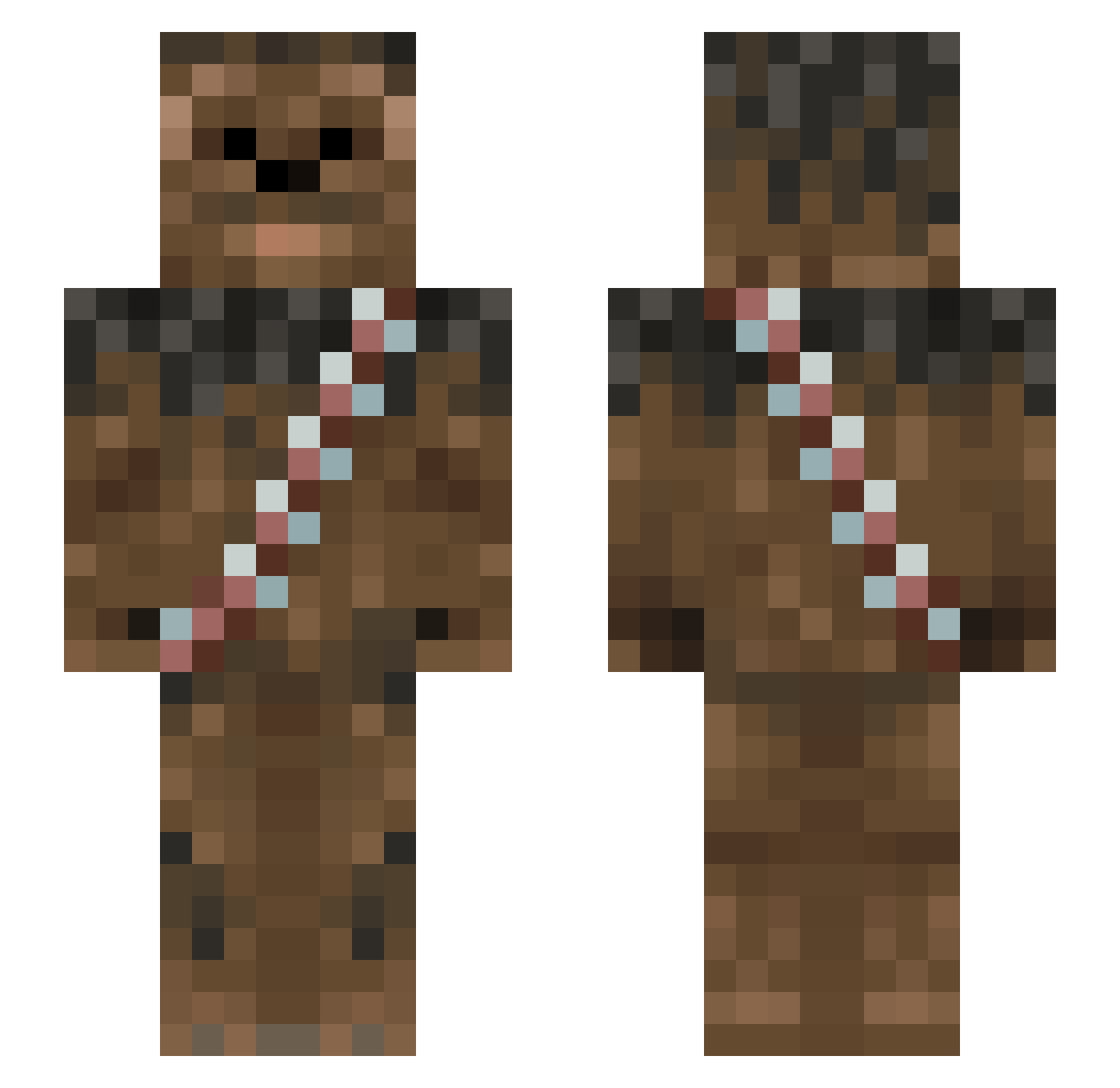
Current Minecraft skin of the player DrAirRock, loaded from the official Mojang API. Rotate the 3D model with your mouse or finger, then download the skin as a PNG file and use it in Minecraft: Bedrock Edition or Java Edition for free. When DrAirRock changes their skin, this page updates automatically and the old skin stays in the history below.
Other players with this skin (1012)
DrAirRock was the 56th player we have seen with this skin, first spotted on 30.07.2026. The same skin was seen on these players. Open a nickname to see their current skin and skin history.
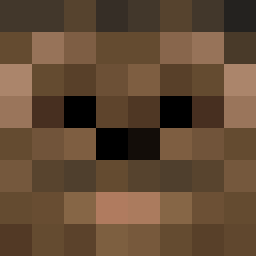 ZedPercules NHorvath BadgerUre dub2071
 cswinton bannanacub alexanderball04 MeatSwordd Chewbacca_81 taroshik mescuzi ThunderBoy54 sgtreece01 MartinAtchet Lawfu1 Silver66 Matzipan64 Aftershock45 chewycop big_cruz nicholai_thomas DexProEnergy rpsls42 knutsopx F1zzyDem AlphaR0ck Red_Paragon CanadaStrawhat nickdeufemia Wookiesnitch JFK8102 AbbenZz emppu2000 heitkids Ez_Bear RandomRobbie07 just_axes M0RL3Y09 BOSSship24 THE_CHOSEN_ONE__ Vanrektus 434311 resilientkarma5 braydenm303 Firekraker marek2000 Jehdye thedirtypickle Shayleenrf Tyrsgard Ben_Villa Atro_13 ghettoblaster KeanonJenkins BG29 keesprins Janoos Blockcrush3r DirtrallyCSH JorionJunior
More Wookiee Minecraft skins
How to install the DrAirRock skin
- Press the Download button above to save the skin as a PNG file.
- Minecraft: Bedrock Edition (PE): open the Dressing Room from the main menu (or tap your character → Edit Character), go to Classic Skins → Owned, press the + (new skin) button, choose the downloaded PNG and pick the Slim (Alex) model. Works on PC and mobile; consoles cannot import custom skins.
- Minecraft: Java Edition: open the Minecraft Launcher, go to the Skins tab, click New Skin, load the PNG, pick the Slim (Alex) model and press Save & Use. You can also upload it at minecraft.net → Profile → Change Skin.
The skin does not show up after import - what should I do?
Restart Minecraft and open the Dressing Room again - imported skins sometimes appear only after a restart. Also make sure you selected the imported skin and picked the Slim (Alex) model.
Which model should I choose, Classic or Slim?
This skin is designed for the Slim (Alex) model. If you pick the wrong model, the arms of the skin will look stretched or squeezed.
Is the skin of DrAirRock free to download?
Yes. Press Download, save the PNG file and use it in Minecraft: Bedrock Edition or Java Edition - no payment or registration needed. The skin also works on multiplayer servers and Realms.
More skins
Looking for more? Go back to all Minecraft skins and check the top skins of the week, month and all time, or find any player's skin by nickname.