
Dr4kmort14 - Minecraft Skins & Skin History
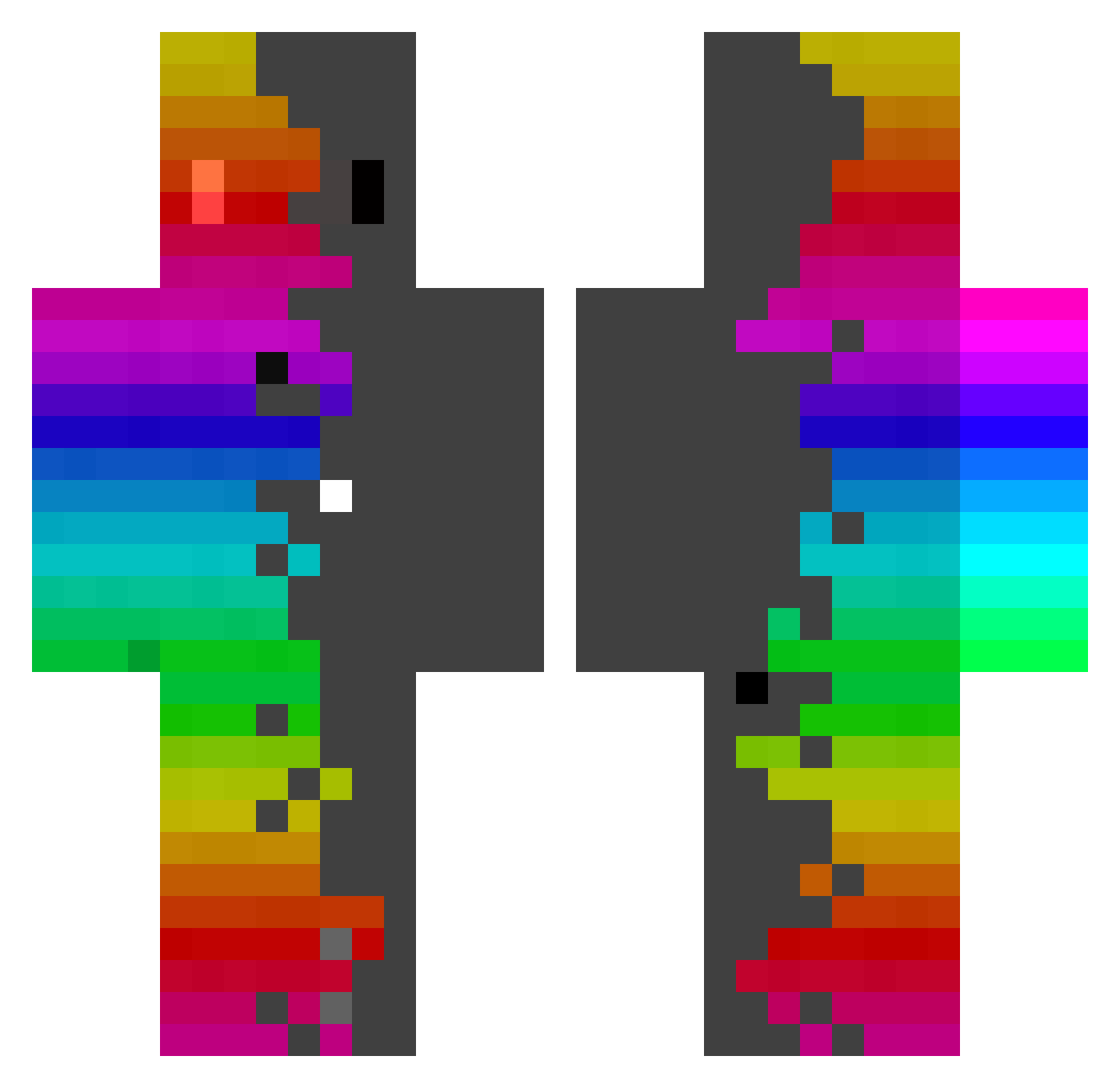
Current Minecraft skin of the player Dr4kmort14, loaded from the official Mojang API. Rotate the 3D model with your mouse or finger, then download the skin as a PNG file and use it in Minecraft: Bedrock Edition or Java Edition for free. When Dr4kmort14 changes their skin, this page updates automatically and the old skin stays in the history below.
Other players with this skin (440)
Dr4kmort14 was the 271st player we have seen with this skin, first spotted on 03.10.2026. The same skin was seen on these players. Open a nickname to see their current skin and skin history.
 XDronnosX Mathys2104 SkovgaardJR karihurawa1 LouLouPoch Mascbo F43L_ Jeninhaaa mikeywinn20 henri_txx Leberwurstbrot_ MrGhost95 iDELFINO7 Tik_922 vigitinh0 _F4LL3Q_ Jo_24 Zelkova0607 JX7L correa_sim BartekD221a mrock2010 DaviBretas _alwan OccuLele arrt_lol droik The_Mind_xD Jonas3702 Nomzeee Levi9005 ColeiCheGingiola V9_Smokey Csongy RoriKuma0202 Kencito_botcito urban3606 jasontappy1 Bubba6248 Goatisues Romek201112 riyhp canaria1412 sansita03 NoobGood PROKING514236 Torgal63 Reg69 idkmathatall kfbgi olive2h chocklateTV lianybrothers Stormraddd SZAKZA WSG_720 hi5068 BrunoPavil014 Greyest7 enJay19
How to install the Dr4kmort14 skin
- Press the Download button above to save the skin as a PNG file.
- Minecraft: Bedrock Edition (PE): open the Dressing Room from the main menu (or tap your character → Edit Character), go to Classic Skins → Owned, press the + (new skin) button, choose the downloaded PNG and pick the Classic (Steve) model. Works on PC and mobile; consoles cannot import custom skins.
- Minecraft: Java Edition: open the Minecraft Launcher, go to the Skins tab, click New Skin, load the PNG, pick the Classic (Steve) model and press Save & Use. You can also upload it at minecraft.net → Profile → Change Skin.
The skin does not show up after import - what should I do?
Restart Minecraft and open the Dressing Room again - imported skins sometimes appear only after a restart. Also make sure you selected the imported skin and picked the Classic (Steve) model.
Which model should I choose, Classic or Slim?
This skin is designed for the Classic (Steve) model. If you pick the wrong model, the arms of the skin will look stretched or squeezed.
Is the skin of Dr4kmort14 free to download?
Yes. Press Download, save the PNG file and use it in Minecraft: Bedrock Edition or Java Edition - no payment or registration needed. The skin also works on multiplayer servers and Realms.
More skins
Looking for more? Go back to all Minecraft skins and check the top skins of the week, month and all time, or find any player's skin by nickname.