
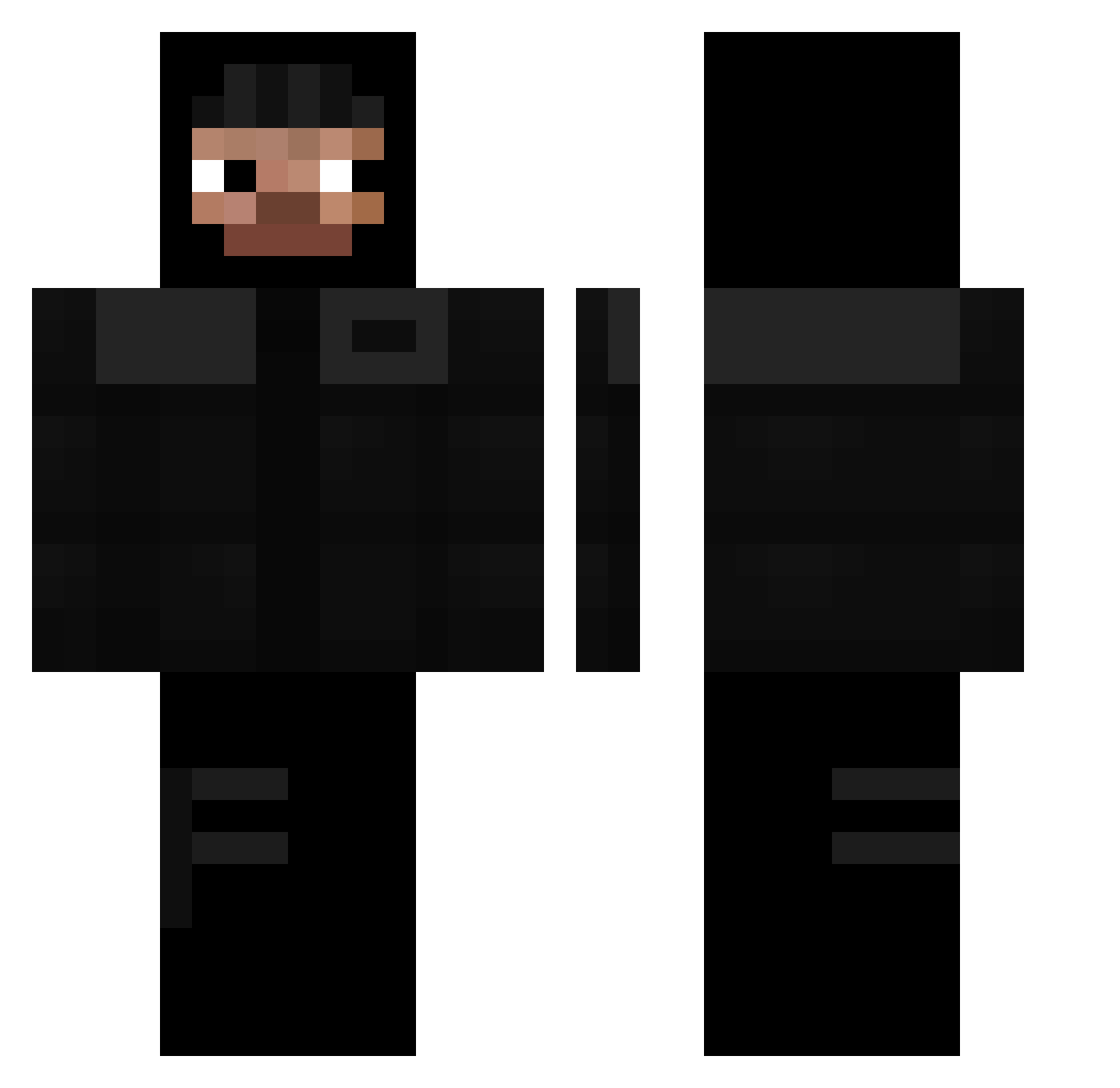
Current Minecraft skin of the player DoonieXD, loaded from the official Mojang API. Rotate the 3D model with your mouse or finger, then download the skin as a PNG file and use it in Minecraft: Bedrock Edition or Java Edition for free. When DoonieXD changes their skin, this page updates automatically and the old skin stays in the history below.
Other players with this skin (247)
DoonieXD was the 93rd player we have seen with this skin, first spotted on 26.08.2026. The same skin was seen on these players. Open a nickname to see their current skin and skin history.
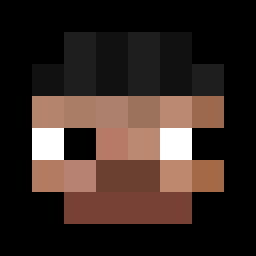 thordur_ingi Monkegangontop_o LeooSlow Ludderz P2gg Mjsdaughter zapalniczkaBIC Gayaas yqxcc KEEFSOSA MCGKM Relekkk FedeGenerator cristorat4 venganceee ChoCoFull BORGESs2 cnul ExoMinty ODMgear Unskidy BraxyxForce Sweet__Prince DestroyXDDD MinatoNaza Plaja 2AliveGeekPack AndreiXw SpuffyBluffyJR KaitoLeOuf iance TecX9 s_nicker
 Appelkaas ZachQT Selt33x Trencrazy kanyeswests Maximilian408 r0bertsn N6_TPF ColdSura SulfreeD Onecubeplayer foreverblatant ayt4l blessedbih ImHug0 handlecarefully Lederschuhe CMFTurtle3 sneakybaby Sopelekk_ twizzy07 Charoo783 Szajmonn XiaoFenmg TigrouLeLoulou TucoSocaFofo sktx
More Thief Minecraft skins
How to install the DoonieXD skin
- Press the Download button above to save the skin as a PNG file.
- Minecraft: Bedrock Edition (PE): open the Dressing Room from the main menu (or tap your character → Edit Character), go to Classic Skins → Owned, press the + (new skin) button, choose the downloaded PNG and pick the Classic (Steve) model. Works on PC and mobile; consoles cannot import custom skins.
- Minecraft: Java Edition: open the Minecraft Launcher, go to the Skins tab, click New Skin, load the PNG, pick the Classic (Steve) model and press Save & Use. You can also upload it at minecraft.net → Profile → Change Skin.
The skin does not show up after import - what should I do?
Restart Minecraft and open the Dressing Room again - imported skins sometimes appear only after a restart. Also make sure you selected the imported skin and picked the Classic (Steve) model.
Which model should I choose, Classic or Slim?
This skin is designed for the Classic (Steve) model. If you pick the wrong model, the arms of the skin will look stretched or squeezed.
Is the skin of DoonieXD free to download?
Yes. Press Download, save the PNG file and use it in Minecraft: Bedrock Edition or Java Edition - no payment or registration needed. The skin also works on multiplayer servers and Realms.
More skins
Looking for more? Go back to all Minecraft skins and check the top skins of the week, month and all time, or find any player's skin by nickname.