
DonaldMcRonald17 - Minecraft Skins & Skin History
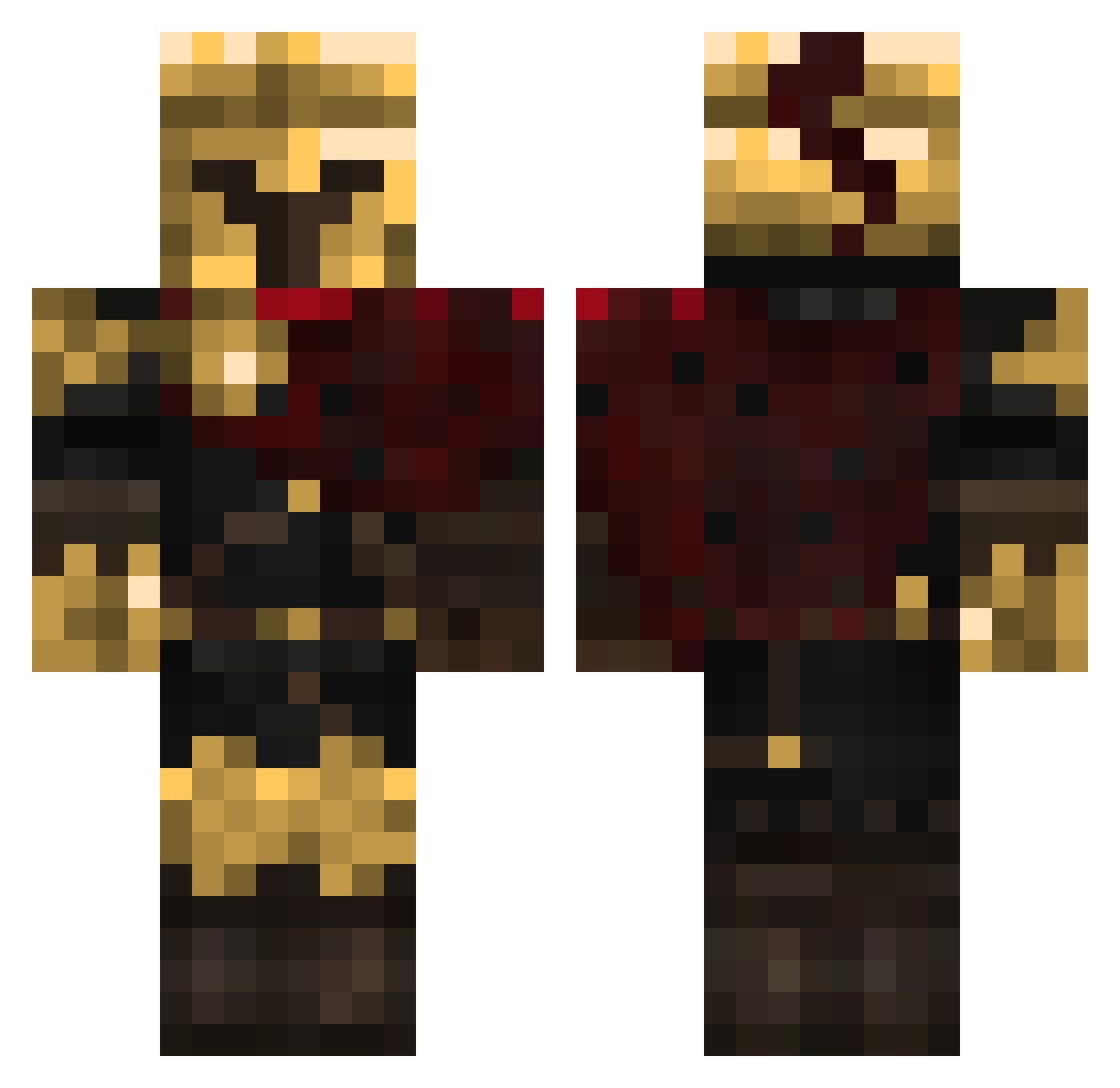
Current Minecraft skin of the player DonaldMcRonald17, loaded from the official Mojang API. Rotate the 3D model with your mouse or finger, then download the skin as a PNG file and use it in Minecraft: Bedrock Edition or Java Edition for free. When DonaldMcRonald17 changes their skin, this page updates automatically and the old skin stays in the history below.
Other players with this skin (318)
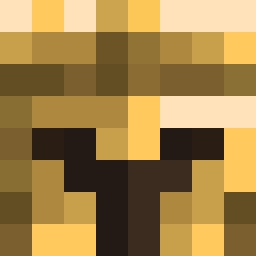
DonaldMcRonald17 was the 281st player we have seen with this skin, first spotted on 19.10.2026. The same skin was seen on these players. Open a nickname to see their current skin and skin history.
 Roadrunner0059 matsss95 MK3y fwArtex Pito23 Ssadek07 TheYell0wK1ng Wh1msy123 WavyLekz Tanatos24 DeathWings02 SweetisSin G_kmv SWPLAYZ Mastermind6669 Imagination2454 amusedcheese2020 Gamerboy78564_mc Extesty ECH031 blankPosition SpecificPower Dean2000272 Lucius_Plays triggerhappy78 MLWMANDO13 CyberAssassin228 NarrateurDC arneC3105 dadouuuuu elAdrieel Baidoh Snopy19 Ging3rBiscut VasperTheCowboy GayWare genjidemon Vexerrazz MegaDragon45 q9p1 FutureNeptune leek4205 Papa_Bar tuerkentreter111 fahej bortsnort Onyx67 Stanley_Sucker Gueste56 CHICHID0G qycm KlyyEz zain34 7dooy7 Jedush1 Taxonseven Hweibintle killa12115 1nternet_Guy dark001gl
More Spartan Minecraft skins
How to install the DonaldMcRonald17 skin
- Press the Download button above to save the skin as a PNG file.
- Minecraft: Bedrock Edition (PE): open the Dressing Room from the main menu (or tap your character → Edit Character), go to Classic Skins → Owned, press the + (new skin) button, choose the downloaded PNG and pick the Classic (Steve) model. Works on PC and mobile; consoles cannot import custom skins.
- Minecraft: Java Edition: open the Minecraft Launcher, go to the Skins tab, click New Skin, load the PNG, pick the Classic (Steve) model and press Save & Use. You can also upload it at minecraft.net → Profile → Change Skin.
The skin does not show up after import - what should I do?
Restart Minecraft and open the Dressing Room again - imported skins sometimes appear only after a restart. Also make sure you selected the imported skin and picked the Classic (Steve) model.
Which model should I choose, Classic or Slim?
This skin is designed for the Classic (Steve) model. If you pick the wrong model, the arms of the skin will look stretched or squeezed.
Is the skin of DonaldMcRonald17 free to download?
Yes. Press Download, save the PNG file and use it in Minecraft: Bedrock Edition or Java Edition - no payment or registration needed. The skin also works on multiplayer servers and Realms.
More skins
Looking for more? Go back to all Minecraft skins and check the top skins of the week, month and all time, or find any player's skin by nickname.