
Destowin - Minecraft Skins & Skin History
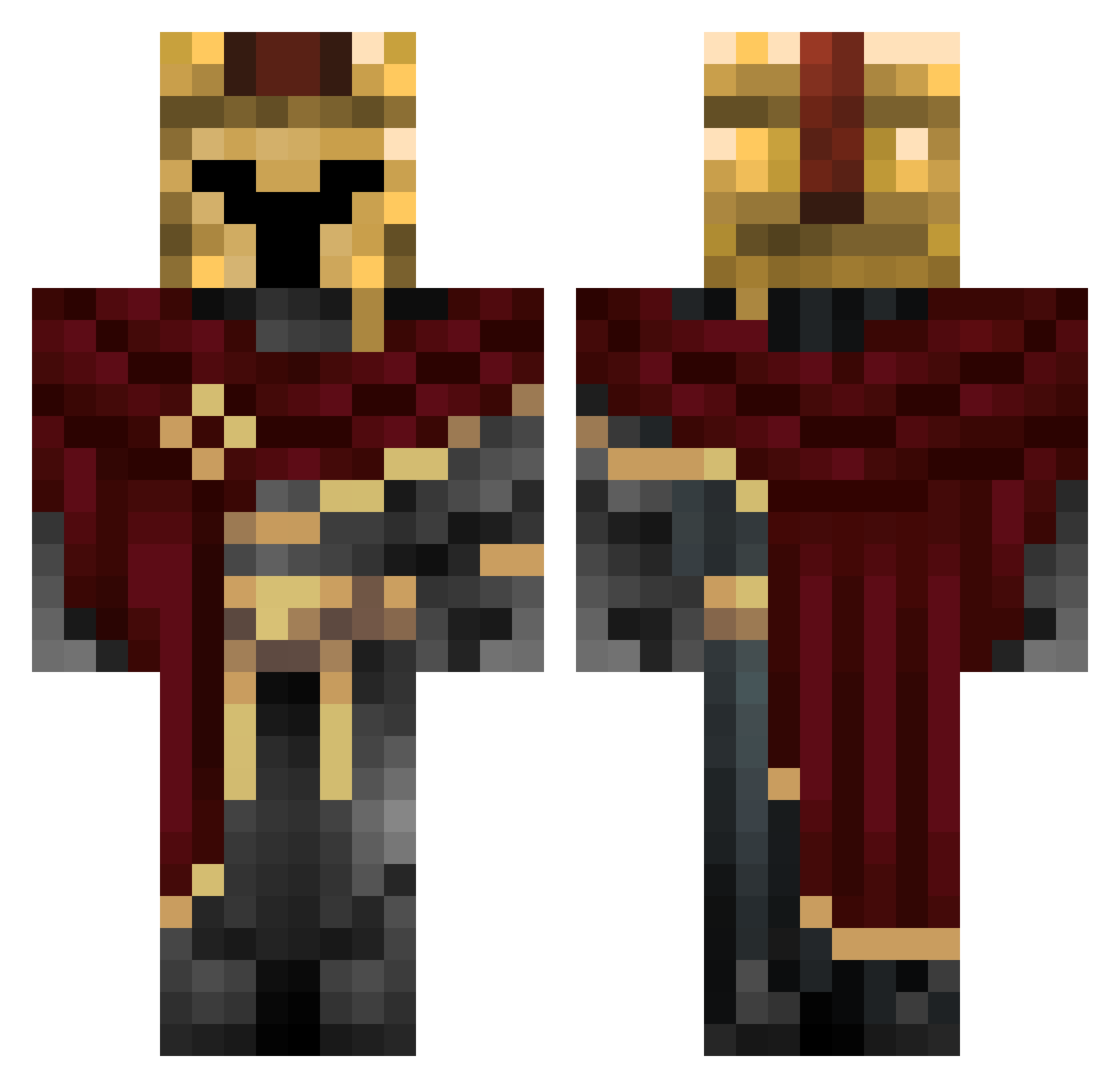
Current Minecraft skin of the player Destowin, loaded from the official Mojang API. Rotate the 3D model with your mouse or finger, then download the skin as a PNG file and use it in Minecraft: Bedrock Edition or Java Edition for free. When Destowin changes their skin, this page updates automatically and the old skin stays in the history below.
Other players with this skin (384)
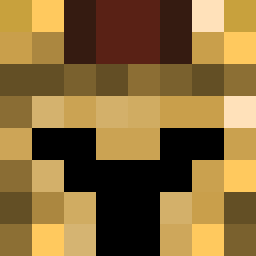
Destowin was the 360th player we have seen with this skin, first spotted on 11.11.2026. The same skin was seen on these players. Open a nickname to see their current skin and skin history.
 Psmc Mandells10 Dio99999 Troyax_69 Loloman2012 nextZiege Sparknic DirtyDaniel0 GreenHottie NELSONITACHI000 __Crimsun__ AyeItsCaleb Kleksiuwlad Zratt0 GayRhino Syltgrodan kosokii __Nau__ Ricky_Wtf Esan999 Nanz24 BT_Hurricane Ram_335 Arsonist_248 Domzl _dannythemanny_ Oryph AstralVex Larcade05 TheOrderq7 soibac3370 CL0KKED Iagoblack18 marcelnena 2006toyotayaris BlackFlikz Araknide__ NAWAFG8 zarkar1212 JaceImpens ProtoFate IslaIsMyBae Hayden_Dean Sebushi Exriot Fire981 SheldonVW Gold5Fire _0Idk0_ Dequarius_Dequon Shivavo Cleenex_ McTyber RickySicky24 WodgaGorbatschow DragonSlayerZaza chimkimnunget Ezhuan auddiefaudie son1t_001
More Spartan Minecraft skins
How to install the Destowin skin
- Press the Download button above to save the skin as a PNG file.
- Minecraft: Bedrock Edition (PE): open the Dressing Room from the main menu (or tap your character → Edit Character), go to Classic Skins → Owned, press the + (new skin) button, choose the downloaded PNG and pick the Classic (Steve) model. Works on PC and mobile; consoles cannot import custom skins.
- Minecraft: Java Edition: open the Minecraft Launcher, go to the Skins tab, click New Skin, load the PNG, pick the Classic (Steve) model and press Save & Use. You can also upload it at minecraft.net → Profile → Change Skin.
The skin does not show up after import - what should I do?
Restart Minecraft and open the Dressing Room again - imported skins sometimes appear only after a restart. Also make sure you selected the imported skin and picked the Classic (Steve) model.
Which model should I choose, Classic or Slim?
This skin is designed for the Classic (Steve) model. If you pick the wrong model, the arms of the skin will look stretched or squeezed.
Is the skin of Destowin free to download?
Yes. Press Download, save the PNG file and use it in Minecraft: Bedrock Edition or Java Edition - no payment or registration needed. The skin also works on multiplayer servers and Realms.
More skins
Looking for more? Go back to all Minecraft skins and check the top skins of the week, month and all time, or find any player's skin by nickname.