
Darzade - Minecraft Skins & Skin History
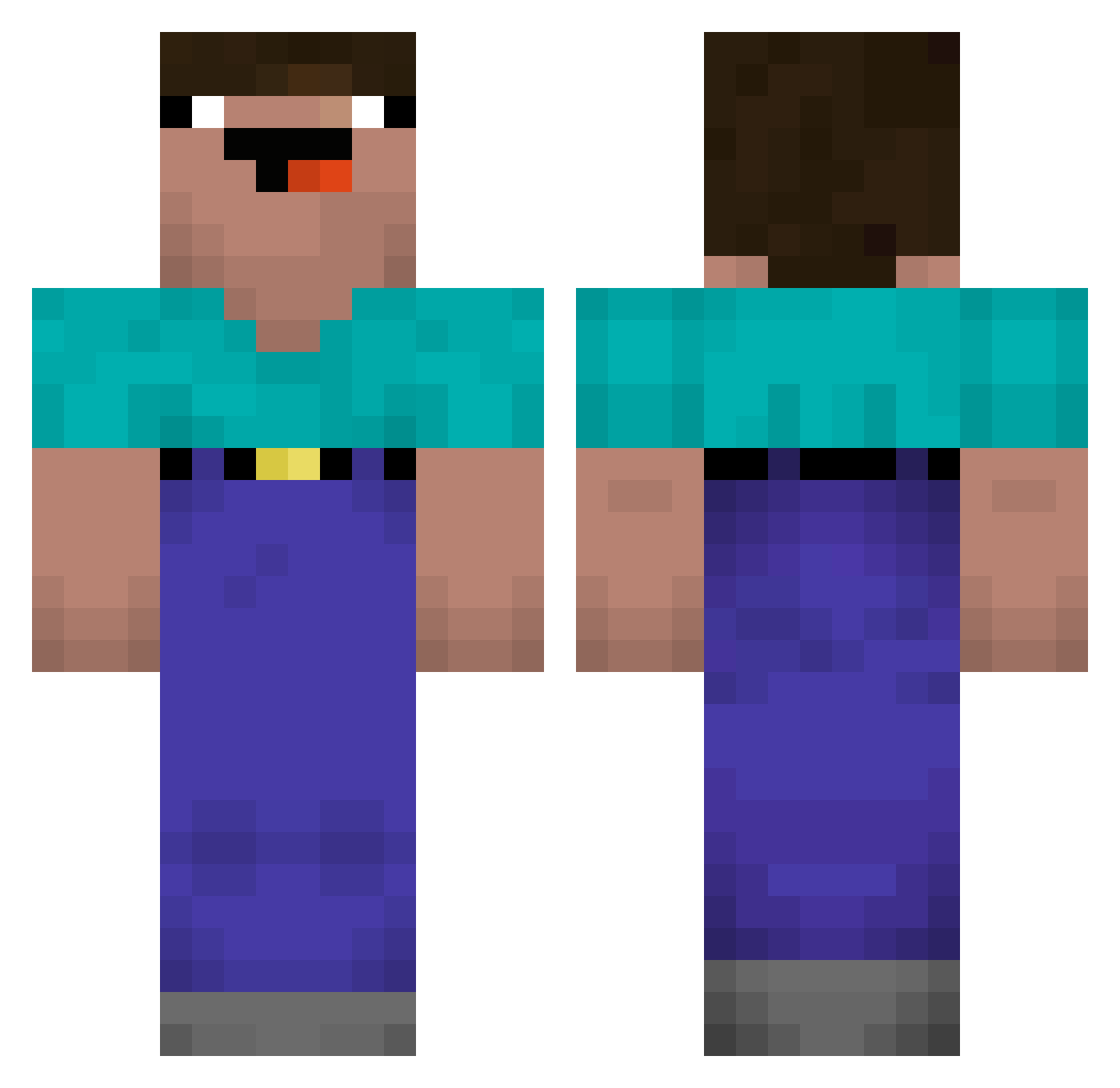
Current Minecraft skin of the player Darzade, loaded from the official Mojang API. Rotate the 3D model with your mouse or finger, then download the skin as a PNG file and use it in Minecraft: Bedrock Edition or Java Edition for free. When Darzade changes their skin, this page updates automatically and the old skin stays in the history below.
Other players with this skin (50)
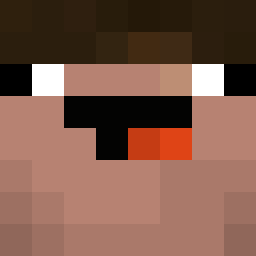
Darzade was the 16th player we have seen with this skin, first spotted on 29.08.2026. The same skin was seen on these players. Open a nickname to see their current skin and skin history.
 MISTAJADE Reapazor onlyStonks DiederikJ BeikoGame ArteMIX321 Pats_11 gooldenchicken PikachuYigit PB7 TheKikiPvP Sven_Music flate211 Prolike_Noob gomint mondii777 GGBiel2K18 Stupy NafezPlays NuuBeam_Hady LauraSusan pineapple0510 LuBabe04 TheeUntrainedPro NeimyGames EinDeutscher2 Yasha07 BabyBarbaMustata KazeyBabe Beta_Unlimited minisphinx6 chriskimpossible Butterballboi super_boy_3026 electric_men iOmerBey hopeseeker Stevenbb Super_Nanny sho752 69CHESTER96 Runsaur Zigred ResoRu ICEMAN1090 Baecoun garychan8523 potap228 yKangaro PolatAlemdar05
More Noob Minecraft skins
How to install the Darzade skin
- Press the Download button above to save the skin as a PNG file.
- Minecraft: Bedrock Edition (PE): open the Dressing Room from the main menu (or tap your character → Edit Character), go to Classic Skins → Owned, press the + (new skin) button, choose the downloaded PNG and pick the Classic (Steve) model. Works on PC and mobile; consoles cannot import custom skins.
- Minecraft: Java Edition: open the Minecraft Launcher, go to the Skins tab, click New Skin, load the PNG, pick the Classic (Steve) model and press Save & Use. You can also upload it at minecraft.net → Profile → Change Skin.
The skin does not show up after import - what should I do?
Restart Minecraft and open the Dressing Room again - imported skins sometimes appear only after a restart. Also make sure you selected the imported skin and picked the Classic (Steve) model.
Which model should I choose, Classic or Slim?
This skin is designed for the Classic (Steve) model. If you pick the wrong model, the arms of the skin will look stretched or squeezed.
Is the skin of Darzade free to download?
Yes. Press Download, save the PNG file and use it in Minecraft: Bedrock Edition or Java Edition - no payment or registration needed. The skin also works on multiplayer servers and Realms.
More skins
Looking for more? Go back to all Minecraft skins and check the top skins of the week, month and all time, or find any player's skin by nickname.