
Darkedi4 - Minecraft Skins & Skin History
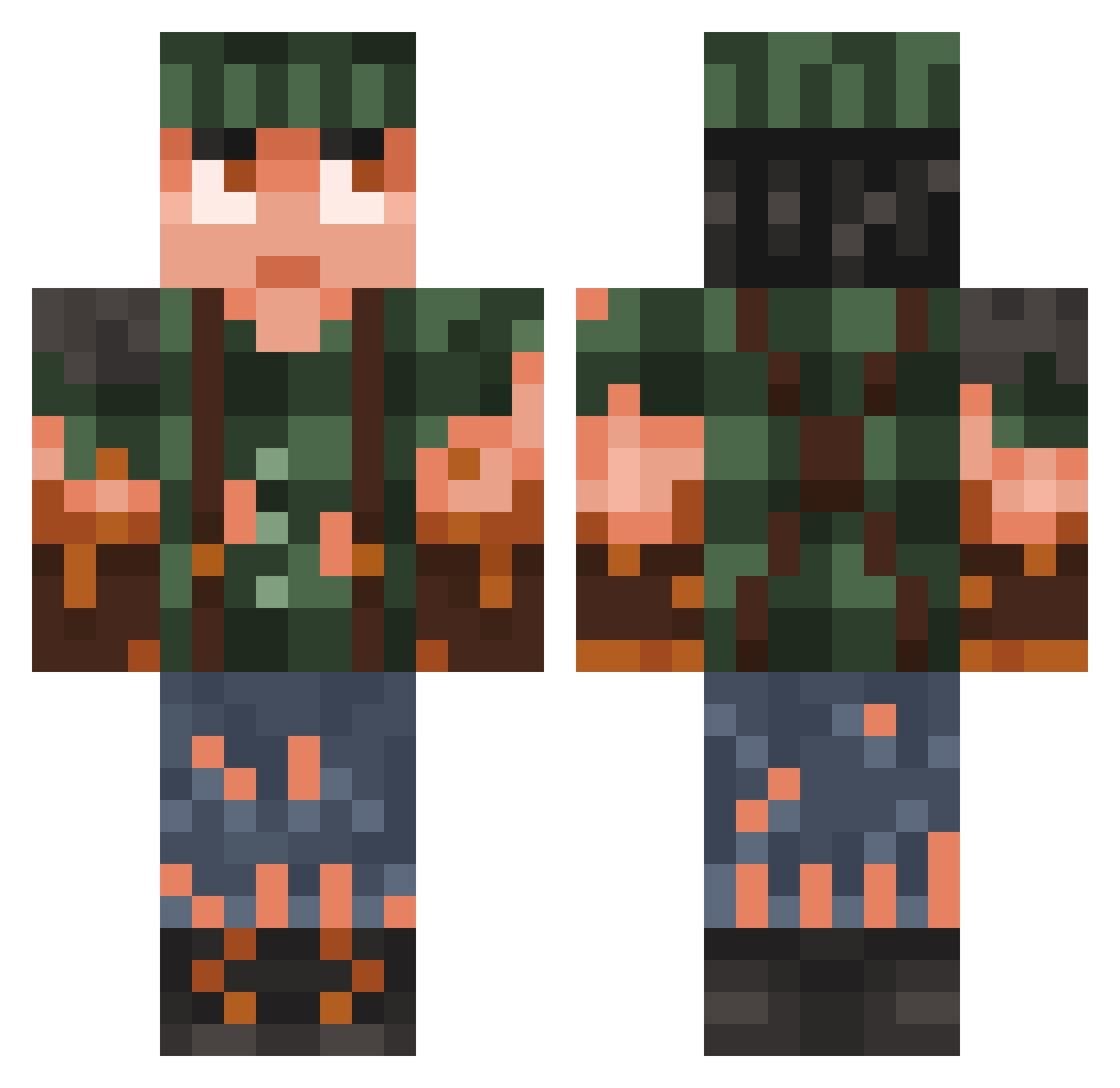
Current Minecraft skin of the player Darkedi4, loaded from the official Mojang API. Rotate the 3D model with your mouse or finger, then download the skin as a PNG file and use it in Minecraft: Bedrock Edition or Java Edition for free. When Darkedi4 changes their skin, this page updates automatically and the old skin stays in the history below.
Other players with this skin (783)
Darkedi4 was the 250th player we have seen with this skin, first spotted on 25.08.2026. The same skin was seen on these players. Open a nickname to see their current skin and skin history.
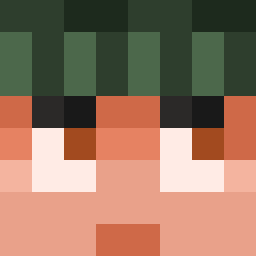 NuufyTV JAMESSCOTT14 Timoboem ODL1CAV Estebandido55
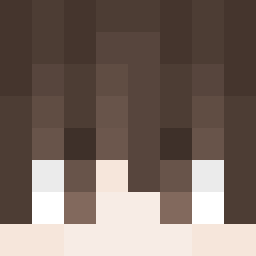 nashDS Youngstaar
 ICY4UNNA tcarp401_ Zinnert_ TomLiveStream_ MortyOnFire coole_gurke lkhwan0204 Shin_neee MageMaster15 tussefar acoRcs Diozifero MarcoEmperor zuomynonA Cr1y_m1n AN040 StefanJupy WyoLyla Spookiaris DXGaming21 jerry8604 Aysa10 Torkn Kylixa JBCLUTCH334 Lexteer Master_Me_ catopixel ThePhysicGamer TimoGut15
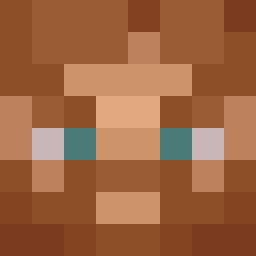 ItsCian ppenner AtomicSonix berkayoralli iseethevision
 HabibiLaMour Lukeyyyyyy Vodius24 Cryptic1927 BANGIIH iqbigboss wboqos hillhalt ninjaoliversm zfrom Skin7098 I1III1II Exolics spidermaen flopxcd Anubis736 HumbleEgg Sannux
More Survivor Minecraft skins
How to install the Darkedi4 skin
- Press the Download button above to save the skin as a PNG file.
- Minecraft: Bedrock Edition (PE): open the Dressing Room from the main menu (or tap your character → Edit Character), go to Classic Skins → Owned, press the + (new skin) button, choose the downloaded PNG and pick the Classic (Steve) model. Works on PC and mobile; consoles cannot import custom skins.
- Minecraft: Java Edition: open the Minecraft Launcher, go to the Skins tab, click New Skin, load the PNG, pick the Classic (Steve) model and press Save & Use. You can also upload it at minecraft.net → Profile → Change Skin.
The skin does not show up after import - what should I do?
Restart Minecraft and open the Dressing Room again - imported skins sometimes appear only after a restart. Also make sure you selected the imported skin and picked the Classic (Steve) model.
Which model should I choose, Classic or Slim?
This skin is designed for the Classic (Steve) model. If you pick the wrong model, the arms of the skin will look stretched or squeezed.
Is the skin of Darkedi4 free to download?
Yes. Press Download, save the PNG file and use it in Minecraft: Bedrock Edition or Java Edition - no payment or registration needed. The skin also works on multiplayer servers and Realms.
More skins
Looking for more? Go back to all Minecraft skins and check the top skins of the week, month and all time, or find any player's skin by nickname.