
DarkMaxxim - Minecraft Skins & Skin History
Current Minecraft skin of the player DarkMaxxim, loaded from the official Mojang API. Rotate the 3D model with your mouse or finger, then download the skin as a PNG file and use it in Minecraft: Bedrock Edition or Java Edition for free. When DarkMaxxim changes their skin, this page updates automatically and the old skin stays in the history below.
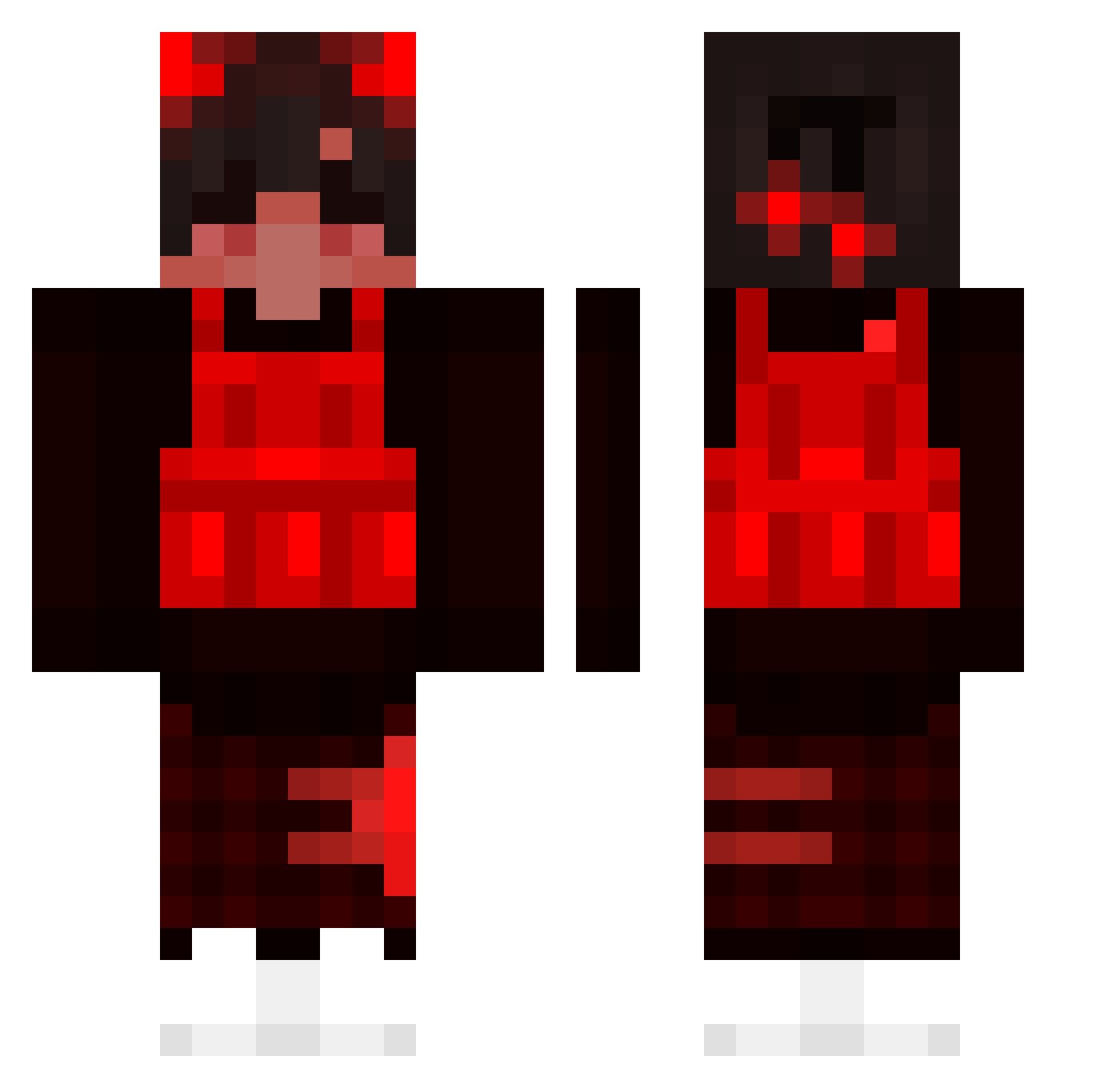
Other players with this skin (194)
DarkMaxxim was the 34th player we have seen with this skin, first spotted on 16.08.2026. The same skin was seen on these players. Open a nickname to see their current skin and skin history.
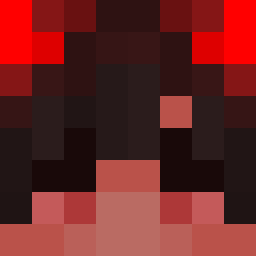 ANTONELLOT NotBaSs5 Sanitoeter123 Stafux Xknutson LOR1_LORD OLIK12345 zMichael55 vdfm qweasdzxc7 WeStA_FIN Maty4lf Bowen0701 AzUs__ blondedd
 SichiVII jajajadou MJMgamingYT Apocalypticx TrueRelic26 byDiemon macacaco Hvdis_Alt fagiana Francois19 Chiin_ DelMorti hypergoon Lucho_URU FlyingHamRider edengoodman04 Infinite_xWither yFastt_ _zlay_ Kmora200107 Misplase ICHDKEUCHRAUS OnlySolev Vexyn Ossg Jimbo1776 Fnaticbaby UrBuiltDifferent Justin_San MercilessgodTV eclipse10_ THCPals LordYucky Yeezoo Tiettond No_con Arcaney florent12701 Dexxyzs S2_Kitty_S2 Stezze_ TheSpaceJesus Domix07 burrardslax ChefPlutx
How to install the DarkMaxxim skin
- Press the Download button above to save the skin as a PNG file.
- Minecraft: Bedrock Edition (PE): open the Dressing Room from the main menu (or tap your character → Edit Character), go to Classic Skins → Owned, press the + (new skin) button, choose the downloaded PNG and pick the Classic (Steve) model. Works on PC and mobile; consoles cannot import custom skins.
- Minecraft: Java Edition: open the Minecraft Launcher, go to the Skins tab, click New Skin, load the PNG, pick the Classic (Steve) model and press Save & Use. You can also upload it at minecraft.net → Profile → Change Skin.
The skin does not show up after import - what should I do?
Restart Minecraft and open the Dressing Room again - imported skins sometimes appear only after a restart. Also make sure you selected the imported skin and picked the Classic (Steve) model.
Which model should I choose, Classic or Slim?
This skin is designed for the Classic (Steve) model. If you pick the wrong model, the arms of the skin will look stretched or squeezed.
Is the skin of DarkMaxxim free to download?
Yes. Press Download, save the PNG file and use it in Minecraft: Bedrock Edition or Java Edition - no payment or registration needed. The skin also works on multiplayer servers and Realms.
More skins
Looking for more? Go back to all Minecraft skins and check the top skins of the week, month and all time, or find any player's skin by nickname.