
DankaCool - Minecraft Skins & Skin History
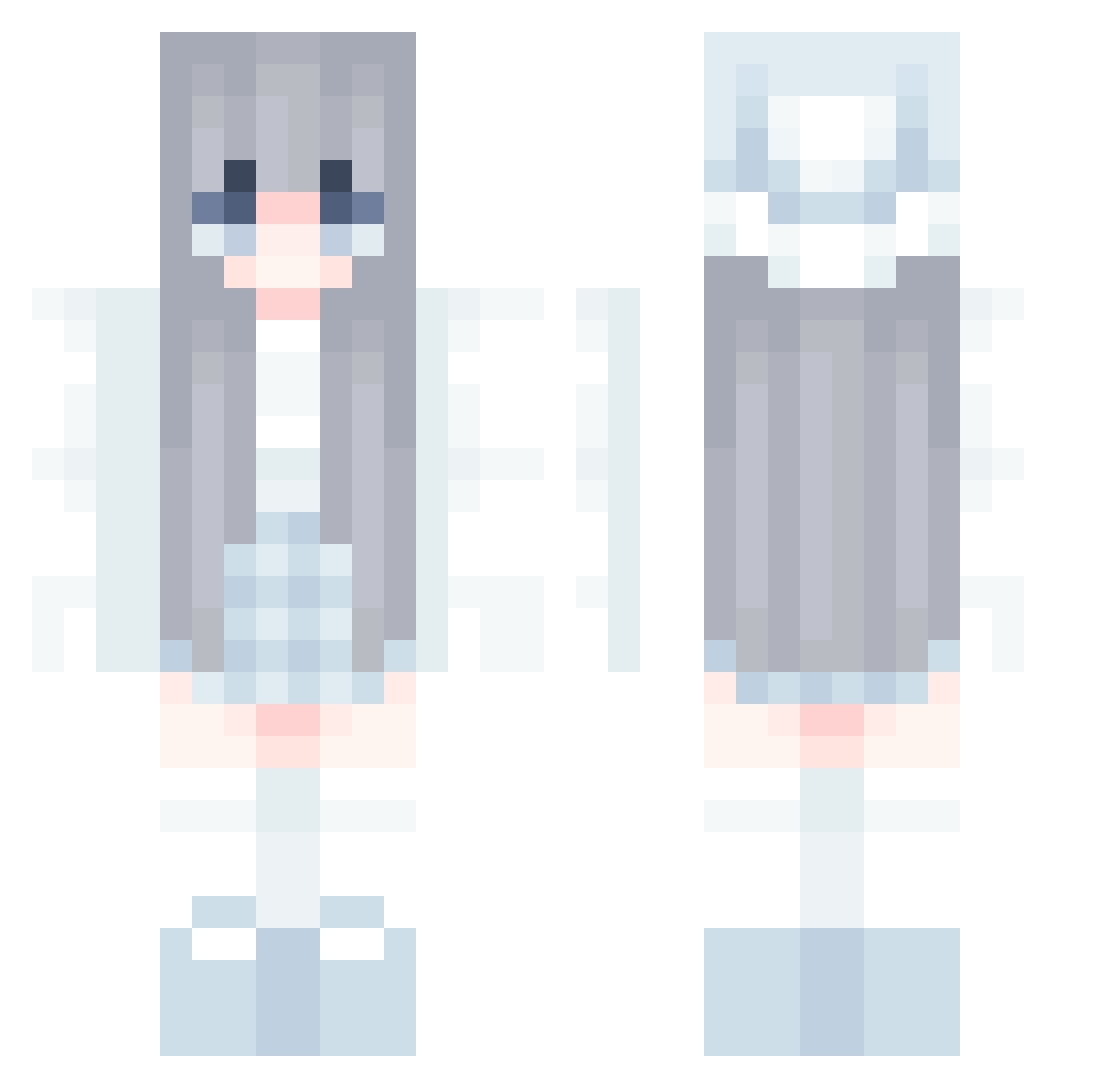
Current Minecraft skin of the player DankaCool, loaded from the official Mojang API. Rotate the 3D model with your mouse or finger, then download the skin as a PNG file and use it in Minecraft: Bedrock Edition or Java Edition for free. When DankaCool changes their skin, this page updates automatically and the old skin stays in the history below.
Other players with this skin (833)
DankaCool was the 545th player we have seen with this skin, first spotted on 04.10.2026. The same skin was seen on these players. Open a nickname to see their current skin and skin history.
 Bean1989 XiaoGu0922 KARIAsan ga0mu flower_star_ sakowwa muxia123456 DecoyInnit stars258 bignana3418 zimakim Trodger27 SultanScarlet niesiqi GrendiIa Ban_Ban_XiaoXi XiaoHe1100 tjdud07 _Lapland_ SS0BB1 Ayaa_S nhize WXDXY CZSXM Myzumi Di1war XzahKnight Bai_yun_ Elysia_Realm_ Tinyyya zhibi17 Feng_Ling whitea_ Allicia01 K_9y0_ Magic_Master zero_wzz Rannn1003 whlm xxxTakexxx DreamzyG Silent23333 Yv_You polarisyau Pinkurieon ItsMooNnn Sea_9 NandaCar meoweva Hazel_sw pecoll YF2KP leaa0305 Daze_of_Citywalk Trolliverse liuyv1 DI_O DrDang Reieb Sn0w_riN
More Aesthetic Minecraft skins
How to install the DankaCool skin
- Press the Download button above to save the skin as a PNG file.
- Minecraft: Bedrock Edition (PE): open the Dressing Room from the main menu (or tap your character → Edit Character), go to Classic Skins → Owned, press the + (new skin) button, choose the downloaded PNG and pick the Classic (Steve) model. Works on PC and mobile; consoles cannot import custom skins.
- Minecraft: Java Edition: open the Minecraft Launcher, go to the Skins tab, click New Skin, load the PNG, pick the Classic (Steve) model and press Save & Use. You can also upload it at minecraft.net → Profile → Change Skin.
The skin does not show up after import - what should I do?
Restart Minecraft and open the Dressing Room again - imported skins sometimes appear only after a restart. Also make sure you selected the imported skin and picked the Classic (Steve) model.
Which model should I choose, Classic or Slim?
This skin is designed for the Classic (Steve) model. If you pick the wrong model, the arms of the skin will look stretched or squeezed.
Is the skin of DankaCool free to download?
Yes. Press Download, save the PNG file and use it in Minecraft: Bedrock Edition or Java Edition - no payment or registration needed. The skin also works on multiplayer servers and Realms.
More skins
Looking for more? Go back to all Minecraft skins and check the top skins of the week, month and all time, or find any player's skin by nickname.