
Danicecream - Minecraft Skins & Skin History
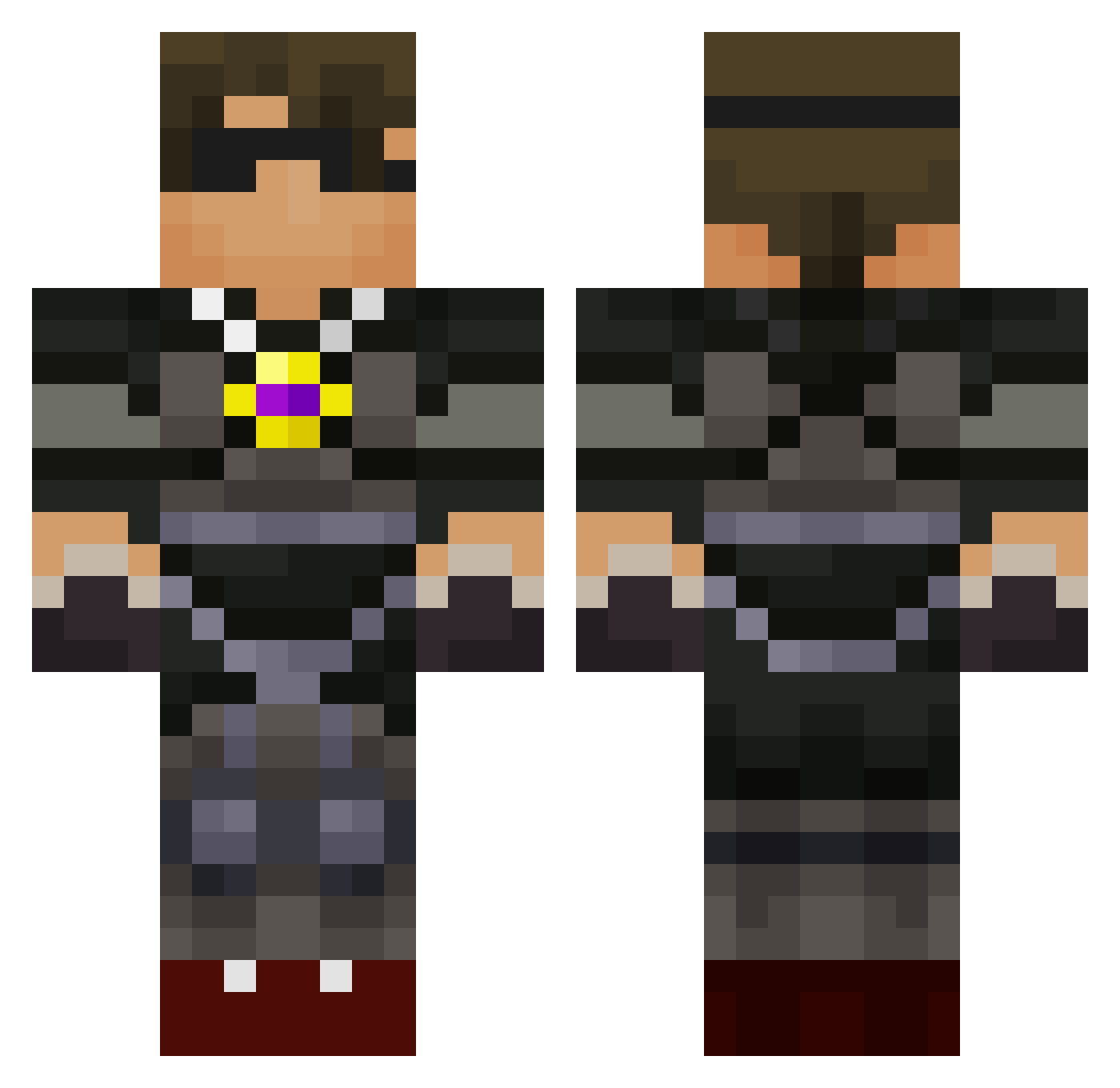
Current Minecraft skin of the player Danicecream, loaded from the official Mojang API. Rotate the 3D model with your mouse or finger, then download the skin as a PNG file and use it in Minecraft: Bedrock Edition or Java Edition for free. When Danicecream changes their skin, this page updates automatically and the old skin stays in the history below.
Other players with this skin (588)
Danicecream was the 327th player we have seen with this skin, first spotted on 18.09.2026. The same skin was seen on these players. Open a nickname to see their current skin and skin history.
 casmi01 Killmonster335 skythekidrsjunio lilpayne3245 DukeJoseph Gizmo0416 camky454 antonic927 plankton000189 Ax_Hole burkie87 OLB2013 jaggedwing hybridXXkiller dfroggatt DylanBob8 carnetjay123 MrFernando58 Pauladen JosephCraftman BoraKai ehende12 Tyler_cool_dude killerone21904 redjohn1214 Pokemon_605 MonstermanE alexspeedy5 JimsBeam20 hadydaddy thenathangarza fivechooks32 Baynetrain jwuebb3000 Ultra_Reaper Billycas chrisfran04 Parkey6 WarNax_ Madmatt25 jwdig SynHD19 2016creeper Lordkiller96 LewisIsland shirshutan donnelly77 RudiShire ZanderMountain mastercow123 reidd90 PVP_Boss4 skylersteven way2kule DyeBoys2 Skythekidr06 izzleon Bendixio clennox Antrax701
More Necklace Minecraft skins
How to install the Danicecream skin
- Press the Download button above to save the skin as a PNG file.
- Minecraft: Bedrock Edition (PE): open the Dressing Room from the main menu (or tap your character → Edit Character), go to Classic Skins → Owned, press the + (new skin) button, choose the downloaded PNG and pick the Classic (Steve) model. Works on PC and mobile; consoles cannot import custom skins.
- Minecraft: Java Edition: open the Minecraft Launcher, go to the Skins tab, click New Skin, load the PNG, pick the Classic (Steve) model and press Save & Use. You can also upload it at minecraft.net → Profile → Change Skin.
The skin does not show up after import - what should I do?
Restart Minecraft and open the Dressing Room again - imported skins sometimes appear only after a restart. Also make sure you selected the imported skin and picked the Classic (Steve) model.
Which model should I choose, Classic or Slim?
This skin is designed for the Classic (Steve) model. If you pick the wrong model, the arms of the skin will look stretched or squeezed.
Is the skin of Danicecream free to download?
Yes. Press Download, save the PNG file and use it in Minecraft: Bedrock Edition or Java Edition - no payment or registration needed. The skin also works on multiplayer servers and Realms.
More skins
Looking for more? Go back to all Minecraft skins and check the top skins of the week, month and all time, or find any player's skin by nickname.