
Dainward - Minecraft Skins & Skin History
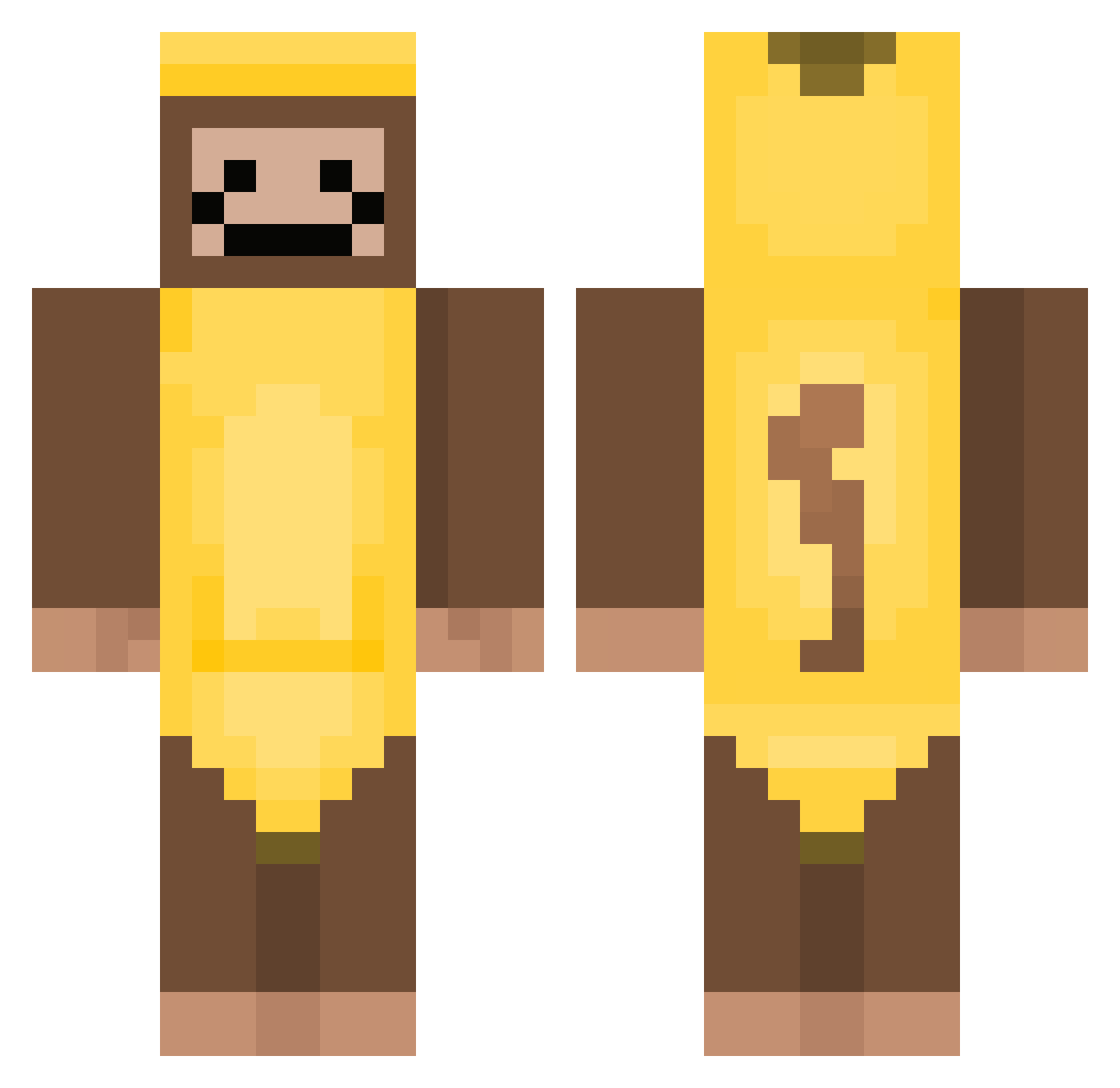
Current Minecraft skin of the player Dainward, loaded from the official Mojang API. Rotate the 3D model with your mouse or finger, then download the skin as a PNG file and use it in Minecraft: Bedrock Edition or Java Edition for free. When Dainward changes their skin, this page updates automatically and the old skin stays in the history below.
Other players with this skin (379)
Dainward was the 355th player we have seen with this skin, first spotted on 27.10.2026. The same skin was seen on these players. Open a nickname to see their current skin and skin history.
 NOXEP SmittBagg PickleGru UnEqual_Y TeFut drumer747 min2bab mxffycat AntonioBanana2 mon_keyy__ jerryballz dittydong kk58953785 Sean1269 Jarenera exaheast spectrixe iLLs0n ProtoPeteyMan RebornSuS wonpayung pan1122ok banana_ABC 69Gangia69 EnragedPancakes jwin03 Moosebrodozer728 maxitocrak chinese_eggman Yolo_Swagmaster cgmaj Meepers500 AutoTEILFLO Randres13 lil_scoot JyNx5023 Baumlp1 SweetB33s Bananenhose69 Kiaky WESTSPEEED Rainbowbrizzy peartrain ShadouBan Pancakepie2012 Alva_2 aadddhh444mm MoltenDogYT_YOLO Bats76 BMgamez29 Banana_lover007 rockstarcs NumberOneMuncher RafeGame1 ethayghost12 TanBeatle8606 1Ollie201008 Elle_isa scarslashx GerrySaan
More Banana Costume Minecraft skins
See all 52 Banana Costume skins
How to install the Dainward skin
- Press the Download button above to save the skin as a PNG file.
- Minecraft: Bedrock Edition (PE): open the Dressing Room from the main menu (or tap your character → Edit Character), go to Classic Skins → Owned, press the + (new skin) button, choose the downloaded PNG and pick the Classic (Steve) model. Works on PC and mobile; consoles cannot import custom skins.
- Minecraft: Java Edition: open the Minecraft Launcher, go to the Skins tab, click New Skin, load the PNG, pick the Classic (Steve) model and press Save & Use. You can also upload it at minecraft.net → Profile → Change Skin.
The skin does not show up after import - what should I do?
Restart Minecraft and open the Dressing Room again - imported skins sometimes appear only after a restart. Also make sure you selected the imported skin and picked the Classic (Steve) model.
Which model should I choose, Classic or Slim?
This skin is designed for the Classic (Steve) model. If you pick the wrong model, the arms of the skin will look stretched or squeezed.
Is the skin of Dainward free to download?
Yes. Press Download, save the PNG file and use it in Minecraft: Bedrock Edition or Java Edition - no payment or registration needed. The skin also works on multiplayer servers and Realms.
More skins
Looking for more? Go back to all Minecraft skins and check the top skins of the week, month and all time, or find any player's skin by nickname.