
Dabritish - Minecraft Skins & Skin History
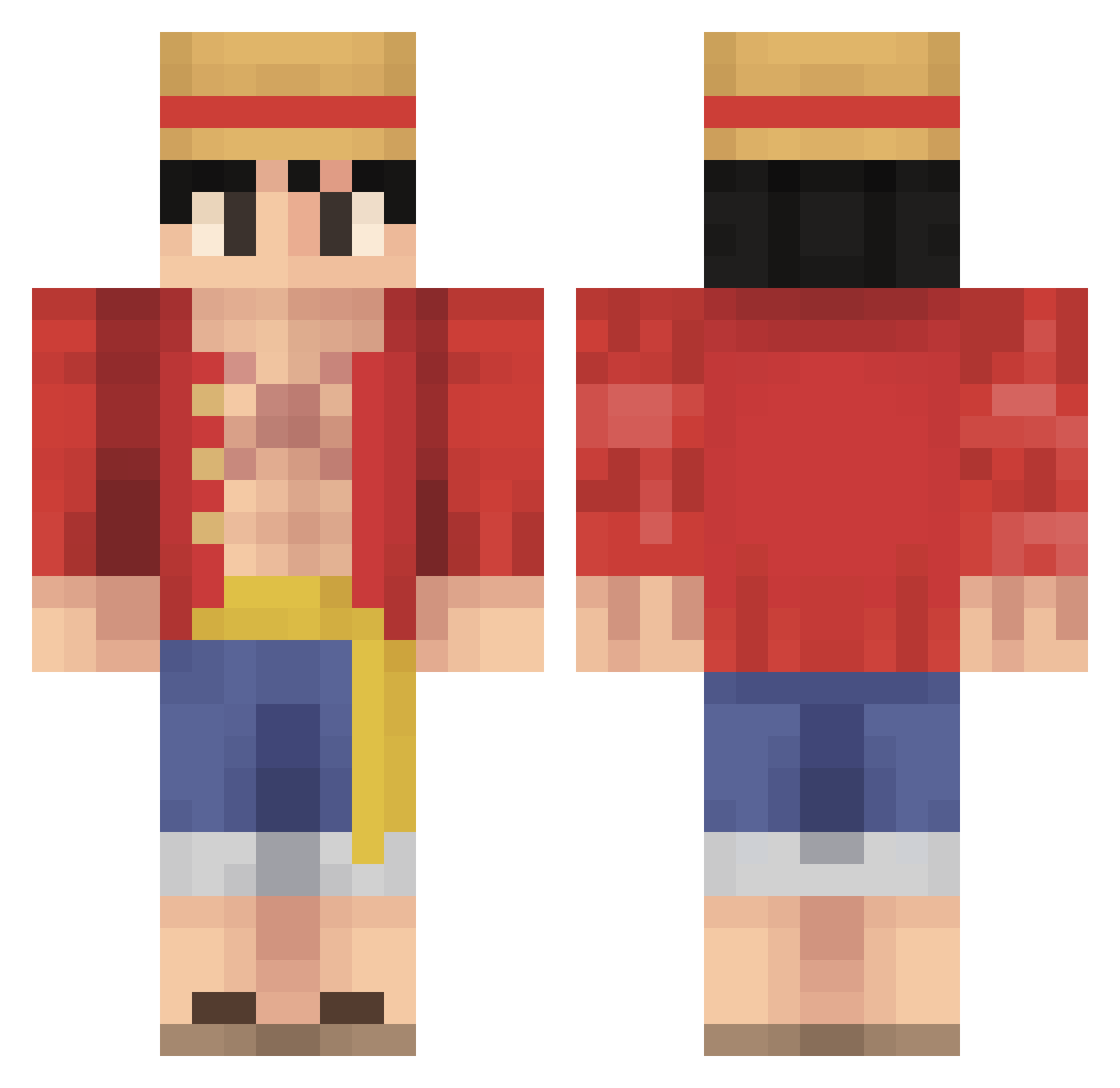
Current Minecraft skin of the player Dabritish, loaded from the official Mojang API. Rotate the 3D model with your mouse or finger, then download the skin as a PNG file and use it in Minecraft: Bedrock Edition or Java Edition for free. When Dabritish changes their skin, this page updates automatically and the old skin stays in the history below.
Other players with this skin (484)
Dabritish was the 40th player we have seen with this skin, first spotted on 01.08.2026. The same skin was seen on these players. Open a nickname to see their current skin and skin history.
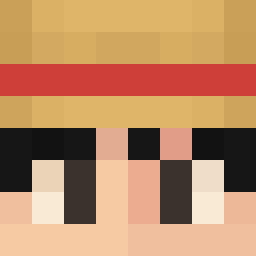 Albium Kau4 Quivy_ AstonHall4min
 Loveboiii MadReaper01 Klepto210 liam218 MonkeyDLuffyMKS MrGoebel B9ley Waggars BOZKURT3858 rumpony sucukseinvater1 VoltHoudini yawnington Shorty_3 Brohan101 AXOLOTL_BUDY EgGGMEn Windeed ManLikePizzle RayzzeYT Raimbow6x Supatato Bu1at WinnieYing M5nse xCharcoal coRRupted_FUNgi CCChiminey Levan26 Jocoolguy LebronGoatJames Chief_Bohboh jeni20001112 Wasproduct 4KASHX Sleep3r javi3rg2 Blankspace212
 CharlieGoat6498 Schwinn3 mufasa1221 golddino21 DouglasDang Coryphaeus MayGamer_ TheSickBoi ltu1020 UnitedVanguard MrCrispyP AryoMZ SumoJr22 greenbritton14 Lus0s reigaren PenitaTV Zekrox
More Monkey D Luffy Minecraft skins
See all 860 Monkey D Luffy skins
How to install the Dabritish skin
- Press the Download button above to save the skin as a PNG file.
- Minecraft: Bedrock Edition (PE): open the Dressing Room from the main menu (or tap your character → Edit Character), go to Classic Skins → Owned, press the + (new skin) button, choose the downloaded PNG and pick the Classic (Steve) model. Works on PC and mobile; consoles cannot import custom skins.
- Minecraft: Java Edition: open the Minecraft Launcher, go to the Skins tab, click New Skin, load the PNG, pick the Classic (Steve) model and press Save & Use. You can also upload it at minecraft.net → Profile → Change Skin.
The skin does not show up after import - what should I do?
Restart Minecraft and open the Dressing Room again - imported skins sometimes appear only after a restart. Also make sure you selected the imported skin and picked the Classic (Steve) model.
Which model should I choose, Classic or Slim?
This skin is designed for the Classic (Steve) model. If you pick the wrong model, the arms of the skin will look stretched or squeezed.
Is the skin of Dabritish free to download?
Yes. Press Download, save the PNG file and use it in Minecraft: Bedrock Edition or Java Edition - no payment or registration needed. The skin also works on multiplayer servers and Realms.
More skins
Looking for more? Go back to all Minecraft skins and check the top skins of the week, month and all time, or find any player's skin by nickname.