
DEGATU - Minecraft Skins & Skin History
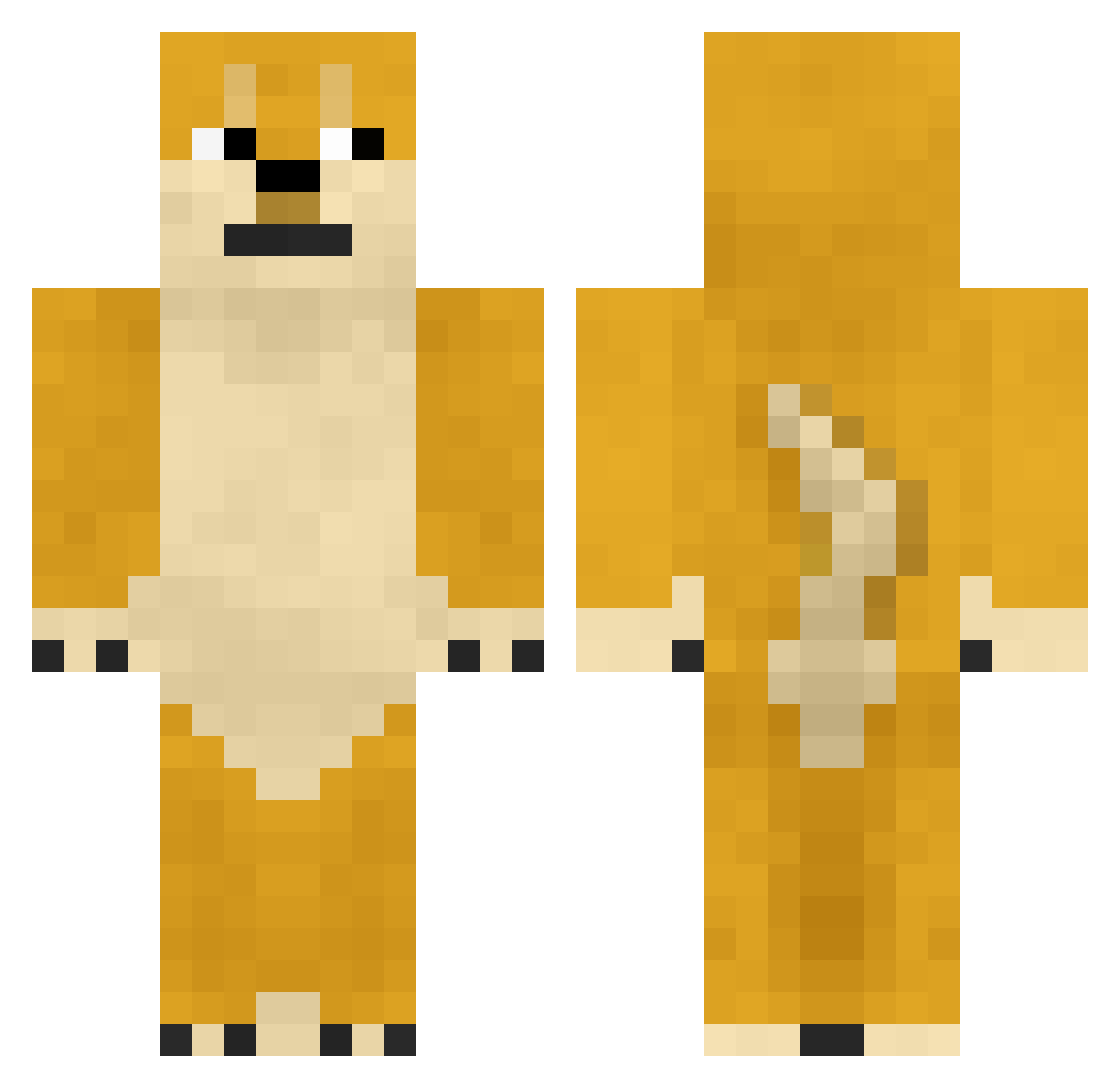
Current Minecraft skin of the player DEGATU, loaded from the official Mojang API. Rotate the 3D model with your mouse or finger, then download the skin as a PNG file and use it in Minecraft: Bedrock Edition or Java Edition for free. When DEGATU changes their skin, this page updates automatically and the old skin stays in the history below.
Other players with this skin (361)
DEGATU was the 274th player we have seen with this skin, first spotted on 03.10.2026. The same skin was seen on these players. Open a nickname to see their current skin and skin history.
 DDoSDevin tomippiy Nielskay Pinnball55 SKELLY1029 Iterant One_____ Mistmk supaxcrudxmunky GameOjisan iamadigger Fridgeicorn wanwanpanic Vanilla___ Heejuneham 4skin_shredder Beanyhead boss180 BigtimeLambo thescottishnerd wordhammer1 memiii Swagger__Dagger PigmanStudios frsoncy wyjazdrozjebancu kidcat12 TheGreenCarrot piguy82 Shadehalo13 DaMurphy nggarry06 Magicanz hans44411 xKeRoX Grandma9034 ThisZW BempaJr beeziebub noobguy1267 Yathain Tling Nellas12 TooFrosteh Who_is_David jetleopard KnightAdventurer takemaro1 Dou_bi0917 Justbadday wilsont58895 PubscrubsDolan totoria LTRiggs321 Minuel9 SpoopyPupper ImSik tornadoman67 SnowPussy demolatorn
More Internet Meme Minecraft skins
See all 117 Internet Meme skins
How to install the DEGATU skin
- Press the Download button above to save the skin as a PNG file.
- Minecraft: Bedrock Edition (PE): open the Dressing Room from the main menu (or tap your character → Edit Character), go to Classic Skins → Owned, press the + (new skin) button, choose the downloaded PNG and pick the Classic (Steve) model. Works on PC and mobile; consoles cannot import custom skins.
- Minecraft: Java Edition: open the Minecraft Launcher, go to the Skins tab, click New Skin, load the PNG, pick the Classic (Steve) model and press Save & Use. You can also upload it at minecraft.net → Profile → Change Skin.
The skin does not show up after import - what should I do?
Restart Minecraft and open the Dressing Room again - imported skins sometimes appear only after a restart. Also make sure you selected the imported skin and picked the Classic (Steve) model.
Which model should I choose, Classic or Slim?
This skin is designed for the Classic (Steve) model. If you pick the wrong model, the arms of the skin will look stretched or squeezed.
Is the skin of DEGATU free to download?
Yes. Press Download, save the PNG file and use it in Minecraft: Bedrock Edition or Java Edition - no payment or registration needed. The skin also works on multiplayer servers and Realms.
More skins
Looking for more? Go back to all Minecraft skins and check the top skins of the week, month and all time, or find any player's skin by nickname.