
Creepyinsect48 - Minecraft Skins & Skin History
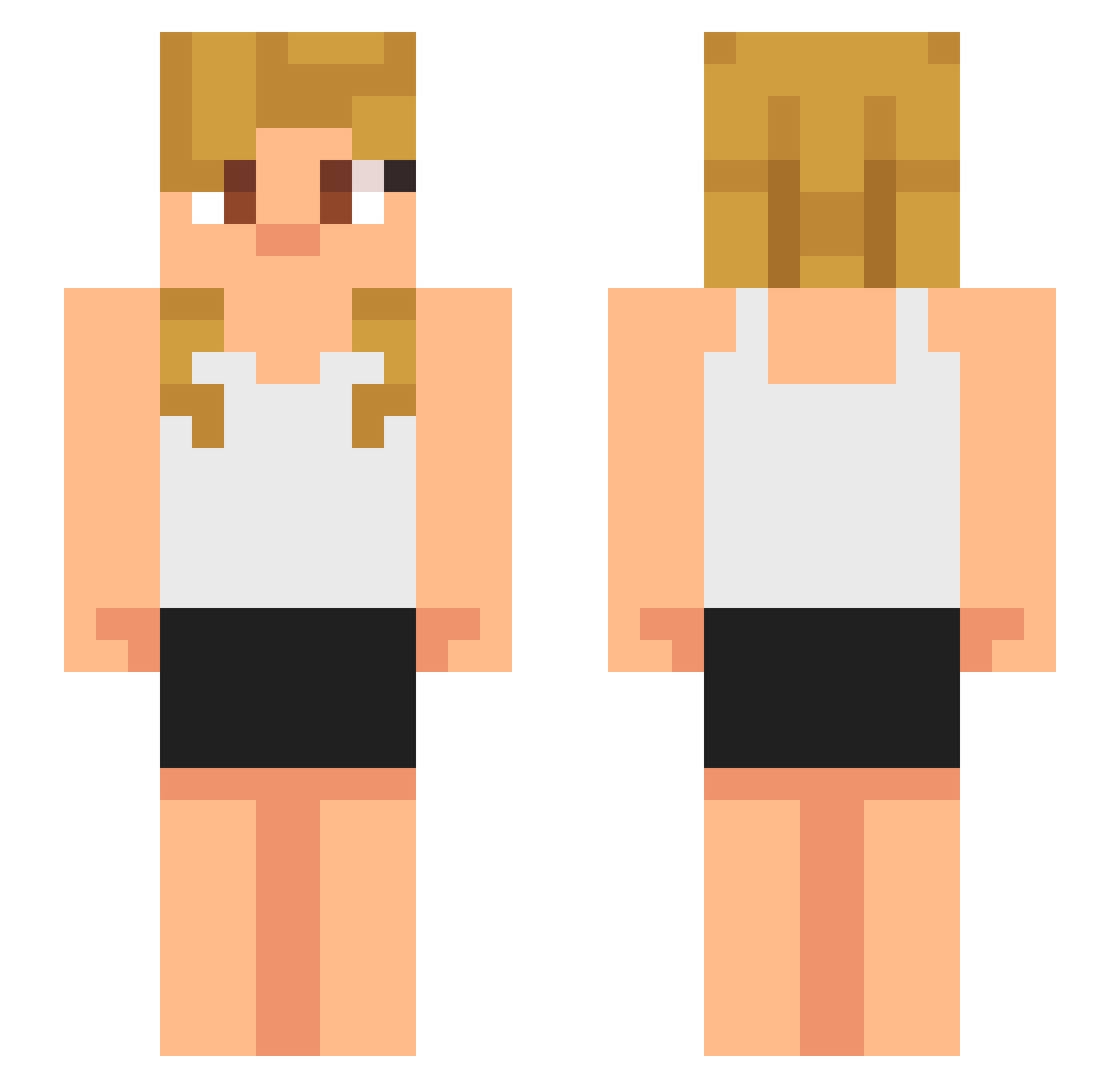
Current Minecraft skin of the player Creepyinsect48, loaded from the official Mojang API. Rotate the 3D model with your mouse or finger, then download the skin as a PNG file and use it in Minecraft: Bedrock Edition or Java Edition for free. When Creepyinsect48 changes their skin, this page updates automatically and the old skin stays in the history below.
Other players with this skin (633)
Creepyinsect48 was the 424th player we have seen with this skin, first spotted on 08.10.2026. The same skin was seen on these players. Open a nickname to see their current skin and skin history.
 BubblyBunny25 Jarbert SeuJuca 23jules23 ieatrandomstuff cherrydr_pepper MJL_R34PeRzZ_ wizardmarrow506 Alexninja2020 moosekamoo sillylily02 Taggen14 ChikenSkibidi Wedemon MarcoElPro BabyGunna king_Darius21_ twisted_220 Charlo_08 Xylum2x eL_chile2321 Soppyy F3rg4rr4s RJducats Oddherobrine Ahmetbabus80 ThisIsMyFirstRun mcmarcus1235 Bobbledee FENHZ1 BigTatas6 Link2906 moonboy1122 rebblethunder488 ChristianBar genius00 HerrFrankey STARRYIDEAL xTheRipper Blazegamer123 LowIncomeGodd JlNlE AndrewMenace ModernJake32444 xuan7790 Big_Farter aidenbutasian LiJiachen18 PHOLDS KnightMiracle DanCaspersmith nasimi asdafgh benjii1987 kayuuub Astralaster_ AbyssaII Figy25 ElRompeColas liuyicccc
More Girl Minecraft skins
How to install the Creepyinsect48 skin
- Press the Download button above to save the skin as a PNG file.
- Minecraft: Bedrock Edition (PE): open the Dressing Room from the main menu (or tap your character → Edit Character), go to Classic Skins → Owned, press the + (new skin) button, choose the downloaded PNG and pick the Slim (Alex) model. Works on PC and mobile; consoles cannot import custom skins.
- Minecraft: Java Edition: open the Minecraft Launcher, go to the Skins tab, click New Skin, load the PNG, pick the Slim (Alex) model and press Save & Use. You can also upload it at minecraft.net → Profile → Change Skin.
The skin does not show up after import - what should I do?
Restart Minecraft and open the Dressing Room again - imported skins sometimes appear only after a restart. Also make sure you selected the imported skin and picked the Slim (Alex) model.
Which model should I choose, Classic or Slim?
This skin is designed for the Slim (Alex) model. If you pick the wrong model, the arms of the skin will look stretched or squeezed.
Is the skin of Creepyinsect48 free to download?
Yes. Press Download, save the PNG file and use it in Minecraft: Bedrock Edition or Java Edition - no payment or registration needed. The skin also works on multiplayer servers and Realms.
More skins
Looking for more? Go back to all Minecraft skins and check the top skins of the week, month and all time, or find any player's skin by nickname.