
CreamyGG - Minecraft Skins & Skin History
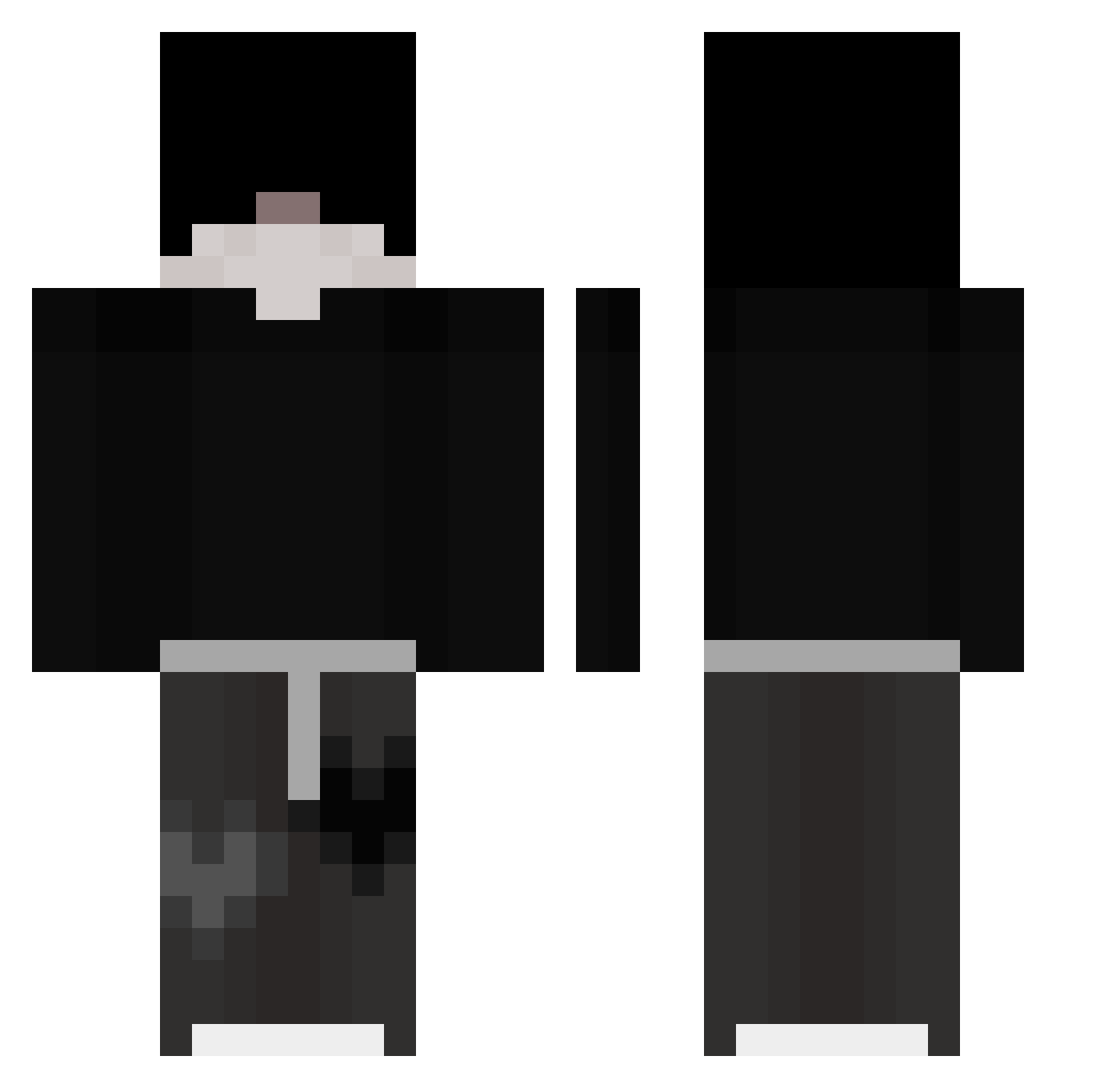
Current Minecraft skin of the player CreamyGG, loaded from the official Mojang API. Rotate the 3D model with your mouse or finger, then download the skin as a PNG file and use it in Minecraft: Bedrock Edition or Java Edition for free. When CreamyGG changes their skin, this page updates automatically and the old skin stays in the history below.
Other players with this skin (326)
CreamyGG was the 175th player we have seen with this skin, first spotted on 28.09.2026. The same skin was seen on these players. Open a nickname to see their current skin and skin history.
 67Zyro meessix8 Nabax pxpxpx zuryk1 Streamsn1per Vermaxx_ Guilocao3354 flecker Vhagarr_ oAlon1so maxomix3012 kakaotalk6539 msmetafan bambus531 KazukuZejdin RealNyxen GuiiZera7 omarinooo Evan06200 NotEddie_01 tjdaks1234 XJYV errenn M3rcuryCZ jung_ge Naxo4102 WarningRelic685 TurdCutter9000 SavitarAX twentykk Mertique01 MaxiSlayer D7D7TOP MitteRunnerHD Aktualiz4cj4 Lhirah W4lkeR__ repo_ki Refr_ Z0uzy Honey3lover YourNightmare0 SrDaniez _Nored_ leon030912940 joacoSHHHHHHHXD Longaevus Shiver47 BudSpencer1984 Billiardaen elwemi2 0V10 cold_korei _sshadow oItsdeonie7 xVorpal PintinhoWOW Alike EnzoHeureux
More Emo Minecraft skins
How to install the CreamyGG skin
- Press the Download button above to save the skin as a PNG file.
- Minecraft: Bedrock Edition (PE): open the Dressing Room from the main menu (or tap your character → Edit Character), go to Classic Skins → Owned, press the + (new skin) button, choose the downloaded PNG and pick the Classic (Steve) model. Works on PC and mobile; consoles cannot import custom skins.
- Minecraft: Java Edition: open the Minecraft Launcher, go to the Skins tab, click New Skin, load the PNG, pick the Classic (Steve) model and press Save & Use. You can also upload it at minecraft.net → Profile → Change Skin.
The skin does not show up after import - what should I do?
Restart Minecraft and open the Dressing Room again - imported skins sometimes appear only after a restart. Also make sure you selected the imported skin and picked the Classic (Steve) model.
Which model should I choose, Classic or Slim?
This skin is designed for the Classic (Steve) model. If you pick the wrong model, the arms of the skin will look stretched or squeezed.
Is the skin of CreamyGG free to download?
Yes. Press Download, save the PNG file and use it in Minecraft: Bedrock Edition or Java Edition - no payment or registration needed. The skin also works on multiplayer servers and Realms.
More skins
Looking for more? Go back to all Minecraft skins and check the top skins of the week, month and all time, or find any player's skin by nickname.