
 sagre0 Xpzs Martinga13 Itz_Djc Kirdzik HazardousLightx ChrisJBird93 cyb3r_vamp andrewbot24 Spandevil666 tadv Bloqueame grepn Hydrix__ Kami_No_Te Wilifried soslzy Malina_14 Goboss51 Biffichan Bananaunana slainfan4 wiertarka_66 Zeltrod Babcia__Darknesa Yandelpsy dajciemioreo420 Daniel_2543 chunderrama PoloBoyy Death__Singer yueYoko liszt02 4dextro bionxy MlNECRAFT2 SpicySalad12 Adja_009 wolf3199 NzSkii demoninthesheets Petzite AKM0407 Scalp__ pilotter zSpace_Hundi Bekhanhtapchoi ImBetterYo45_Fan Fqrceful Frosty1120 TekniquePlayer johqnyz jormaensio zvvy kolwojtas DuskZin _stxr_XD clueski docfbl s33jay
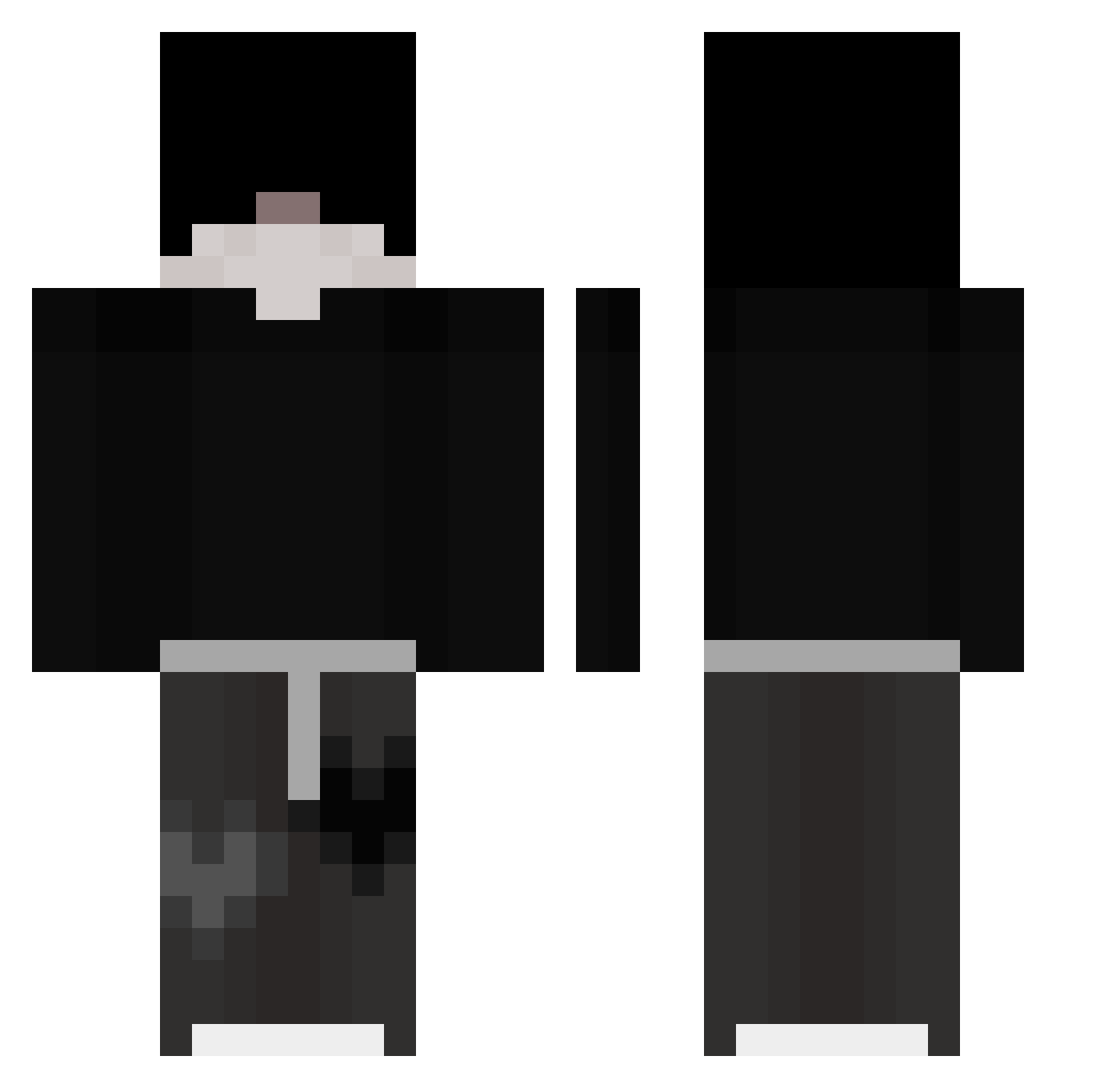
Minecraft skin of IWILLTAKEYOUU. Rotate the 3D model with your mouse or finger to view the skin from every angle, then download it as a PNG file and use it in Minecraft: Bedrock Edition or Java Edition for free. Rate the skin with stars to help other players find the best skins in our collection.
How to install the IWILLTAKEYOUU skin
- Press the Download button above to save the skin as a PNG file.
- Minecraft: Bedrock Edition (PE): open the Dressing Room from the main menu (or tap your character → Edit Character), go to Classic Skins → Owned, press the + (new skin) button, choose the downloaded PNG and pick the Classic (Steve) model. Works on PC and mobile; consoles cannot import custom skins.
- Minecraft: Java Edition: open the Minecraft Launcher, go to the Skins tab, click New Skin, load the PNG, pick the Classic (Steve) model and press Save & Use. You can also upload it at minecraft.net → Profile → Change Skin.
The skin does not show up after import - what should I do?
Restart Minecraft and open the Dressing Room again - imported skins sometimes appear only after a restart. Also make sure you selected the imported skin and picked the Classic (Steve) model.
Which model should I choose, Classic or Slim?
This skin is designed for the Classic (Steve) model. If you pick the wrong model, the arms of the skin will look stretched or squeezed.
Is this skin free to use?
Yes. Press Download, save the PNG file and use it in Minecraft: Bedrock Edition or Java Edition - no payment or registration needed. The skin also works on multiplayer servers and Realms.
More Emo Minecraft skins
More skins
Looking for more? Go back to all Minecraft skins and check the top skins of the week, month and all time, or find any player's skin by nickname.