
Combqed_1 - Minecraft Skins & Skin History
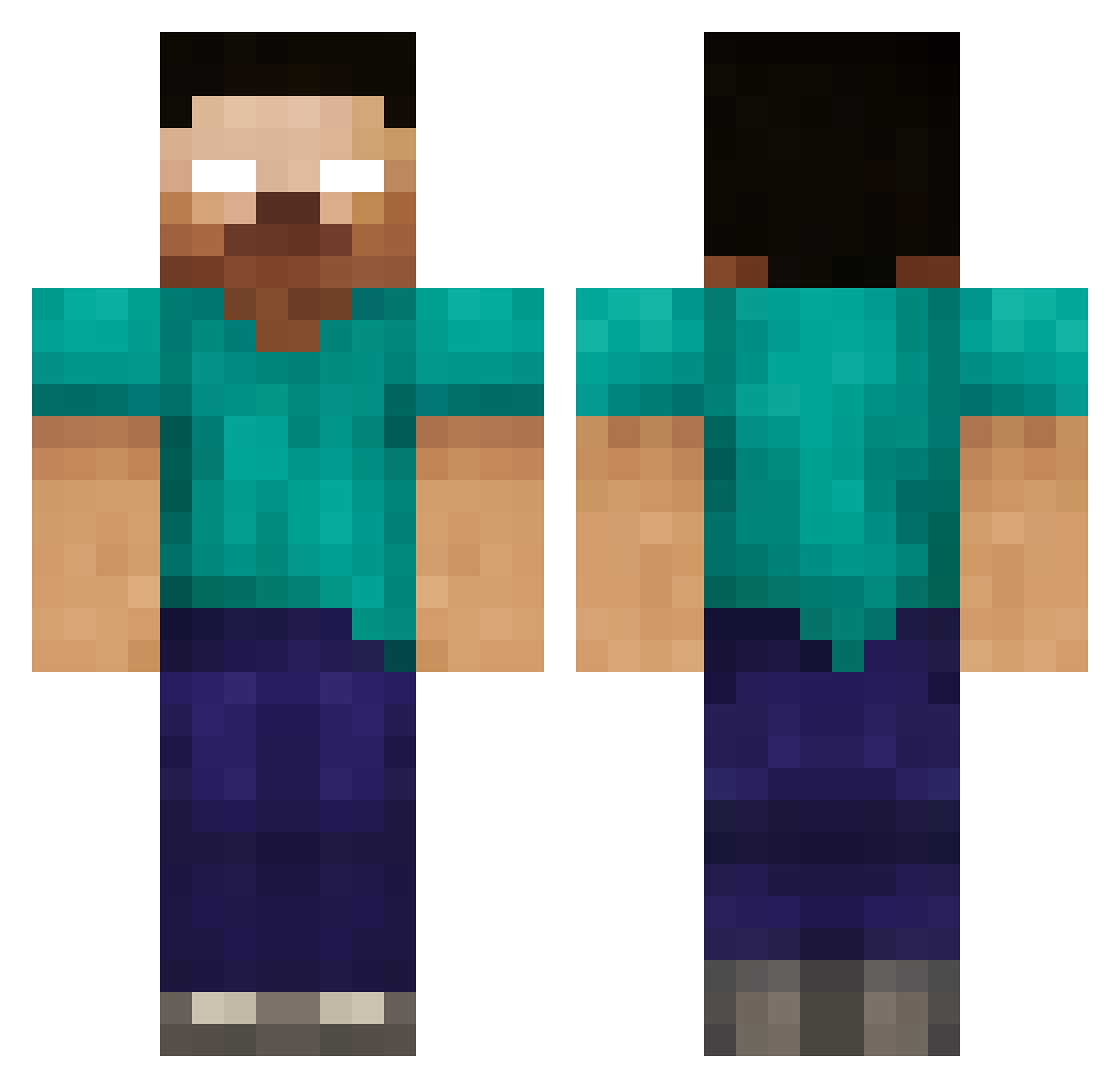
Current Minecraft skin of the player Combqed_1, loaded from the official Mojang API. Rotate the 3D model with your mouse or finger, then download the skin as a PNG file and use it in Minecraft: Bedrock Edition or Java Edition for free. When Combqed_1 changes their skin, this page updates automatically and the old skin stays in the history below.
Other players with this skin (235)
Combqed_1 was the 30th player we have seen with this skin, first spotted on 17.08.2026. The same skin was seen on these players. Open a nickname to see their current skin and skin history.
 purplemonday BNJ423 benjsqu cassvac brenden803 hawk1017 jboss55 JosephL05 AzraelBlack AntonDM ZachM95 ikrelath102 bradenps Dark_Seker austin072500 Mattyiceman jujitsuman RuskieRads msiofresho FelixSasuke clarkgandy Arceus_101 Mojeng TastyPie948 Str8OutaCompton herobrin777 WheelieSanta3000 RopeBreaker FatRoonie blacksleep7 Frankenstein_9 Mojang emyashiro reitracCSGO james233 15256 EYEofST0RM xXBlackiPowaXx VurbuL Davster13 GabDep01 Slacker0800 papijean o0oMH3Uo0o XxXRAPTORXxX epametc jaketat2 ZomdadoFan Alexander_2010 baseballboy1332 Paperdrake Lezothoz andy9330 Genocide405 Echochron ziggyswilks JamesJung344 MOH_XD viking3099 ScepTroid
More Herobrine Minecraft skins
How to install the Combqed_1 skin
- Press the Download button above to save the skin as a PNG file.
- Minecraft: Bedrock Edition (PE): open the Dressing Room from the main menu (or tap your character → Edit Character), go to Classic Skins → Owned, press the + (new skin) button, choose the downloaded PNG and pick the Classic (Steve) model. Works on PC and mobile; consoles cannot import custom skins.
- Minecraft: Java Edition: open the Minecraft Launcher, go to the Skins tab, click New Skin, load the PNG, pick the Classic (Steve) model and press Save & Use. You can also upload it at minecraft.net → Profile → Change Skin.
The skin does not show up after import - what should I do?
Restart Minecraft and open the Dressing Room again - imported skins sometimes appear only after a restart. Also make sure you selected the imported skin and picked the Classic (Steve) model.
Which model should I choose, Classic or Slim?
This skin is designed for the Classic (Steve) model. If you pick the wrong model, the arms of the skin will look stretched or squeezed.
Is the skin of Combqed_1 free to download?
Yes. Press Download, save the PNG file and use it in Minecraft: Bedrock Edition or Java Edition - no payment or registration needed. The skin also works on multiplayer servers and Realms.
More skins
Looking for more? Go back to all Minecraft skins and check the top skins of the week, month and all time, or find any player's skin by nickname.