
Clovisx - Minecraft Skins & Skin History
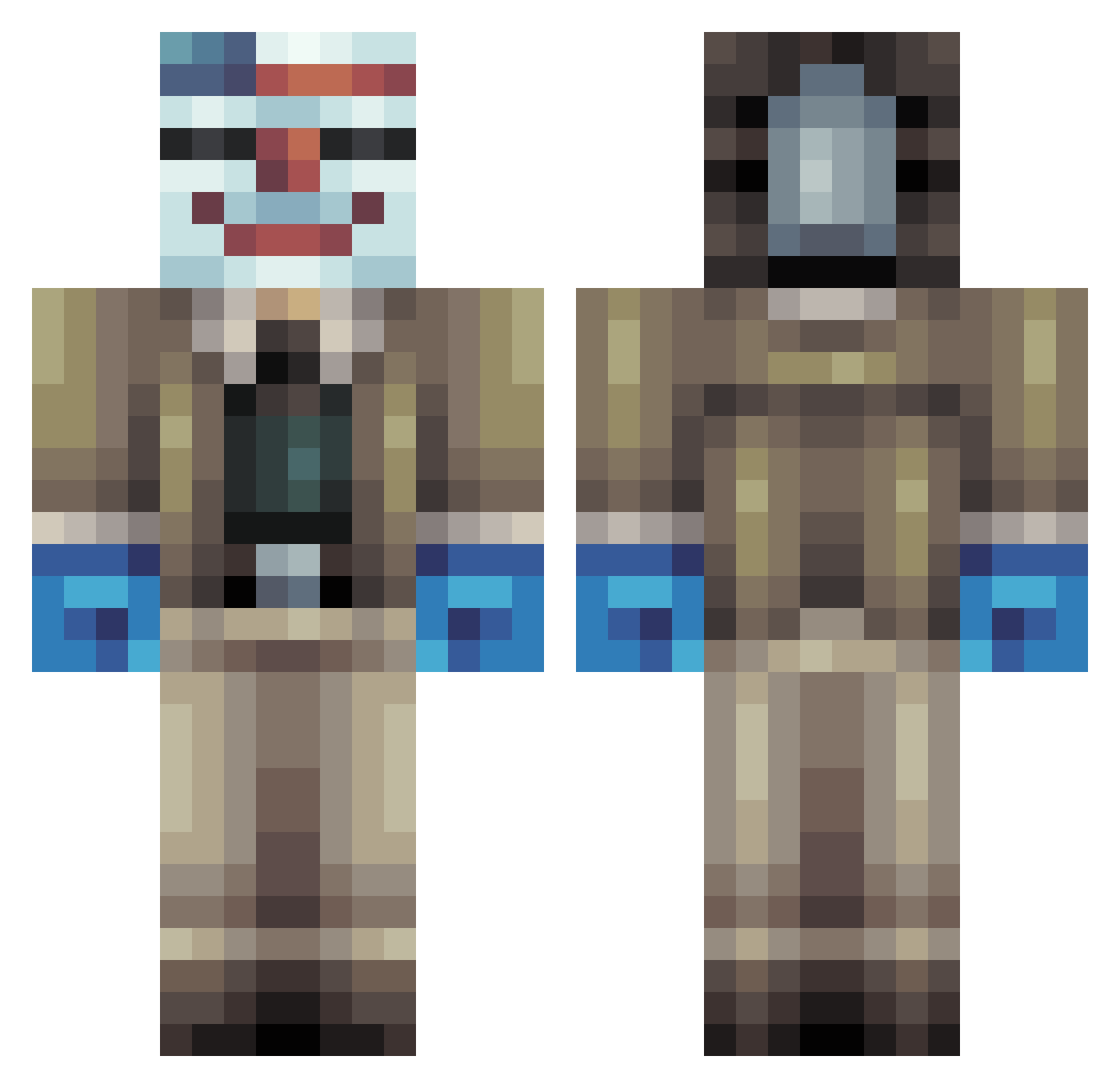
Current Minecraft skin of the player Clovisx, loaded from the official Mojang API. Rotate the 3D model with your mouse or finger, then download the skin as a PNG file and use it in Minecraft: Bedrock Edition or Java Edition for free. When Clovisx changes their skin, this page updates automatically and the old skin stays in the history below.
Other players with this skin (342)
Clovisx was the 28th player we have seen with this skin, first spotted on 01.08.2026. The same skin was seen on these players. Open a nickname to see their current skin and skin history.
 t_alb InfiniteStudios SkyAwesome1 Brettski2004 Will_B98 ThreeWheeler VeloMitch MiTaDOCTOR Nanothix Glen1066 ReplayCorba13 Timothy484 ModernAssassin KaD_Green_Master NoosaFaux WaschDaSebus Akickted superman4 rrock807 Davesimpson BlooRod TheHazerHD supernikolaj Falk358 TryHarderss MicrosoftPublish FinalBM lucatino SurfingRabbits87 GaryTheGlue TheAtomicEffect RagingRabbit121 johnbeast99 leje_hans coolocop NTNTP98 fabian44 johnnyhardball LilBranBran003 MrZraxter samy445 CheeseHead_007 mathiasc15 Commander_Bush imcooldontworry QweRtyGAME666 TommyTheHai CalvinZ MaverickGames maxmillon1234 Rileyeatscake LLZACLL nickercam14 AslanHD7 HenryRedford ThisOutlaw Dunderqvist pitamann1999 nussi5 Fluccimane
More Clown Mask Minecraft skins
How to install the Clovisx skin
- Press the Download button above to save the skin as a PNG file.
- Minecraft: Bedrock Edition (PE): open the Dressing Room from the main menu (or tap your character → Edit Character), go to Classic Skins → Owned, press the + (new skin) button, choose the downloaded PNG and pick the Classic (Steve) model. Works on PC and mobile; consoles cannot import custom skins.
- Minecraft: Java Edition: open the Minecraft Launcher, go to the Skins tab, click New Skin, load the PNG, pick the Classic (Steve) model and press Save & Use. You can also upload it at minecraft.net → Profile → Change Skin.
The skin does not show up after import - what should I do?
Restart Minecraft and open the Dressing Room again - imported skins sometimes appear only after a restart. Also make sure you selected the imported skin and picked the Classic (Steve) model.
Which model should I choose, Classic or Slim?
This skin is designed for the Classic (Steve) model. If you pick the wrong model, the arms of the skin will look stretched or squeezed.
Is the skin of Clovisx free to download?
Yes. Press Download, save the PNG file and use it in Minecraft: Bedrock Edition or Java Edition - no payment or registration needed. The skin also works on multiplayer servers and Realms.
More skins
Looking for more? Go back to all Minecraft skins and check the top skins of the week, month and all time, or find any player's skin by nickname.