
Chill_Sometime - Minecraft Skins & Skin History
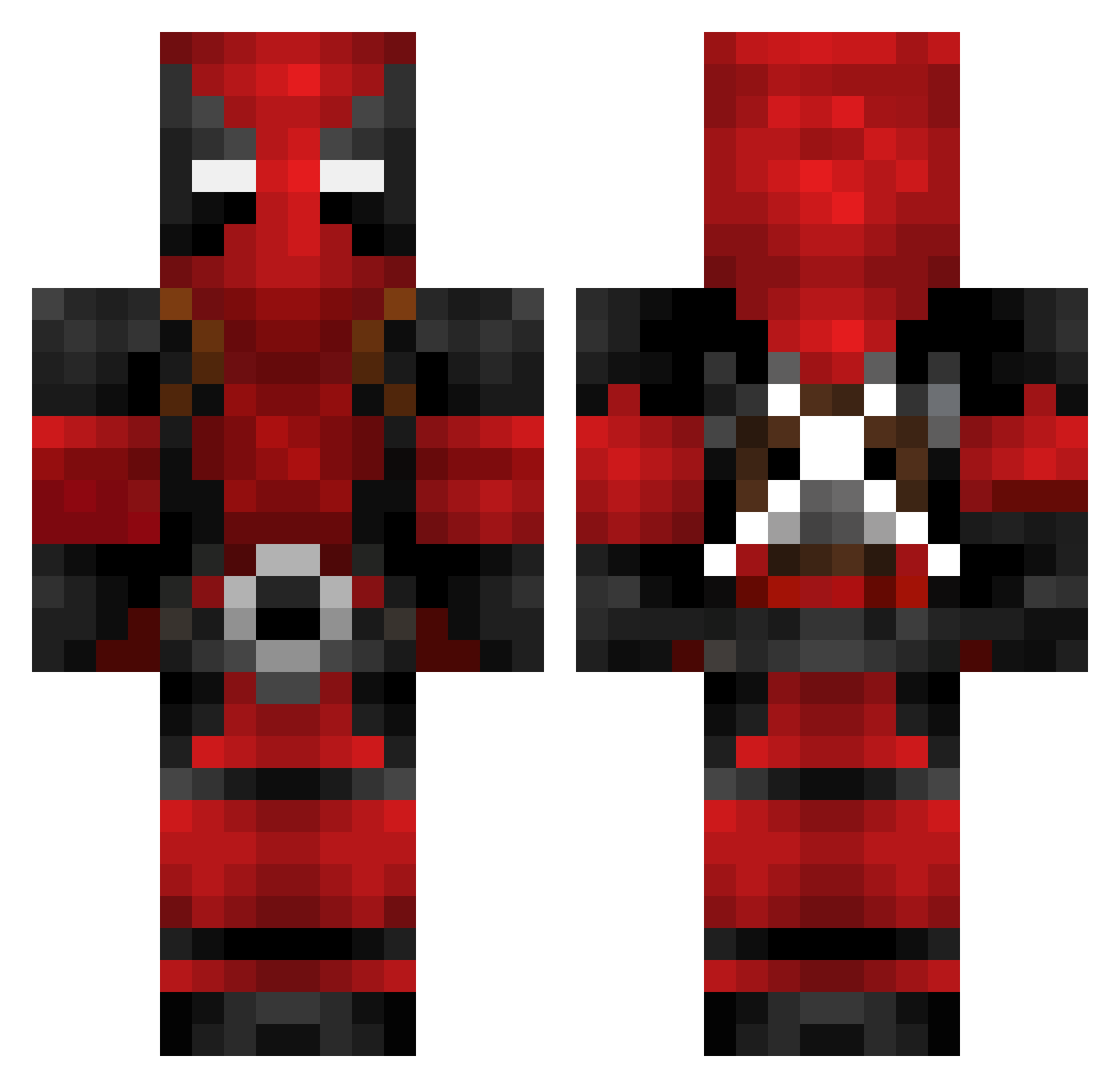
Current Minecraft skin of the player Chill_Sometime, loaded from the official Mojang API. Rotate the 3D model with your mouse or finger, then download the skin as a PNG file and use it in Minecraft: Bedrock Edition or Java Edition for free. When Chill_Sometime changes their skin, this page updates automatically and the old skin stays in the history below.
Other players with this skin (624)
Chill_Sometime was the 272nd player we have seen with this skin, first spotted on 05.09.2026. The same skin was seen on these players. Open a nickname to see their current skin and skin history.
 Mktheninja4 BebeMantis FlyingNorseman Skauri Black_catcat Cadie23 tyzuii Villatoro77 Rlly69 TheDevilsSalad XXX_Sharky_XXX Rookknight BTZL123 debrickshaw238 Steuk ParabellumX420 ct412 Artisani babybubblenugget xZayl MusicBoxII Lavabomb shiveringAbel_ ShrekWilson TheMicroWin Malsupro RedSC8 LegalVizard cooljg20 Jackwiper ThatPcStreamer yeetluka NickoBratishka Swoopxr Ariel1320 LazySushiii xERiCTioNx DonLimon alexanderluu __Kaotik__ Bonificent Jackofire Boberrrrro ChiefDthem Tykwon Tjob TSC_Claptrap Chbrandtz TJKIShadow Lukkal RematoBoi Sky_Force Roadkill1234 Chisspiii gManN2008 dafloppadr inou0618 Gangster0172 CallmeJorr FXGaming92
More Deadpool Minecraft skins
How to install the Chill_Sometime skin
- Press the Download button above to save the skin as a PNG file.
- Minecraft: Bedrock Edition (PE): open the Dressing Room from the main menu (or tap your character → Edit Character), go to Classic Skins → Owned, press the + (new skin) button, choose the downloaded PNG and pick the Classic (Steve) model. Works on PC and mobile; consoles cannot import custom skins.
- Minecraft: Java Edition: open the Minecraft Launcher, go to the Skins tab, click New Skin, load the PNG, pick the Classic (Steve) model and press Save & Use. You can also upload it at minecraft.net → Profile → Change Skin.
The skin does not show up after import - what should I do?
Restart Minecraft and open the Dressing Room again - imported skins sometimes appear only after a restart. Also make sure you selected the imported skin and picked the Classic (Steve) model.
Which model should I choose, Classic or Slim?
This skin is designed for the Classic (Steve) model. If you pick the wrong model, the arms of the skin will look stretched or squeezed.
Is the skin of Chill_Sometime free to download?
Yes. Press Download, save the PNG file and use it in Minecraft: Bedrock Edition or Java Edition - no payment or registration needed. The skin also works on multiplayer servers and Realms.
More skins
Looking for more? Go back to all Minecraft skins and check the top skins of the week, month and all time, or find any player's skin by nickname.