
Caludess - Minecraft Skins & Skin History
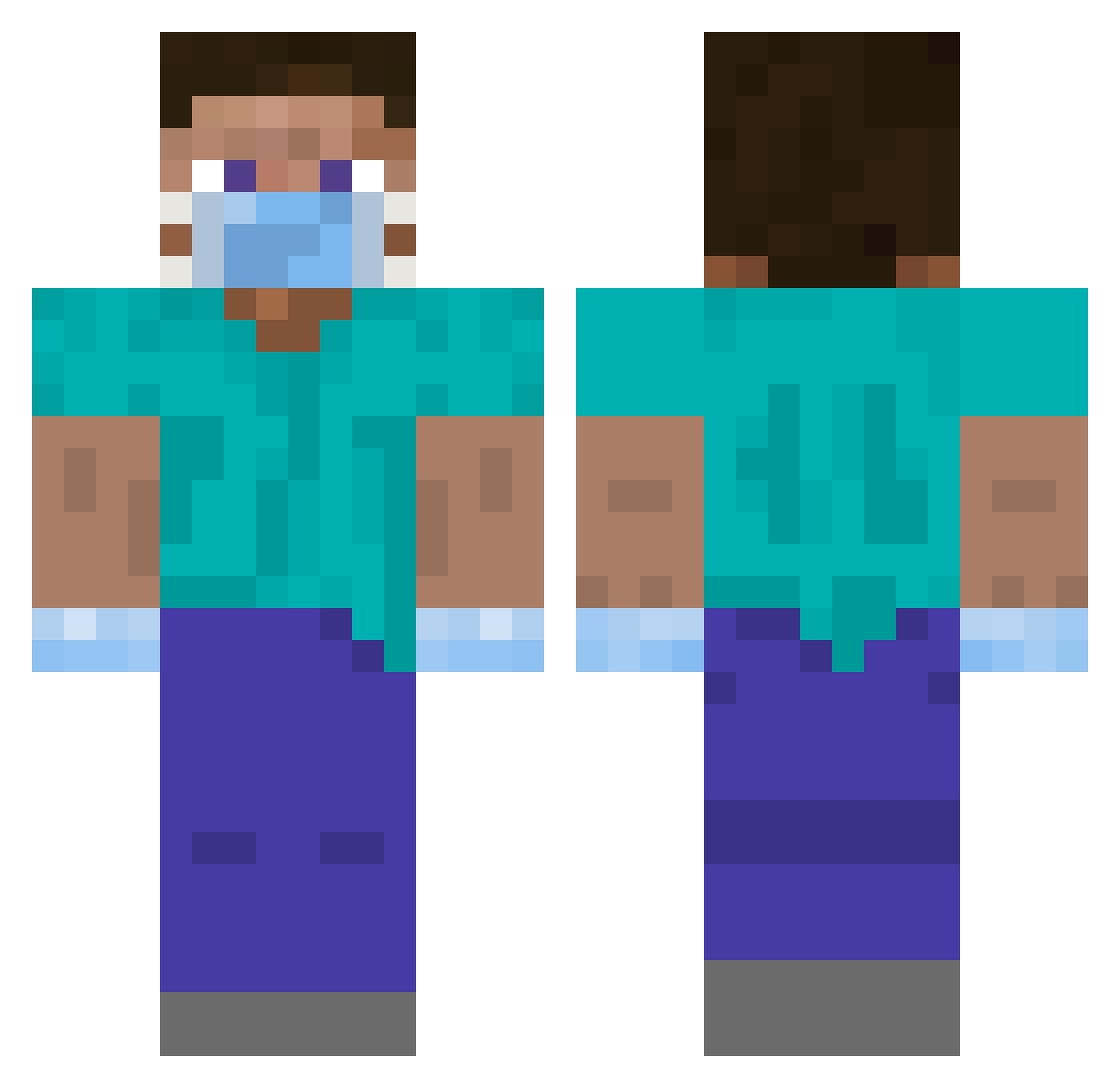
Current Minecraft skin of the player Caludess, loaded from the official Mojang API. Rotate the 3D model with your mouse or finger, then download the skin as a PNG file and use it in Minecraft: Bedrock Edition or Java Edition for free. When Caludess changes their skin, this page updates automatically and the old skin stays in the history below.
Other players with this skin (375)
Caludess was the 245th player we have seen with this skin, first spotted on 30.09.2026. The same skin was seen on these players. Open a nickname to see their current skin and skin history.
 WonderfulBox Pajenko WorthyG Jkedi shugo14 Keydrok titusNI tsunamibear Alimag05 chk2366 Atakt Shootl Muzii7 seongjin1 danjordan yushen54 YougoG 8bitJimmy aaaarrroon Coblestone94 wahrenii Branlo2000 CalibarZero SirNathan97 Bouyaya xMolo ron841 Gabrielweg Salltii DisneyPlusDE pSyCaDeLiQuE Meteourite Arnoke04 TheJimothy Stoner7 HamLad happypiggo Seo__hyeon KreeperBlood yobba naruse1 Infusional Galeforce1 eraylon Julciak21 KY9 Jennet creeperblanc JebacTk kumpel_mati Szymek256 RemRin287 Oolonging jjangjiho KingBorna Aphrimee skyj20091 SmoonX 4n4ki _dzikun_
More Surgeon Minecraft skins
How to install the Caludess skin
- Press the Download button above to save the skin as a PNG file.
- Minecraft: Bedrock Edition (PE): open the Dressing Room from the main menu (or tap your character → Edit Character), go to Classic Skins → Owned, press the + (new skin) button, choose the downloaded PNG and pick the Classic (Steve) model. Works on PC and mobile; consoles cannot import custom skins.
- Minecraft: Java Edition: open the Minecraft Launcher, go to the Skins tab, click New Skin, load the PNG, pick the Classic (Steve) model and press Save & Use. You can also upload it at minecraft.net → Profile → Change Skin.
The skin does not show up after import - what should I do?
Restart Minecraft and open the Dressing Room again - imported skins sometimes appear only after a restart. Also make sure you selected the imported skin and picked the Classic (Steve) model.
Which model should I choose, Classic or Slim?
This skin is designed for the Classic (Steve) model. If you pick the wrong model, the arms of the skin will look stretched or squeezed.
Is the skin of Caludess free to download?
Yes. Press Download, save the PNG file and use it in Minecraft: Bedrock Edition or Java Edition - no payment or registration needed. The skin also works on multiplayer servers and Realms.
More skins
Looking for more? Go back to all Minecraft skins and check the top skins of the week, month and all time, or find any player's skin by nickname.