
CactusVenom - Minecraft Skins & Skin History
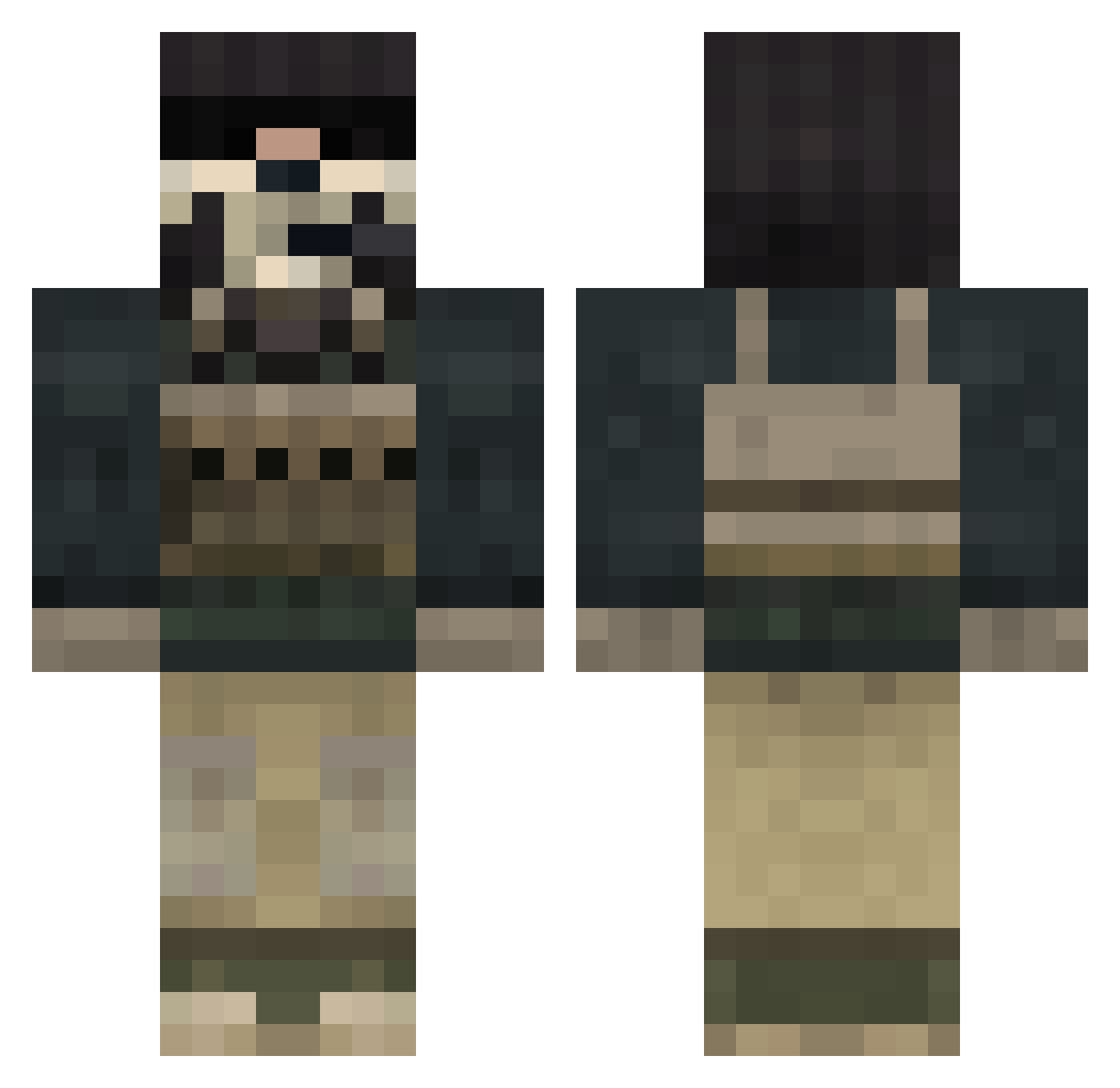
Current Minecraft skin of the player CactusVenom, loaded from the official Mojang API. Rotate the 3D model with your mouse or finger, then download the skin as a PNG file and use it in Minecraft: Bedrock Edition or Java Edition for free. When CactusVenom changes their skin, this page updates automatically and the old skin stays in the history below.
Other players with this skin (833)
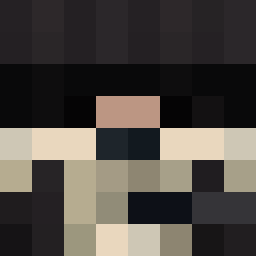
CactusVenom was the 36th player we have seen with this skin, first spotted on 28.07.2026. The same skin was seen on these players. Open a nickname to see their current skin and skin history.
 StealthCQC Metalhead0215 Einherjer141 FallenNecroShade xpaintssza prettyponygirl AlphaTurtle012 jmiller1717 Molitz22 FelipeGuerra RogSeran Ouncie HB28 Roya1tyy Darkzerath Sacreblanc codhopper Xavion705 In_First Toastters Jabba22 IceNineOne Squidlees twiddleman64 Ezio_Auditori 01EvanM tylerangelo03 difster Excaliber174 godgamer183 Ztains Tommy62202 frikadella Ksteezy_ Dobishere bigeis1 Diamondman54 GhostSaimon MARTAK27 FEETCHEESE KaRmAzViPeR kunichiwa77 Lavishwealth hundefan kris9006 zockertim theawes0me237 descoles iCatcher kilo8matt killerghost_1 XxAndrew_FreshxX Potential_Jew light78flame_ Zac_09 XxH1TS7iCKxX AJackson14 Stewart_Stirling BlackMario1 DonkyKong2002
More Call Of Duty Minecraft skins
See all 172 Call Of Duty skins
How to install the CactusVenom skin
- Press the Download button above to save the skin as a PNG file.
- Minecraft: Bedrock Edition (PE): open the Dressing Room from the main menu (or tap your character → Edit Character), go to Classic Skins → Owned, press the + (new skin) button, choose the downloaded PNG and pick the Classic (Steve) model. Works on PC and mobile; consoles cannot import custom skins.
- Minecraft: Java Edition: open the Minecraft Launcher, go to the Skins tab, click New Skin, load the PNG, pick the Classic (Steve) model and press Save & Use. You can also upload it at minecraft.net → Profile → Change Skin.
The skin does not show up after import - what should I do?
Restart Minecraft and open the Dressing Room again - imported skins sometimes appear only after a restart. Also make sure you selected the imported skin and picked the Classic (Steve) model.
Which model should I choose, Classic or Slim?
This skin is designed for the Classic (Steve) model. If you pick the wrong model, the arms of the skin will look stretched or squeezed.
Is the skin of CactusVenom free to download?
Yes. Press Download, save the PNG file and use it in Minecraft: Bedrock Edition or Java Edition - no payment or registration needed. The skin also works on multiplayer servers and Realms.
More skins
Looking for more? Go back to all Minecraft skins and check the top skins of the week, month and all time, or find any player's skin by nickname.