
 joshxnoir cwellisgod NoQuarter88 kade196 matt1111111 GiftedDuality ALoneCommunity seany6 humth TheCodey dramajack dn1998 Gowat brandonL00 logan_517 zayinking Mr_jaguar Diesel98 Nutty_Mayor silentsniper125 CookieMonster011 SebastianCarlos BopCat gebbaN AGuyFromEngland Fritzy14 GeneralGriefer RLDP12 MultiPatteri TheFinalBattle Valafar Dehors lndians CodingJon ItsAtomicman iwasneverthere Colewarrior Declan_Donut killamilla96 ChristianGir Kevweimer KaboomLeader livingdeath_ Ghost_wtf2 gwiggins Evil_Gerald BloodNinja30000 blubbed cole246 Schwermetaller96 masofishrules Fenryr1911 RebelMonster3 Spoing01 Yrrab22 xSaMx27 GrimReaper98_0 alesapo Robcraft50 Hej27
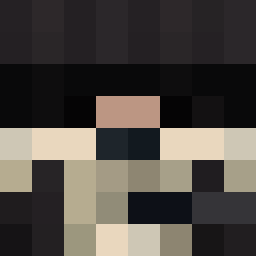
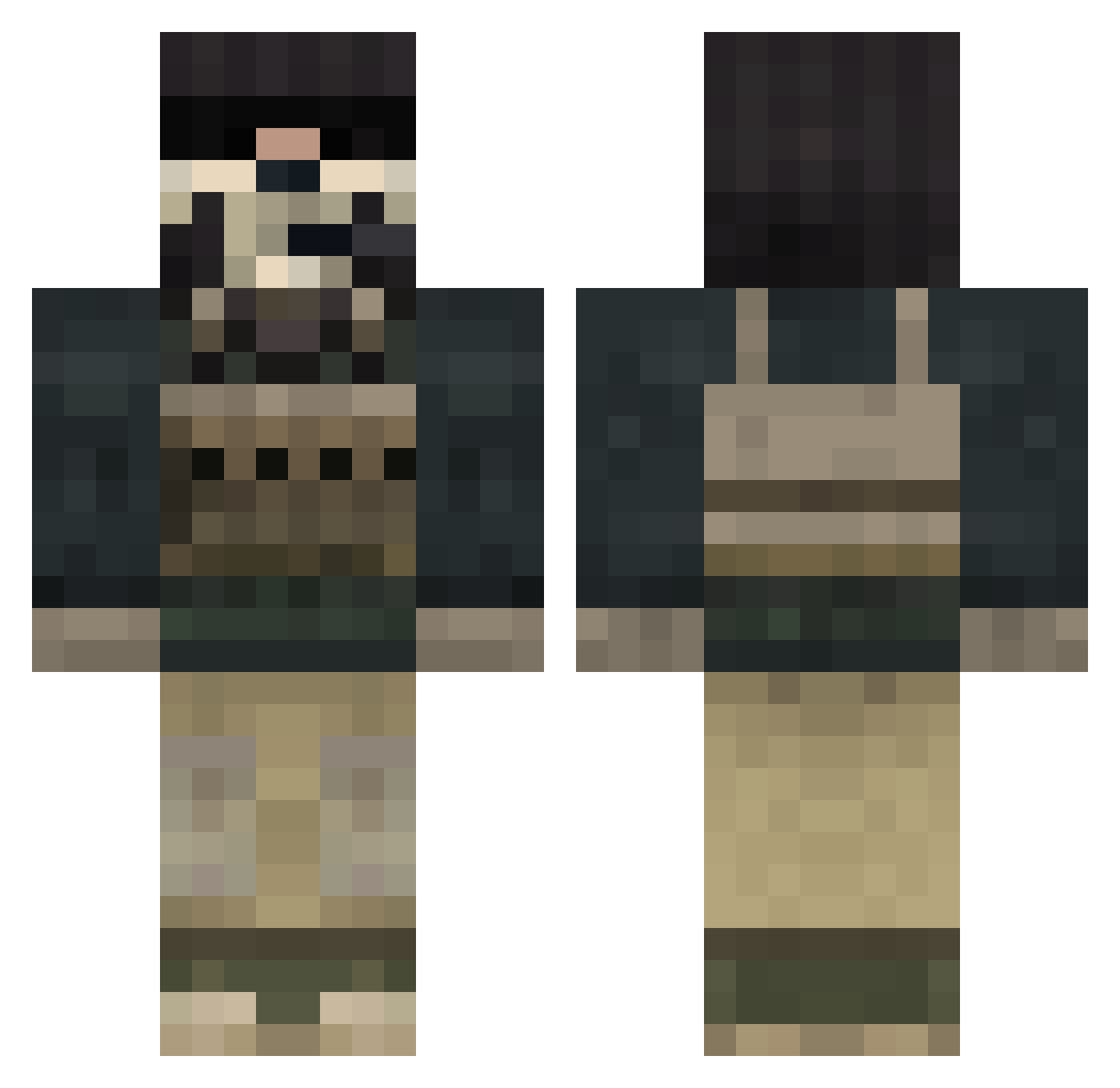
Minecraft skin of folgmir. Rotate the 3D model with your mouse or finger to view the skin from every angle, then download it as a PNG file and use it in Minecraft: Bedrock Edition or Java Edition for free. Rate the skin with stars to help other players find the best skins in our collection.
How to install the folgmir skin
- Press the Download button above to save the skin as a PNG file.
- Minecraft: Bedrock Edition (PE): open the Dressing Room from the main menu (or tap your character → Edit Character), go to Classic Skins → Owned, press the + (new skin) button, choose the downloaded PNG and pick the Classic (Steve) model. Works on PC and mobile; consoles cannot import custom skins.
- Minecraft: Java Edition: open the Minecraft Launcher, go to the Skins tab, click New Skin, load the PNG, pick the Classic (Steve) model and press Save & Use. You can also upload it at minecraft.net → Profile → Change Skin.
The skin does not show up after import - what should I do?
Restart Minecraft and open the Dressing Room again - imported skins sometimes appear only after a restart. Also make sure you selected the imported skin and picked the Classic (Steve) model.
Which model should I choose, Classic or Slim?
This skin is designed for the Classic (Steve) model. If you pick the wrong model, the arms of the skin will look stretched or squeezed.
Is this skin free to use?
Yes. Press Download, save the PNG file and use it in Minecraft: Bedrock Edition or Java Edition - no payment or registration needed. The skin also works on multiplayer servers and Realms.
More Call Of Duty Minecraft skins
See all 173 Call Of Duty skins
More skins
Looking for more? Go back to all Minecraft skins and check the top skins of the week, month and all time, or find any player's skin by nickname.