
Cachapa_esp - Minecraft Skins & Skin History
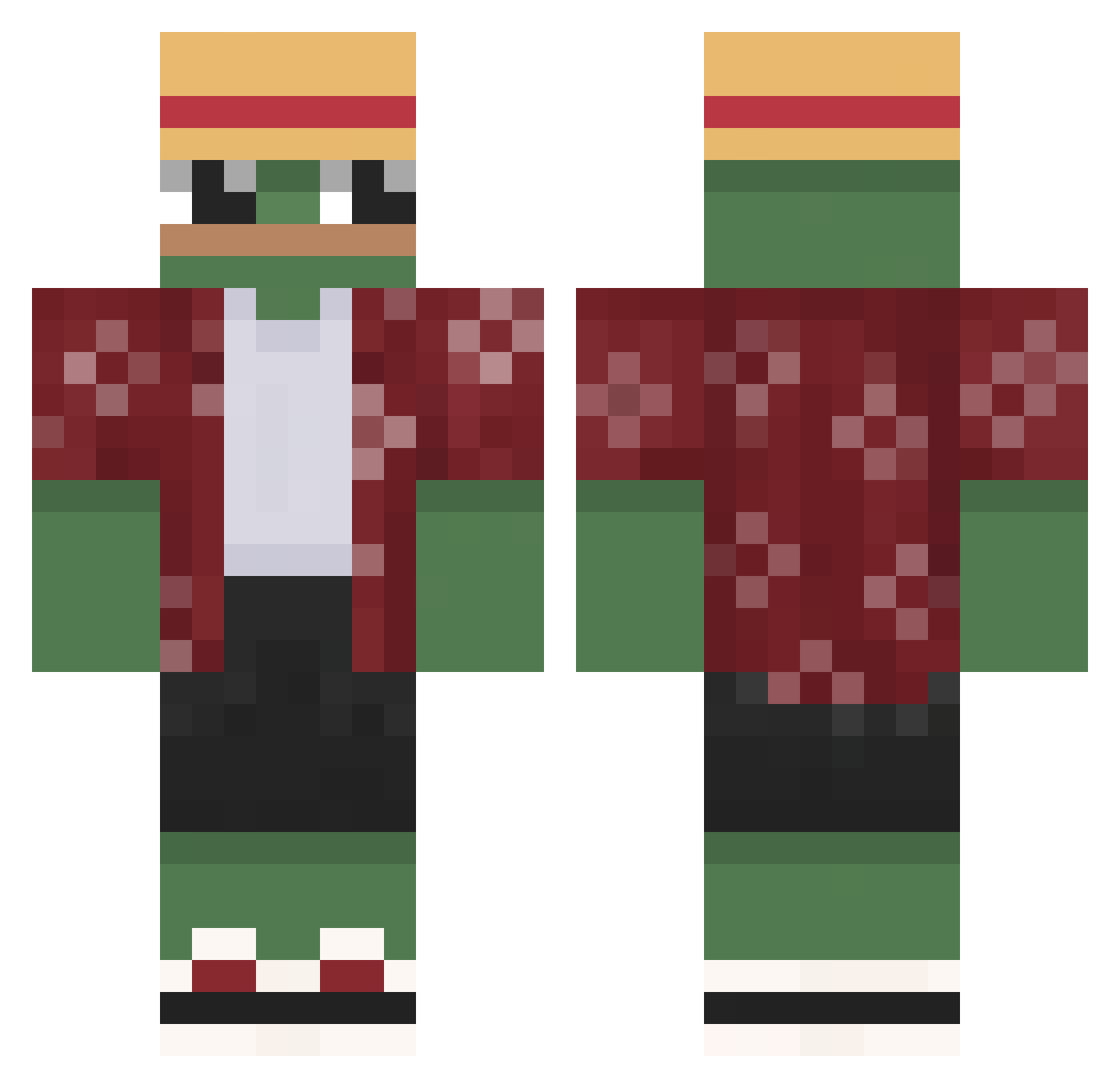
Current Minecraft skin of the player Cachapa_esp, loaded from the official Mojang API. Rotate the 3D model with your mouse or finger, then download the skin as a PNG file and use it in Minecraft: Bedrock Edition or Java Edition for free. When Cachapa_esp changes their skin, this page updates automatically and the old skin stays in the history below.
Other players with this skin (557)
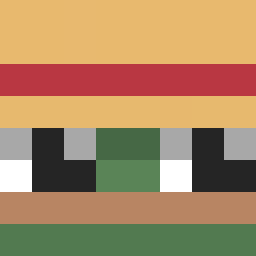
Cachapa_esp was the 280th player we have seen with this skin, first spotted on 09.09.2026. The same skin was seen on these players. Open a nickname to see their current skin and skin history.
 PavlikRohalik Jamilly223 ArizTHC PlanktonoffaPerc Ch3R0n Lujix JABBA_21 MateuszWiertarka compapeso Jakob03027 xXMarcoLPXx Zuukiin barte_x21 Mauro_5116 Tildao baobbao Cityboy105 Mombate kwj0208 ZaerdnaOG input734 Jamal321 annabelle_pi TwenterX BiggestNarc noezboii Mugzzz Trac_k MythicUnison Saltypancakes31 Solartlol Gadres Matorko17 NSNE_ mousseoleany mnis540 MR_STONG OuanKom iloveurmom3 whanos69420 vitao_1 Usoopen usedqtip tiger1001 Klombo14 Floxii101 PREAMkung01 _pepe_man_ BolaDeGudi logan745 AntChillAda Xiai0 RangoWest BoxBox__ iiSnappyii sikiera28 Abes_07 Oxn3 N0TQ kimbone1106
More Monkey D Luffy Minecraft skins
See all 858 Monkey D Luffy skins
How to install the Cachapa_esp skin
- Press the Download button above to save the skin as a PNG file.
- Minecraft: Bedrock Edition (PE): open the Dressing Room from the main menu (or tap your character → Edit Character), go to Classic Skins → Owned, press the + (new skin) button, choose the downloaded PNG and pick the Classic (Steve) model. Works on PC and mobile; consoles cannot import custom skins.
- Minecraft: Java Edition: open the Minecraft Launcher, go to the Skins tab, click New Skin, load the PNG, pick the Classic (Steve) model and press Save & Use. You can also upload it at minecraft.net → Profile → Change Skin.
The skin does not show up after import - what should I do?
Restart Minecraft and open the Dressing Room again - imported skins sometimes appear only after a restart. Also make sure you selected the imported skin and picked the Classic (Steve) model.
Which model should I choose, Classic or Slim?
This skin is designed for the Classic (Steve) model. If you pick the wrong model, the arms of the skin will look stretched or squeezed.
Is the skin of Cachapa_esp free to download?
Yes. Press Download, save the PNG file and use it in Minecraft: Bedrock Edition or Java Edition - no payment or registration needed. The skin also works on multiplayer servers and Realms.
More skins
Looking for more? Go back to all Minecraft skins and check the top skins of the week, month and all time, or find any player's skin by nickname.