
BunnyuJ - Minecraft Skins & Skin History
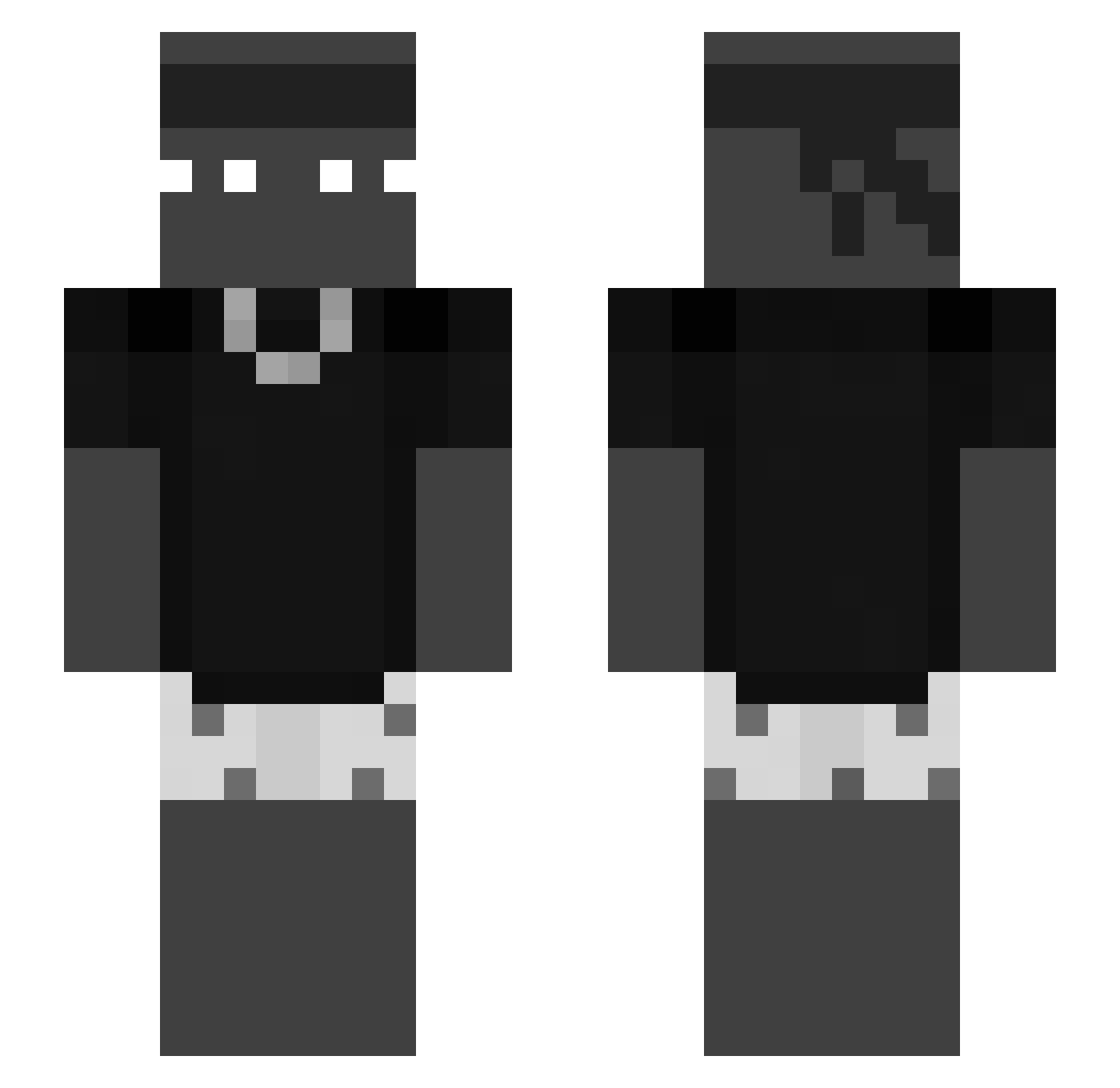
Current Minecraft skin of the player BunnyuJ, loaded from the official Mojang API. Rotate the 3D model with your mouse or finger, then download the skin as a PNG file and use it in Minecraft: Bedrock Edition or Java Edition for free. When BunnyuJ changes their skin, this page updates automatically and the old skin stays in the history below.
Other players with this skin (61)
BunnyuJ was the 26th player we have seen with this skin, first spotted on 04.09.2026. The same skin was seen on these players. Open a nickname to see their current skin and skin history.
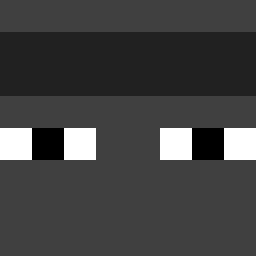 Vetr4nio_
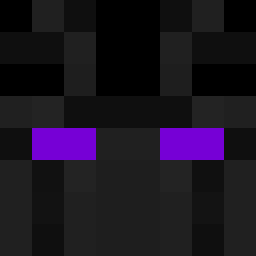 TerryGJohnson420 Alwaysrocking NycolasMC Erwaaz jxliencpvp reachKD dani_cebal0s iSypez neandreika Mati_o7 miska77 Mysbire FlatWarden Leo_omqv maik210 iceboyelking7454 DR_ninja305 giuu_ Eugineous01 Dieeki Nazz1n tomphoenixfire1 Tinn 0esz 0368k 5iaan portends Wardock44 Klastrole pepelnica66 Myst3rZ BoykaWAB Myntysek imgotbro Loll0Lacustr3 DerMainyy KANZI2355 DGZJ mislyt_ DrogaDoLK Kupie_kran le_chen_er Housekeeping
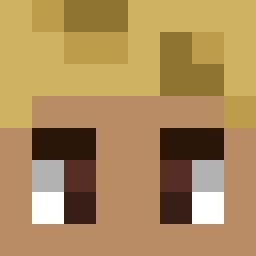 _xXLukiXx iPanchit04 SxmLag
 Tjzim Blaaair_ zanebuto Goodgoat24 zzimin12 zzzDubzzz endriko El_Y92 Taawy luboander w5m0ffka_ Daibai Yun1or_
More Necklace Minecraft skins
How to install the BunnyuJ skin
- Press the Download button above to save the skin as a PNG file.
- Minecraft: Bedrock Edition (PE): open the Dressing Room from the main menu (or tap your character → Edit Character), go to Classic Skins → Owned, press the + (new skin) button, choose the downloaded PNG and pick the Slim (Alex) model. Works on PC and mobile; consoles cannot import custom skins.
- Minecraft: Java Edition: open the Minecraft Launcher, go to the Skins tab, click New Skin, load the PNG, pick the Slim (Alex) model and press Save & Use. You can also upload it at minecraft.net → Profile → Change Skin.
The skin does not show up after import - what should I do?
Restart Minecraft and open the Dressing Room again - imported skins sometimes appear only after a restart. Also make sure you selected the imported skin and picked the Slim (Alex) model.
Which model should I choose, Classic or Slim?
This skin is designed for the Slim (Alex) model. If you pick the wrong model, the arms of the skin will look stretched or squeezed.
Is the skin of BunnyuJ free to download?
Yes. Press Download, save the PNG file and use it in Minecraft: Bedrock Edition or Java Edition - no payment or registration needed. The skin also works on multiplayer servers and Realms.
More skins
Looking for more? Go back to all Minecraft skins and check the top skins of the week, month and all time, or find any player's skin by nickname.