
Bufpuf - Minecraft Skins & Skin History
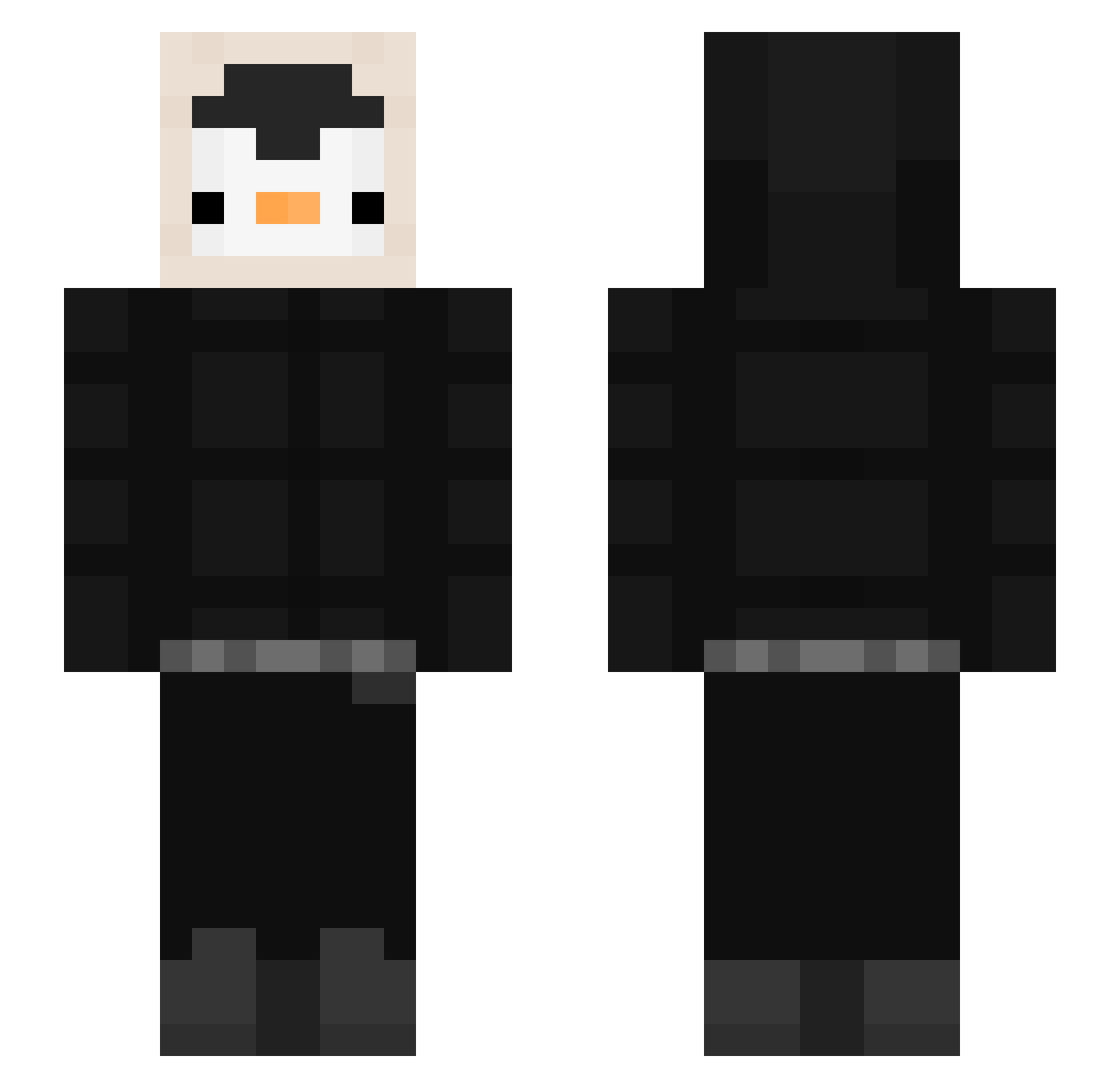
Current Minecraft skin of the player Bufpuf, loaded from the official Mojang API. Rotate the 3D model with your mouse or finger, then download the skin as a PNG file and use it in Minecraft: Bedrock Edition or Java Edition for free. When Bufpuf changes their skin, this page updates automatically and the old skin stays in the history below.
Other players with this skin (536)
Bufpuf was the 435th player we have seen with this skin, first spotted on 17.10.2026. The same skin was seen on these players. Open a nickname to see their current skin and skin history.
 viodio _erse moonpenguins nikolac37 MyNameIsDady Languet MkLuvnn kitbaby hotbag Andy_Fish aiyi000 JestyJonny DriftedWeed_ Esekaote Tropickk ZelphyTM Maxiar123 chanmin8580 bLgH99 KaioKong reizof4 vNightTickler Vhybrs psiapala69 FrangeppeT MrPinGV0 pdm6411 Darknessyt14 Showin cesarylovo yIhave DevFrosty Kesin7 JaxYxz knakworstroan FluffyRalsei101 healvy Pancitouhh Jose_vaquero Crick Aniunt Zgredzio33 BangGubDa Yaboikadenlopez flessh djishle norfiwtf suin0809 ItsssmeNicky mski6 BigPingu666 iitsMoo cheche1126 skipper_412 fatosiclaro Pengwy_penguin Snox_10 MysticButters wateryDGM hanzRS
More Penguin Minecraft skins
How to install the Bufpuf skin
- Press the Download button above to save the skin as a PNG file.
- Minecraft: Bedrock Edition (PE): open the Dressing Room from the main menu (or tap your character → Edit Character), go to Classic Skins → Owned, press the + (new skin) button, choose the downloaded PNG and pick the Slim (Alex) model. Works on PC and mobile; consoles cannot import custom skins.
- Minecraft: Java Edition: open the Minecraft Launcher, go to the Skins tab, click New Skin, load the PNG, pick the Slim (Alex) model and press Save & Use. You can also upload it at minecraft.net → Profile → Change Skin.
The skin does not show up after import - what should I do?
Restart Minecraft and open the Dressing Room again - imported skins sometimes appear only after a restart. Also make sure you selected the imported skin and picked the Slim (Alex) model.
Which model should I choose, Classic or Slim?
This skin is designed for the Slim (Alex) model. If you pick the wrong model, the arms of the skin will look stretched or squeezed.
Is the skin of Bufpuf free to download?
Yes. Press Download, save the PNG file and use it in Minecraft: Bedrock Edition or Java Edition - no payment or registration needed. The skin also works on multiplayer servers and Realms.
More skins
Looking for more? Go back to all Minecraft skins and check the top skins of the week, month and all time, or find any player's skin by nickname.