
Brimems - Minecraft Skins & Skin History
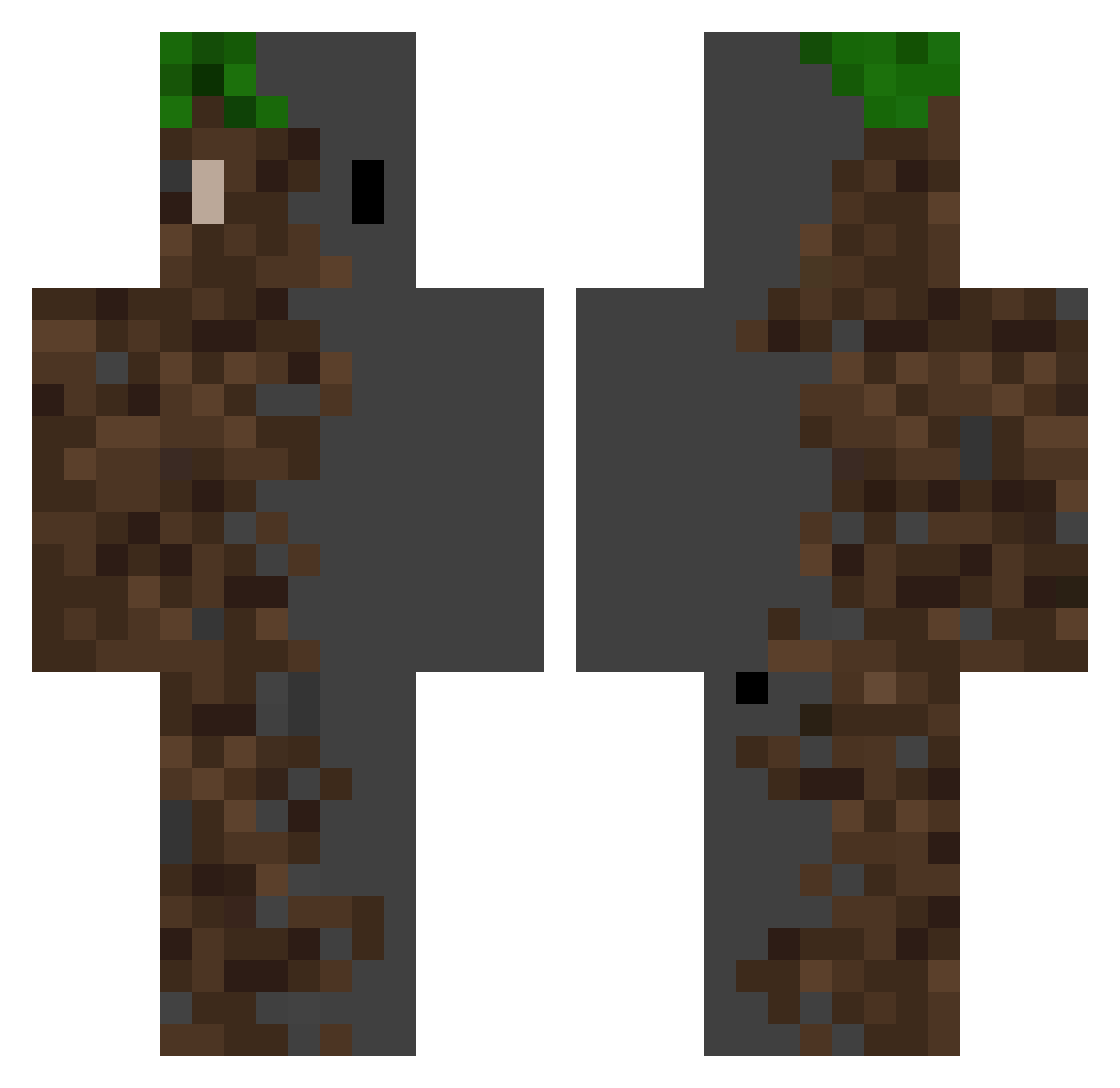
Current Minecraft skin of the player Brimems, loaded from the official Mojang API. Rotate the 3D model with your mouse or finger, then download the skin as a PNG file and use it in Minecraft: Bedrock Edition or Java Edition for free. When Brimems changes their skin, this page updates automatically and the old skin stays in the history below.
Other players with this skin (526)
Brimems was the 148th player we have seen with this skin, first spotted on 24.08.2026. The same skin was seen on these players. Open a nickname to see their current skin and skin history.
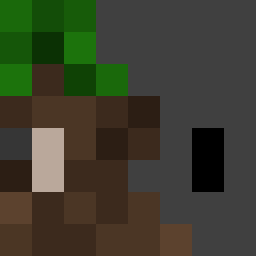 P1tuc0 crvx_ Amane4451 ck_no_1 ANDREAS1238 blabla21303 SimonH961026 Rascoil neonomicon Falkinatrix
 send_help1234 Troodon54 RcE__ Smayzy KingEman AliasAbduzkan NaHaD_ NachitoParrot Delta_kun
 Motarob star_mei helindo ToxicVulture RedArchfiend955 ArkturusPLAY ddong_zi
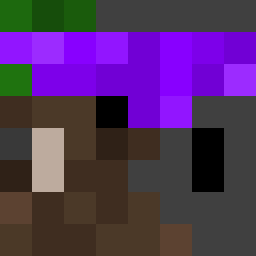 RobotThree c6ll SulyVlokes Mixer1003 Witness_1 Awlin09 Lysart CloudMayor RitterRust
 ParraDMC EmeraldSaucer46 PikitoWi navermore kareemhamoodi36 yuxuan1314 Bl00wy Thrush911 h3tri Danielleid99 Aurora156 Morc85 Sila_22 Caner_TR xiao_gong666 Chyaki vPoisxn Yanakiiin _tgshrimp_ MoonNayT Pyrob1t orikwak WalluE Altrucha monpoo
More Dirt Block Minecraft skins
How to install the Brimems skin
- Press the Download button above to save the skin as a PNG file.
- Minecraft: Bedrock Edition (PE): open the Dressing Room from the main menu (or tap your character → Edit Character), go to Classic Skins → Owned, press the + (new skin) button, choose the downloaded PNG and pick the Classic (Steve) model. Works on PC and mobile; consoles cannot import custom skins.
- Minecraft: Java Edition: open the Minecraft Launcher, go to the Skins tab, click New Skin, load the PNG, pick the Classic (Steve) model and press Save & Use. You can also upload it at minecraft.net → Profile → Change Skin.
The skin does not show up after import - what should I do?
Restart Minecraft and open the Dressing Room again - imported skins sometimes appear only after a restart. Also make sure you selected the imported skin and picked the Classic (Steve) model.
Which model should I choose, Classic or Slim?
This skin is designed for the Classic (Steve) model. If you pick the wrong model, the arms of the skin will look stretched or squeezed.
Is the skin of Brimems free to download?
Yes. Press Download, save the PNG file and use it in Minecraft: Bedrock Edition or Java Edition - no payment or registration needed. The skin also works on multiplayer servers and Realms.
More skins
Looking for more? Go back to all Minecraft skins and check the top skins of the week, month and all time, or find any player's skin by nickname.