
Boom17 - Minecraft Skins & Skin History
Current Minecraft skin of the player Boom17, loaded from the official Mojang API. Rotate the 3D model with your mouse or finger, then download the skin as a PNG file and use it in Minecraft: Bedrock Edition or Java Edition for free. When Boom17 changes their skin, this page updates automatically and the old skin stays in the history below.
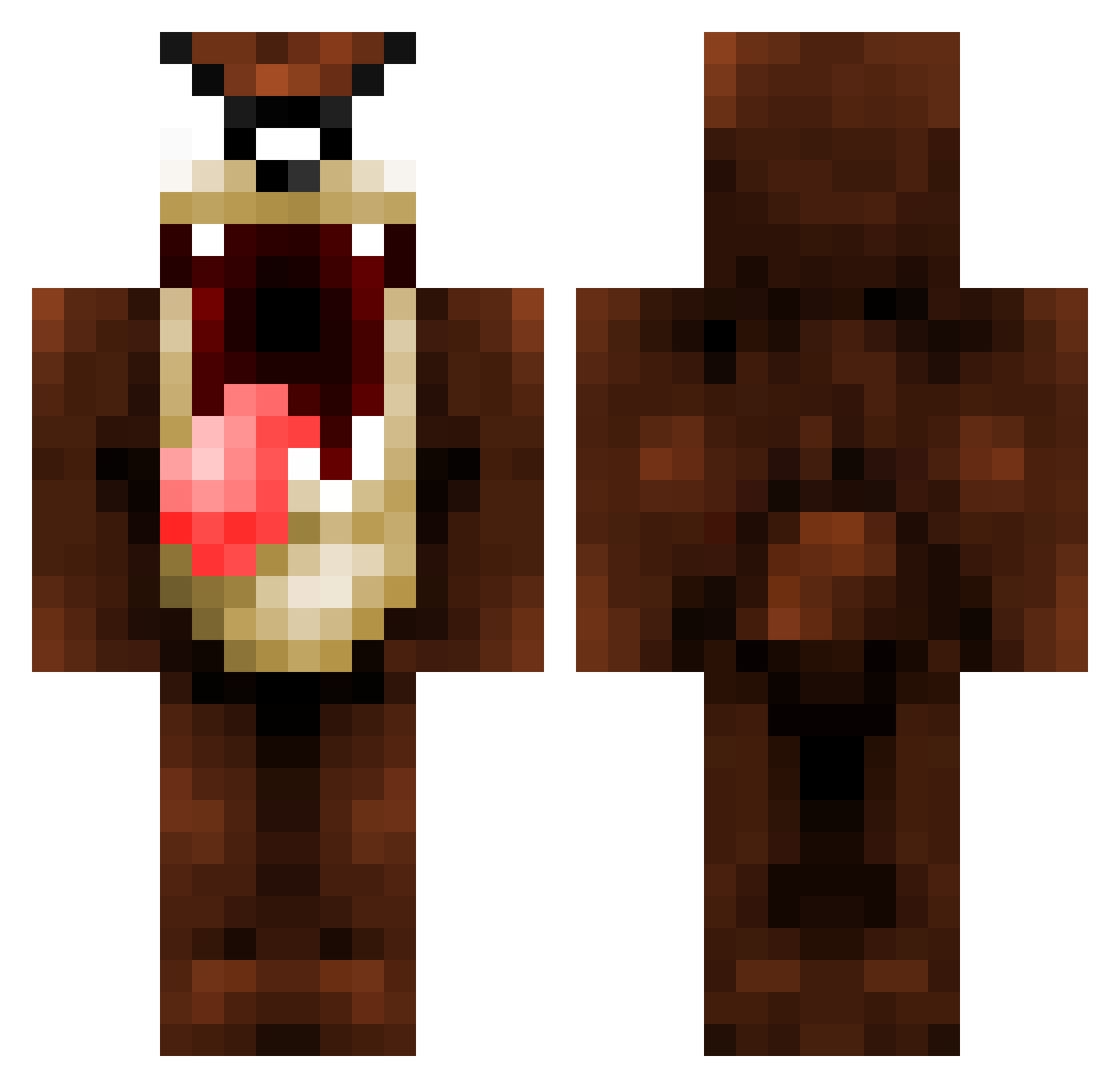
Other players with this skin (1320)
Boom17 was the 1171st player we have seen with this skin, first spotted on 08.11.2026. The same skin was seen on these players. Open a nickname to see their current skin and skin history.
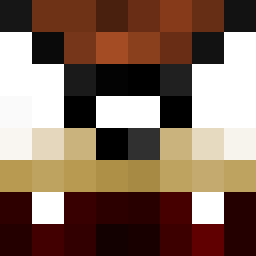 yergnov DickyoAo Donavaan Heldmann TomaHawkaNokey MUDDSLING3R123 Uzukiyo nichlas0 SoulEaterMo Darknight_75 Fluffyguy96 AmusingMickey Crunch_13 charliecwebb BrandonKooi the_man_nik Eext aldahir_G4 gozling2m dan_rankin pickyeater1 pisco17 hidden_guns Snellepelle Latruffe42 GalaxyT10 Anomaly0 Th1ckson chekason ryansweeney97 dolphindan17 Nowzinzica34 Color9 VapeIsLife15 Taz_LG Gier_NL StuartMcNeill raybethell01 game_is_loading FoxyAftermath Mr_McGibblets bl00ddream skenz40 papaours2 nago_craft Sixtomagno MynameisCam boblingo Almanach TheRealLillelas sotoj MaGic_Pancakemix mikkel123421 bergfjord eniotsu theinkjunkie PullisGaming Carocm boomboom30 Kradilly
More Taz Minecraft skins
How to install the Boom17 skin
- Press the Download button above to save the skin as a PNG file.
- Minecraft: Bedrock Edition (PE): open the Dressing Room from the main menu (or tap your character → Edit Character), go to Classic Skins → Owned, press the + (new skin) button, choose the downloaded PNG and pick the Classic (Steve) model. Works on PC and mobile; consoles cannot import custom skins.
- Minecraft: Java Edition: open the Minecraft Launcher, go to the Skins tab, click New Skin, load the PNG, pick the Classic (Steve) model and press Save & Use. You can also upload it at minecraft.net → Profile → Change Skin.
The skin does not show up after import - what should I do?
Restart Minecraft and open the Dressing Room again - imported skins sometimes appear only after a restart. Also make sure you selected the imported skin and picked the Classic (Steve) model.
Which model should I choose, Classic or Slim?
This skin is designed for the Classic (Steve) model. If you pick the wrong model, the arms of the skin will look stretched or squeezed.
Is the skin of Boom17 free to download?
Yes. Press Download, save the PNG file and use it in Minecraft: Bedrock Edition or Java Edition - no payment or registration needed. The skin also works on multiplayer servers and Realms.
More skins
Looking for more? Go back to all Minecraft skins and check the top skins of the week, month and all time, or find any player's skin by nickname.