
Bonzanaba - Minecraft Skins & Skin History
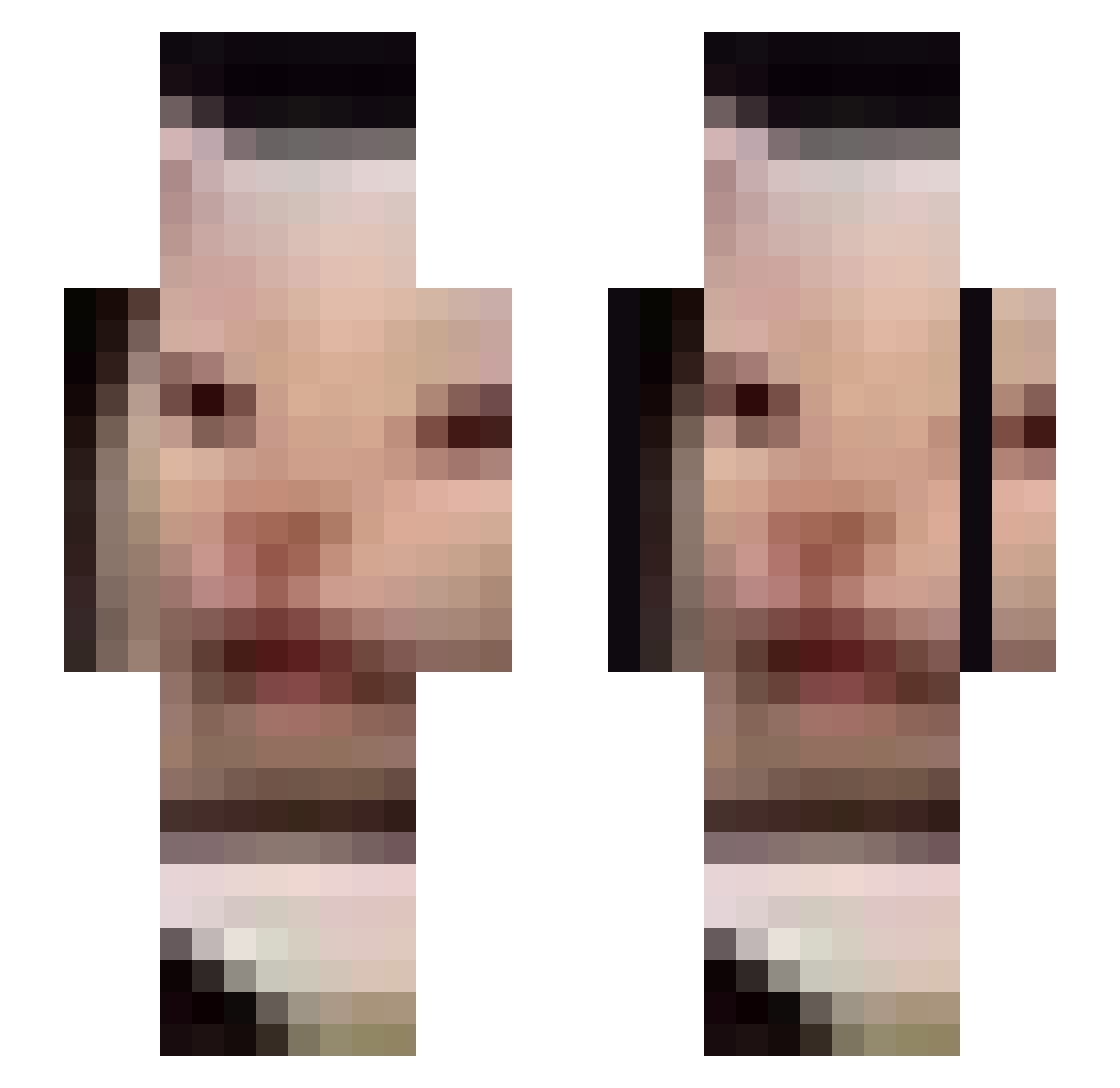
Current Minecraft skin of the player Bonzanaba, loaded from the official Mojang API. Rotate the 3D model with your mouse or finger, then download the skin as a PNG file and use it in Minecraft: Bedrock Edition or Java Edition for free. When Bonzanaba changes their skin, this page updates automatically and the old skin stays in the history below.
Other players with this skin (676)
Bonzanaba was the 499th player we have seen with this skin, first spotted on 10.10.2026. The same skin was seen on these players. Open a nickname to see their current skin and skin history.
 hyeok1o1 branscombe Biketrial_ Shadow_Vortex92 MountainCrew Ajgor83 lZimol Zaazzoouuu shawnofthedead96 Firstadik FadedParadiseYT msa1in Jucuvo manti98 AGMT8872 etennis Rexourious ToastKnight874 oudong_ Sterwastaken Konstabel_Snabel minha0 SpicyLarry9 Sosopend Hellboy636 Phantomhero7 iTrapYou gusdnr5085 deadghostlmao BomppyZ ShiCoy bergois Kokanee69 SquareHeadKing m2n__ye BlckGoat LegendaryJewel PommeDeTerre558 Poppamies_2 Duson10 Chickenkami_ NostalgicHoax SpaceMemess hyeoklll olhc Kubbus __UwUOwO__ Seungbean2 Billy8787 LGB9 guccishoecci SeattleIsBurning 4Scored WinteryRio DJ_MON3IM FashBug titase AcridSiamang975 Lulusushi24 188GerbilsInACan
More Beluga Minecraft skins
How to install the Bonzanaba skin
- Press the Download button above to save the skin as a PNG file.
- Minecraft: Bedrock Edition (PE): open the Dressing Room from the main menu (or tap your character → Edit Character), go to Classic Skins → Owned, press the + (new skin) button, choose the downloaded PNG and pick the Slim (Alex) model. Works on PC and mobile; consoles cannot import custom skins.
- Minecraft: Java Edition: open the Minecraft Launcher, go to the Skins tab, click New Skin, load the PNG, pick the Slim (Alex) model and press Save & Use. You can also upload it at minecraft.net → Profile → Change Skin.
The skin does not show up after import - what should I do?
Restart Minecraft and open the Dressing Room again - imported skins sometimes appear only after a restart. Also make sure you selected the imported skin and picked the Slim (Alex) model.
Which model should I choose, Classic or Slim?
This skin is designed for the Slim (Alex) model. If you pick the wrong model, the arms of the skin will look stretched or squeezed.
Is the skin of Bonzanaba free to download?
Yes. Press Download, save the PNG file and use it in Minecraft: Bedrock Edition or Java Edition - no payment or registration needed. The skin also works on multiplayer servers and Realms.
More skins
Looking for more? Go back to all Minecraft skins and check the top skins of the week, month and all time, or find any player's skin by nickname.