
BonjoO3 - Minecraft Skins & Skin History
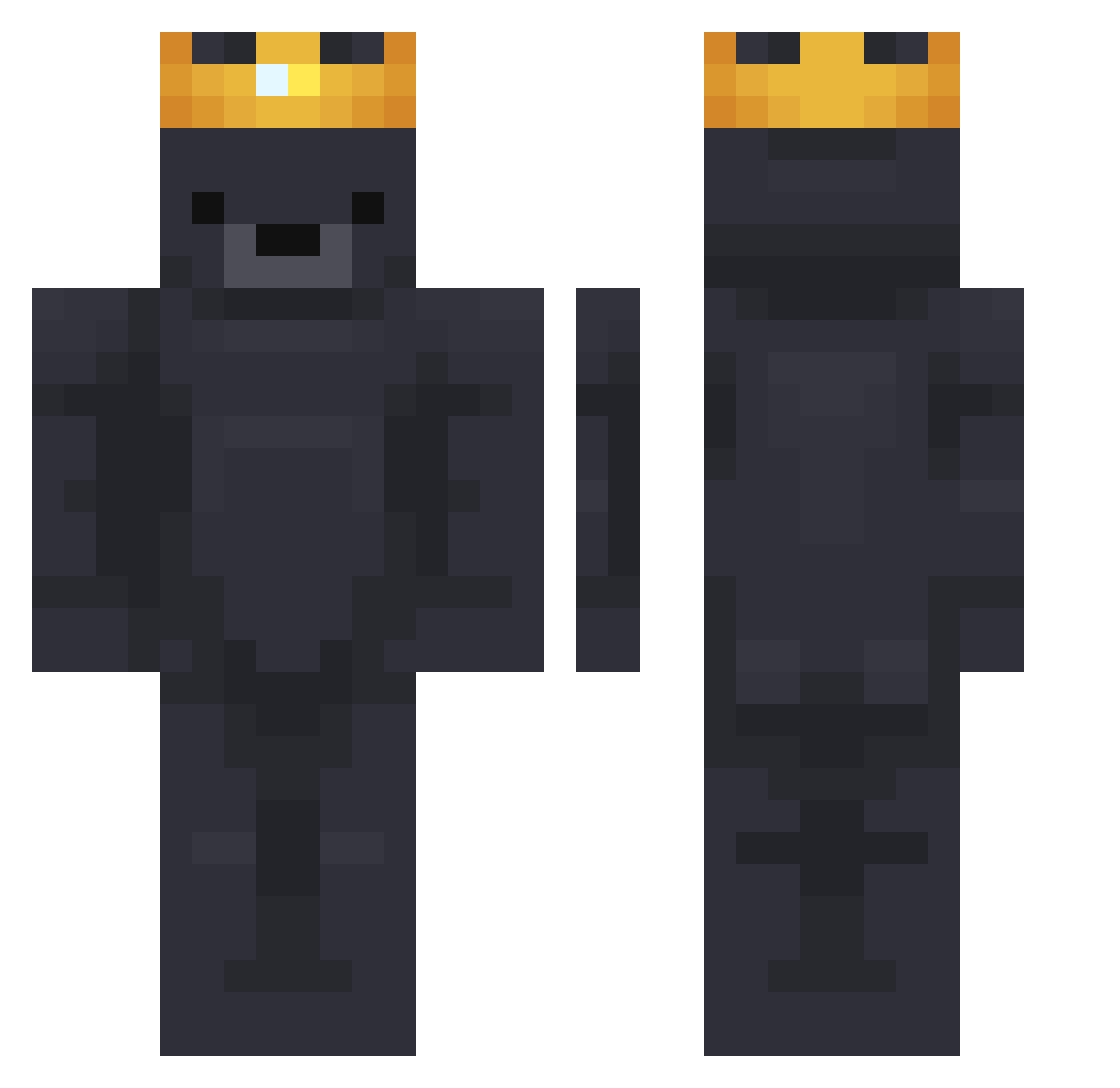
Current Minecraft skin of the player BonjoO3, loaded from the official Mojang API. Rotate the 3D model with your mouse or finger, then download the skin as a PNG file and use it in Minecraft: Bedrock Edition or Java Edition for free. When BonjoO3 changes their skin, this page updates automatically and the old skin stays in the history below.
Other players with this skin (784)
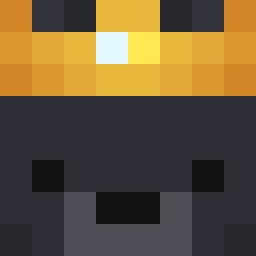
BonjoO3 was the 470th player we have seen with this skin, first spotted on 01.10.2026. The same skin was seen on these players. Open a nickname to see their current skin and skin history.
 Babozed Strongbau dukeeeboy nept0n _PerryBR Lao_Shua1 NowTanBIA swagbr0thers Haggins101 leoschrank zer014 McQuackster moi0 Legite_ lilfoo45 kuchinana sheiiehs BIGACES Hulkx01 TrakZFx ClamsGamer TheCasperPL _Guid0Iann0tta_ 123456seven8910 AleKsKo_ xFilip_ Kkker Pepzter bokoboko26 Simtharkun GiftedByAllah_ Blingooo INK57 Pluralt LaJulii BocchiXoXo mynameismidnight MingPhong KingMiniGames bella364636 silmarok j_20 Rapturehsl _alexischn PickIedSociety Hypnotiic DaHiase p1haR DaMysticalWolf Goateed Amberno NIN14 Xgens16 G59Blanq willlusco b0ndsman Unkill_Able 3PS ZachiBoi449 HahnnZ0
More Crown Minecraft skins
How to install the BonjoO3 skin
- Press the Download button above to save the skin as a PNG file.
- Minecraft: Bedrock Edition (PE): open the Dressing Room from the main menu (or tap your character → Edit Character), go to Classic Skins → Owned, press the + (new skin) button, choose the downloaded PNG and pick the Classic (Steve) model. Works on PC and mobile; consoles cannot import custom skins.
- Minecraft: Java Edition: open the Minecraft Launcher, go to the Skins tab, click New Skin, load the PNG, pick the Classic (Steve) model and press Save & Use. You can also upload it at minecraft.net → Profile → Change Skin.
The skin does not show up after import - what should I do?
Restart Minecraft and open the Dressing Room again - imported skins sometimes appear only after a restart. Also make sure you selected the imported skin and picked the Classic (Steve) model.
Which model should I choose, Classic or Slim?
This skin is designed for the Classic (Steve) model. If you pick the wrong model, the arms of the skin will look stretched or squeezed.
Is the skin of BonjoO3 free to download?
Yes. Press Download, save the PNG file and use it in Minecraft: Bedrock Edition or Java Edition - no payment or registration needed. The skin also works on multiplayer servers and Realms.
More skins
Looking for more? Go back to all Minecraft skins and check the top skins of the week, month and all time, or find any player's skin by nickname.