
Bok_bun - Minecraft Skins & Skin History
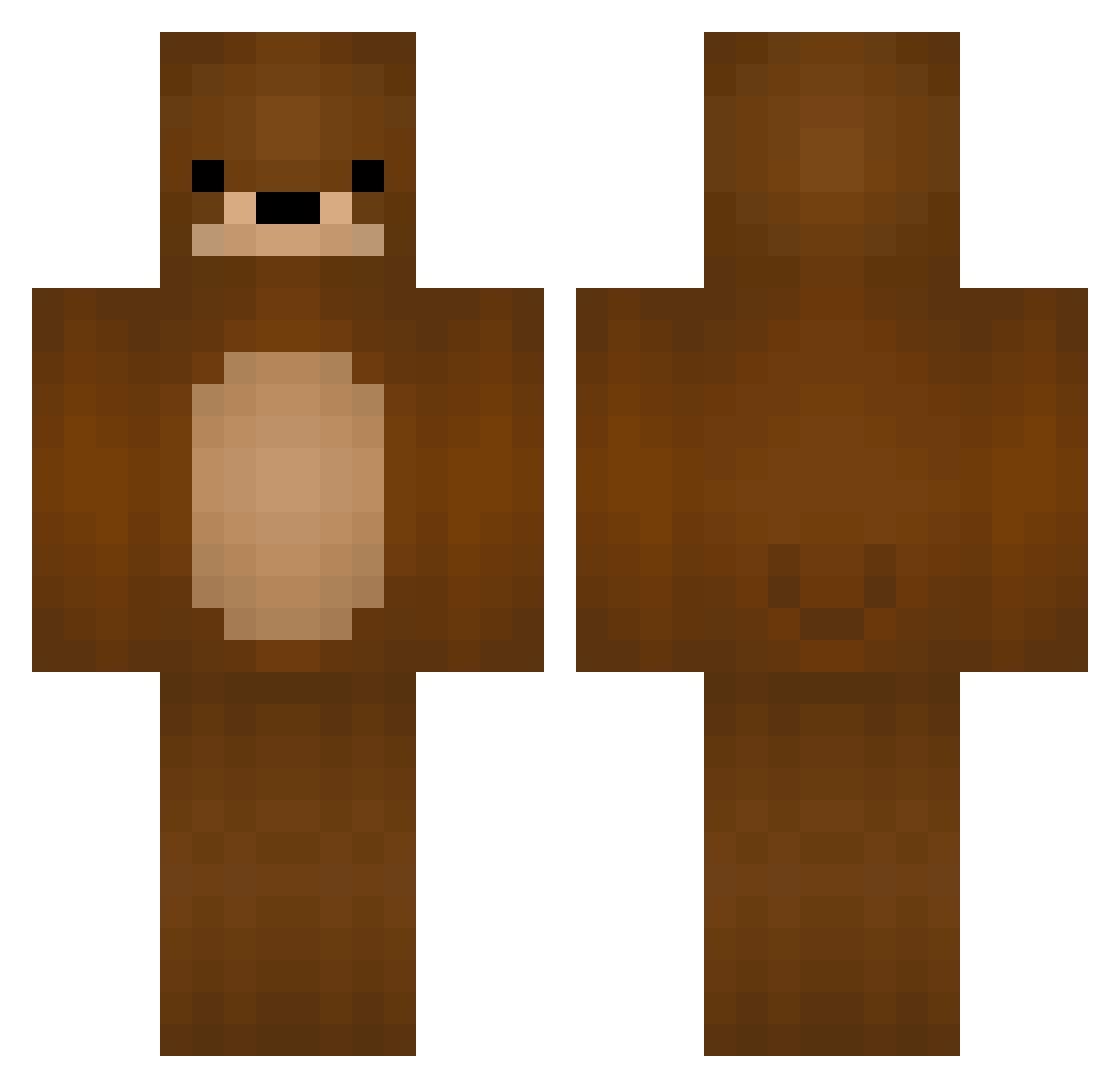
Current Minecraft skin of the player Bok_bun, loaded from the official Mojang API. Rotate the 3D model with your mouse or finger, then download the skin as a PNG file and use it in Minecraft: Bedrock Edition or Java Edition for free. When Bok_bun changes their skin, this page updates automatically and the old skin stays in the history below.
Other players with this skin (221)
Bok_bun was the 118th player we have seen with this skin, first spotted on 27.09.2026. The same skin was seen on these players. Open a nickname to see their current skin and skin history.
 Operat0r gkswlsdn_1127 Meangirllover123 KipzL FengShan MARchelangelo InFamiliar danjea RtheA King_Teddy short_bear xPvPBear WrathofHamster Loveyouuuuu zeal_capo BinomialBear37 chnyng IlKyle fossili bloomt Genghis_Ron 9rack iCrazyTeddy RandomKaty Hubi_bubi69 rhkddnjs Abinger MorOnCraft daddy_adriann Teddy_1Bear1 To_qxs T3ddy_b00 T0RTlLLA v_O_o_v_ boo_ood Yokamiii MilosZvaniGovno WithMyHoe TheMrBearClaw piero44 Yinsui NBA_Domin EpicMasterTyler Mong_sil8 BBUNGBBANG2 Berli837 Kxrover Homelesss dajian_VGUHJN JokerSpiderDrew dugadu Ai_Karinn Grimstrike SONAKI_ Gunnsforsale ANewLegend Zyph_loves_u umeya928 Slgus HayaoBear
More Bear Minecraft skins
How to install the Bok_bun skin
- Press the Download button above to save the skin as a PNG file.
- Minecraft: Bedrock Edition (PE): open the Dressing Room from the main menu (or tap your character → Edit Character), go to Classic Skins → Owned, press the + (new skin) button, choose the downloaded PNG and pick the Classic (Steve) model. Works on PC and mobile; consoles cannot import custom skins.
- Minecraft: Java Edition: open the Minecraft Launcher, go to the Skins tab, click New Skin, load the PNG, pick the Classic (Steve) model and press Save & Use. You can also upload it at minecraft.net → Profile → Change Skin.
The skin does not show up after import - what should I do?
Restart Minecraft and open the Dressing Room again - imported skins sometimes appear only after a restart. Also make sure you selected the imported skin and picked the Classic (Steve) model.
Which model should I choose, Classic or Slim?
This skin is designed for the Classic (Steve) model. If you pick the wrong model, the arms of the skin will look stretched or squeezed.
Is the skin of Bok_bun free to download?
Yes. Press Download, save the PNG file and use it in Minecraft: Bedrock Edition or Java Edition - no payment or registration needed. The skin also works on multiplayer servers and Realms.
More skins
Looking for more? Go back to all Minecraft skins and check the top skins of the week, month and all time, or find any player's skin by nickname.