
 squirm17 Whatny GrumpyGrant tv5t buuwo Kumabear1122 Dodle2 DdBear_ MrCrazy0 Serdeliusz D1ckEnjoyer69 noeyem Solros05 OnlyHue FattyBearsteaks ChrokeL kormeian Neonroboat 123KABAN 1BEAR0 8lo8io8lowme GoodlikeGaming Blueblade248 joshuax2010 YehGoob nos_nos f_ir atomaumaek0123 JCM3704 BuskinBear paigeishere2534 CaloteroUrias baerbaerbaerbaer torrosevik Dejvid_77 raymonb2002 BDhappy SassySmotch 7vwy pengu76 nirual0012 miszczek Marin_kolohozen nursingboy taco_bello euchan0602 ThierryMlg beppyyy gomdoryi Brownpear matt_sb Uhhhhh_yeah Dykson KYNeeEz CaR901 noisy_person KYOTTOGAMER999 chazzabear02 xCentrelink Boris_da_turtle
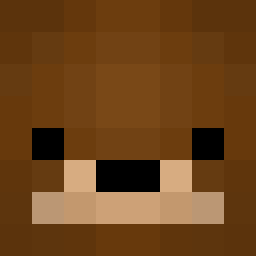
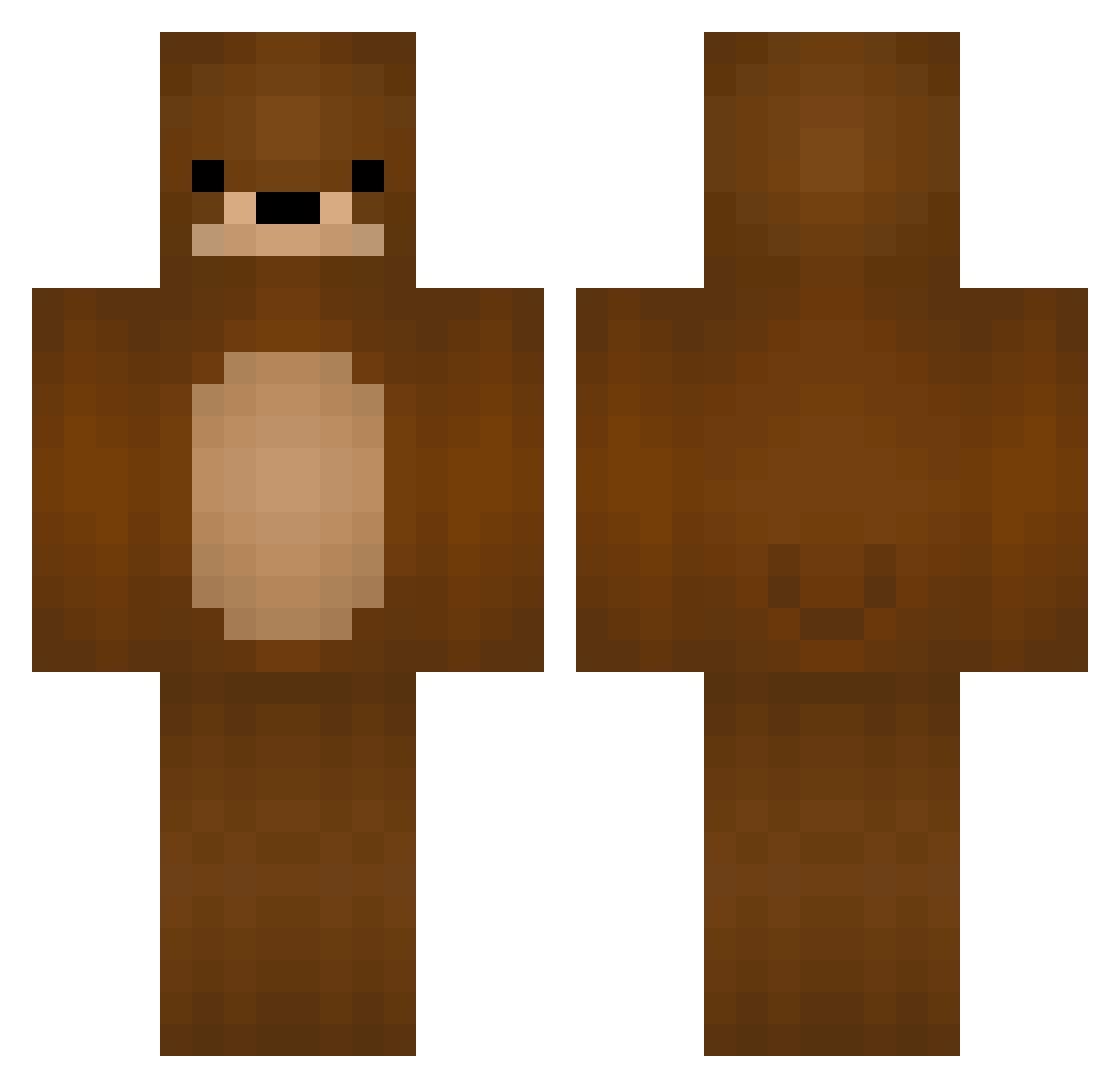
Minecraft skin of namistissue. Rotate the 3D model with your mouse or finger to view the skin from every angle, then download it as a PNG file and use it in Minecraft: Bedrock Edition or Java Edition for free. Rate the skin with stars to help other players find the best skins in our collection.
How to install the namistissue skin
- Press the Download button above to save the skin as a PNG file.
- Minecraft: Bedrock Edition (PE): open the Dressing Room from the main menu (or tap your character → Edit Character), go to Classic Skins → Owned, press the + (new skin) button, choose the downloaded PNG and pick the Classic (Steve) model. Works on PC and mobile; consoles cannot import custom skins.
- Minecraft: Java Edition: open the Minecraft Launcher, go to the Skins tab, click New Skin, load the PNG, pick the Classic (Steve) model and press Save & Use. You can also upload it at minecraft.net → Profile → Change Skin.
The skin does not show up after import - what should I do?
Restart Minecraft and open the Dressing Room again - imported skins sometimes appear only after a restart. Also make sure you selected the imported skin and picked the Classic (Steve) model.
Which model should I choose, Classic or Slim?
This skin is designed for the Classic (Steve) model. If you pick the wrong model, the arms of the skin will look stretched or squeezed.
Is this skin free to use?
Yes. Press Download, save the PNG file and use it in Minecraft: Bedrock Edition or Java Edition - no payment or registration needed. The skin also works on multiplayer servers and Realms.
More Bear Minecraft skins
More skins
Looking for more? Go back to all Minecraft skins and check the top skins of the week, month and all time, or find any player's skin by nickname.