
Birk_Er_Best - Minecraft Skins & Skin History
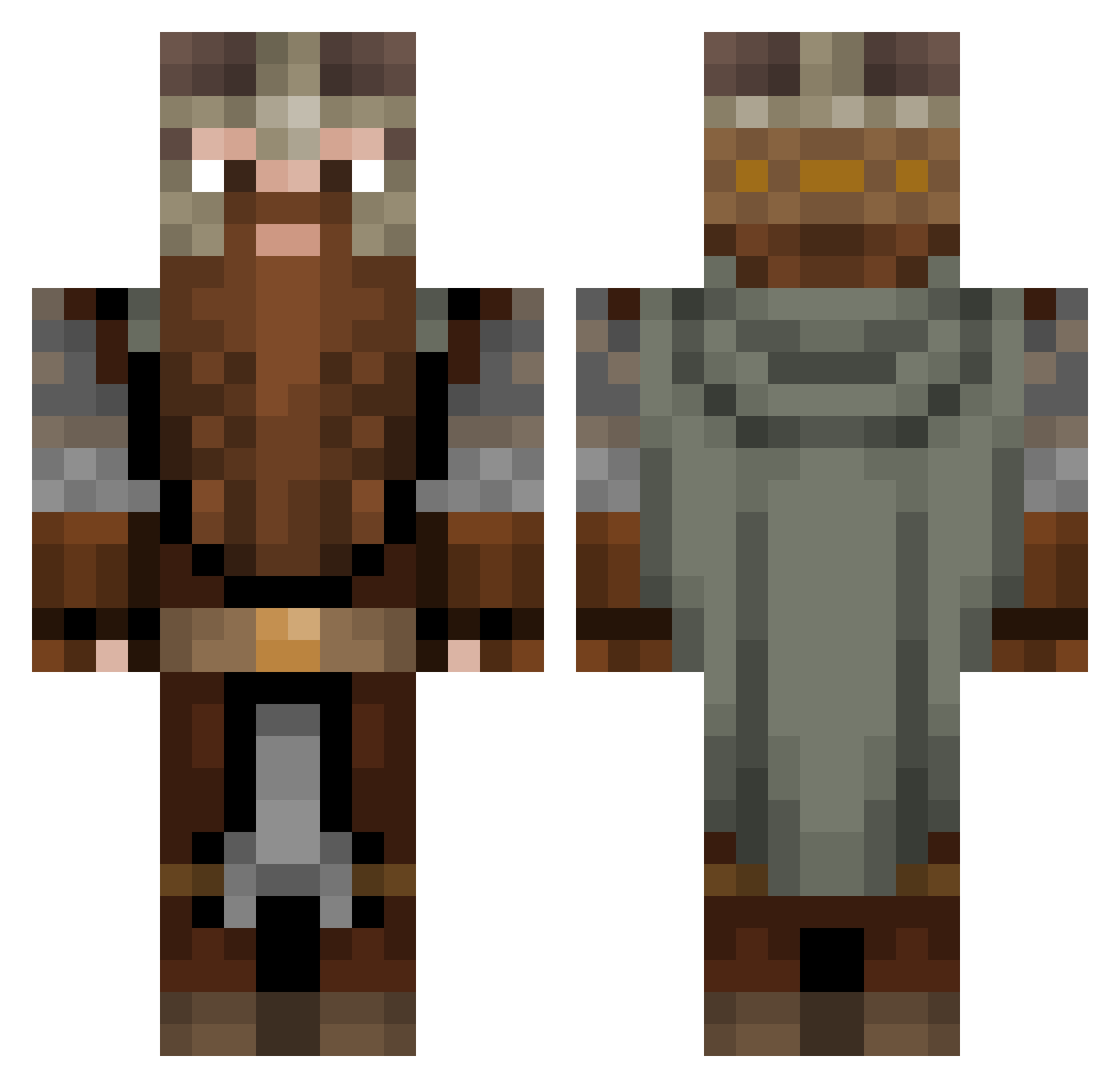
Current Minecraft skin of the player Birk_Er_Best, loaded from the official Mojang API. Rotate the 3D model with your mouse or finger, then download the skin as a PNG file and use it in Minecraft: Bedrock Edition or Java Edition for free. When Birk_Er_Best changes their skin, this page updates automatically and the old skin stays in the history below.
Other players with this skin (1131)
Birk_Er_Best was the 345th player we have seen with this skin, first spotted on 29.08.2026. The same skin was seen on these players. Open a nickname to see their current skin and skin history.
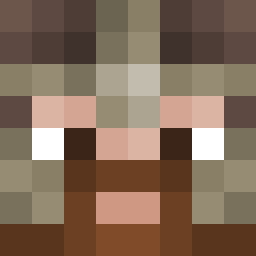 NarcHorse tomatob2 Benotto_05 Stonenous trblim knapp0 Forge_Master_J Spudzzy03 Pantro26 VidarSkandinavia Frenagon Taraniss bigdwalinn Hahniboy ReillyJPH Kellmont Shalashaska005 korroso
 TentniakTrojson ActOfRage_ Akatosh06 Necta7 Inversian JimmE_Rustle theking45 Th0rath Gibby_Giblets Sap1308 SnugglesTZ DrathorStonefist jcrafter Okario21 Emiliadragoona theafrolatino Ben_Gillett99 Joep2006 Hjalnyr kevdavatz Julian20192 blockraker IM_M0IST IchBinOriginal Pietertje_17 MariusFoot KaptainTeemo le_smog Xeminio gimli29 maksag Tozyzz unis3 Kaaskanon2022 VFish_Abyss ekseorb Gimmers Atainex_ ItzDeathbladeMc Kalkabop ParaLP23 Ravicus
More Dwarf Minecraft skins
How to install the Birk_Er_Best skin
- Press the Download button above to save the skin as a PNG file.
- Minecraft: Bedrock Edition (PE): open the Dressing Room from the main menu (or tap your character → Edit Character), go to Classic Skins → Owned, press the + (new skin) button, choose the downloaded PNG and pick the Classic (Steve) model. Works on PC and mobile; consoles cannot import custom skins.
- Minecraft: Java Edition: open the Minecraft Launcher, go to the Skins tab, click New Skin, load the PNG, pick the Classic (Steve) model and press Save & Use. You can also upload it at minecraft.net → Profile → Change Skin.
The skin does not show up after import - what should I do?
Restart Minecraft and open the Dressing Room again - imported skins sometimes appear only after a restart. Also make sure you selected the imported skin and picked the Classic (Steve) model.
Which model should I choose, Classic or Slim?
This skin is designed for the Classic (Steve) model. If you pick the wrong model, the arms of the skin will look stretched or squeezed.
Is the skin of Birk_Er_Best free to download?
Yes. Press Download, save the PNG file and use it in Minecraft: Bedrock Edition or Java Edition - no payment or registration needed. The skin also works on multiplayer servers and Realms.
More skins
Looking for more? Go back to all Minecraft skins and check the top skins of the week, month and all time, or find any player's skin by nickname.