
BenjoBeans - Minecraft Skins & Skin History
Current Minecraft skin of the player BenjoBeans, loaded from the official Mojang API. Rotate the 3D model with your mouse or finger, then download the skin as a PNG file and use it in Minecraft: Bedrock Edition or Java Edition for free. When BenjoBeans changes their skin, this page updates automatically and the old skin stays in the history below.
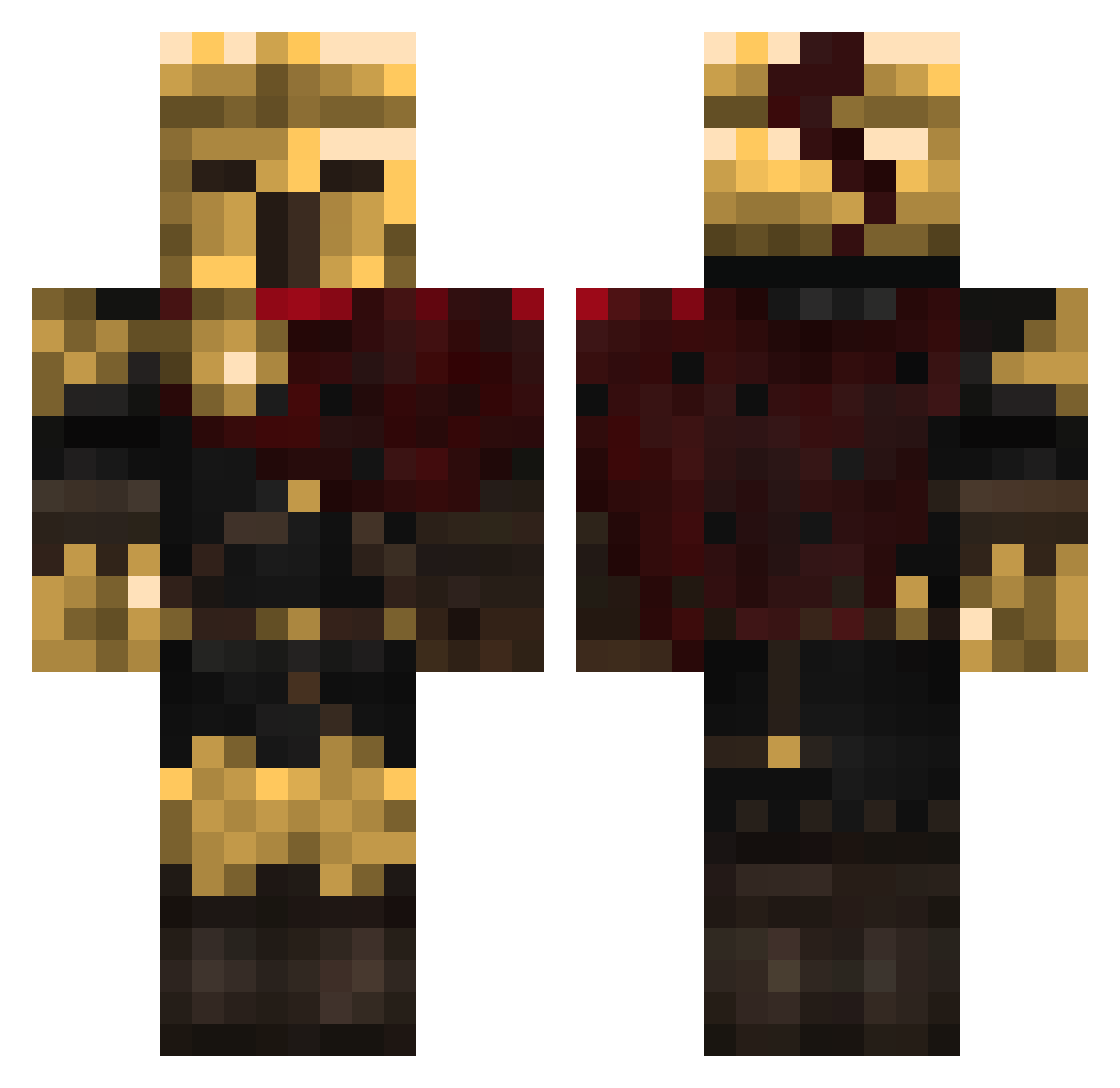
Other players with this skin (453)
BenjoBeans was the 18th player we have seen with this skin, first spotted on 28.07.2026. The same skin was seen on these players. Open a nickname to see their current skin and skin history.
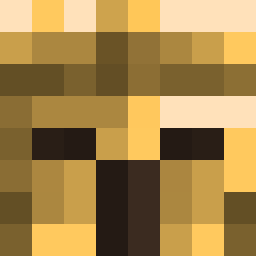 _TotallyRealMayo
 Ceyx24 JukeOfAllTrades GeloGee Literallyimport Rycon01 kinero12 BlackWolf74
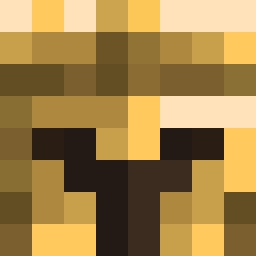 CasualGamer098 Dradoner1690 Hugge201004 Tendou_5
 ScaredIcy Hercules_77 leoncios KoolaidKiddo14 miner228craft DragonkiIIer
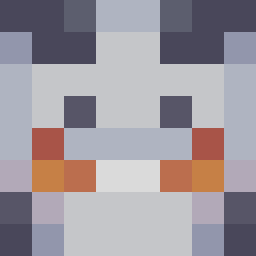 KayNguyen BlackMan_04 kitsutchi Xibral04 kumetek Kazu2007PL LIOverdrive
 tr1vex Burbles4027 Morrigan0411 TanyaKED SergioF98 Cesispaccatutto
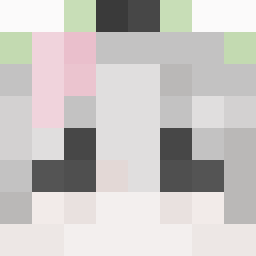 Sal_jx
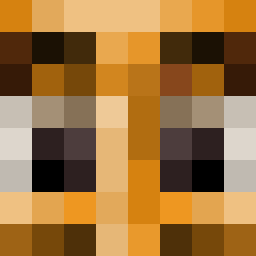 tlnytoes NUKE3R _Lord1k_ seaurchen Juansi2616 JeriCr0w ZephyxGames Ultime_Cookie777 kseeeeroh gianni10049
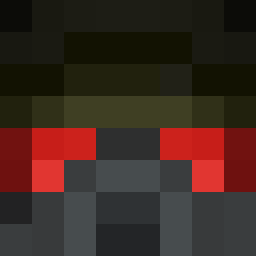 Firestone0655 lost45 _silver_fox _Zros 6Volt NotKani CarolusSeraph Schnitzlefritz fmzen Arc_Trooper66 WeebFurry _Zann__ guitarsong XioreUwU Goldremur ObintzC
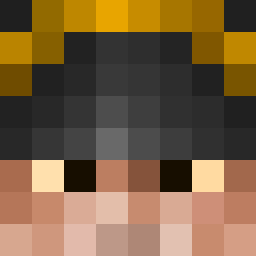 __wound Mekka474
More Warrior Minecraft skins
How to install the BenjoBeans skin
- Press the Download button above to save the skin as a PNG file.
- Minecraft: Bedrock Edition (PE): open the Dressing Room from the main menu (or tap your character → Edit Character), go to Classic Skins → Owned, press the + (new skin) button, choose the downloaded PNG and pick the Classic (Steve) model. Works on PC and mobile; consoles cannot import custom skins.
- Minecraft: Java Edition: open the Minecraft Launcher, go to the Skins tab, click New Skin, load the PNG, pick the Classic (Steve) model and press Save & Use. You can also upload it at minecraft.net → Profile → Change Skin.
The skin does not show up after import - what should I do?
Restart Minecraft and open the Dressing Room again - imported skins sometimes appear only after a restart. Also make sure you selected the imported skin and picked the Classic (Steve) model.
Which model should I choose, Classic or Slim?
This skin is designed for the Classic (Steve) model. If you pick the wrong model, the arms of the skin will look stretched or squeezed.
Is the skin of BenjoBeans free to download?
Yes. Press Download, save the PNG file and use it in Minecraft: Bedrock Edition or Java Edition - no payment or registration needed. The skin also works on multiplayer servers and Realms.
More skins
Looking for more? Go back to all Minecraft skins and check the top skins of the week, month and all time, or find any player's skin by nickname.