
BH_Erko - Minecraft Skins & Skin History
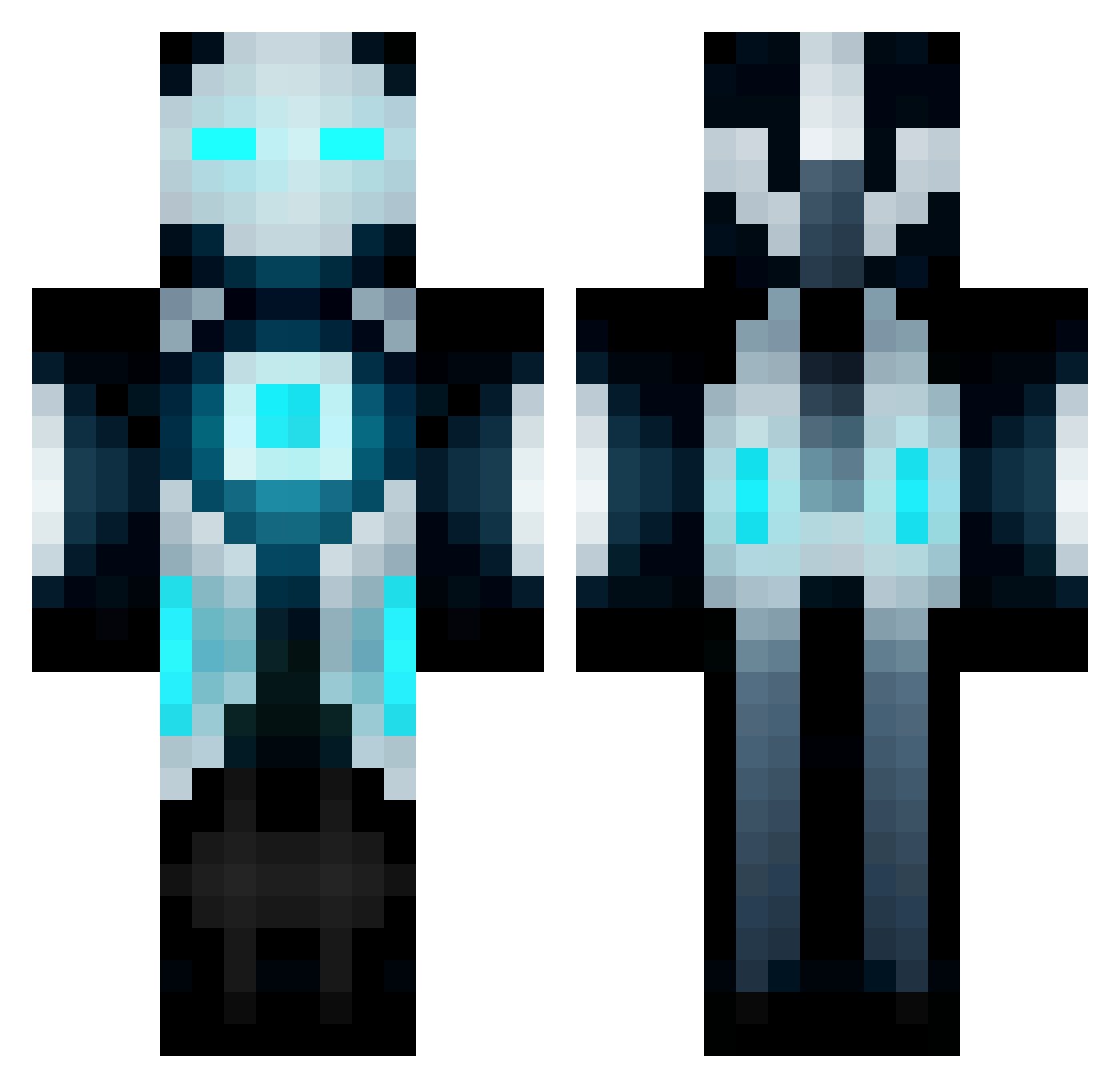
Current Minecraft skin of the player BH_Erko, loaded from the official Mojang API. Rotate the 3D model with your mouse or finger, then download the skin as a PNG file and use it in Minecraft: Bedrock Edition or Java Edition for free. When BH_Erko changes their skin, this page updates automatically and the old skin stays in the history below.
Other players with this skin (176)
BH_Erko was the 4th player we have seen with this skin, first spotted on 28.07.2026. The same skin was seen on these players. Open a nickname to see their current skin and skin history.
 Energony Dewetz478 Noobsito132 RetinaVault MemoryCatcher Harrier_10 NufcAllan SkiHe haiderGGa __Medusa Gubben2002 SamWiseGGs Herobring TA0 V4R4NT OCKJJAMI Fargoneaway2 Klafszky NiceSquirrel44 MrSealy X__Maverick__X HungryCoyote NoFace767 Slawa33 derkaktusbauer Rath714 Smartphone1 WanTedX40 N5632 Lessaoy T0XZIK Arvide Derek_Creep goldyplayer100 Egysenki Rainyss SamSmitty Agent_Fluffles Caosis SlamminCheeks NSGlyph death_bandit jimwht z_TrAv_z bolt3839 7403569 gbl_khattori Matthewpixelated Ninjaaaa Licoman256 DarkScioin Afk62 SoutaPress KaosWhiter TREXT_Prime ThomasGamerCZ Pepperies ACT_Productions 12BOSS24 PaPoPuLus
More Cyborg Minecraft skins
How to install the BH_Erko skin
- Press the Download button above to save the skin as a PNG file.
- Minecraft: Bedrock Edition (PE): open the Dressing Room from the main menu (or tap your character → Edit Character), go to Classic Skins → Owned, press the + (new skin) button, choose the downloaded PNG and pick the Classic (Steve) model. Works on PC and mobile; consoles cannot import custom skins.
- Minecraft: Java Edition: open the Minecraft Launcher, go to the Skins tab, click New Skin, load the PNG, pick the Classic (Steve) model and press Save & Use. You can also upload it at minecraft.net → Profile → Change Skin.
The skin does not show up after import - what should I do?
Restart Minecraft and open the Dressing Room again - imported skins sometimes appear only after a restart. Also make sure you selected the imported skin and picked the Classic (Steve) model.
Which model should I choose, Classic or Slim?
This skin is designed for the Classic (Steve) model. If you pick the wrong model, the arms of the skin will look stretched or squeezed.
Is the skin of BH_Erko free to download?
Yes. Press Download, save the PNG file and use it in Minecraft: Bedrock Edition or Java Edition - no payment or registration needed. The skin also works on multiplayer servers and Realms.
More skins
Looking for more? Go back to all Minecraft skins and check the top skins of the week, month and all time, or find any player's skin by nickname.