
Asphalion_ - Minecraft Skins & Skin History
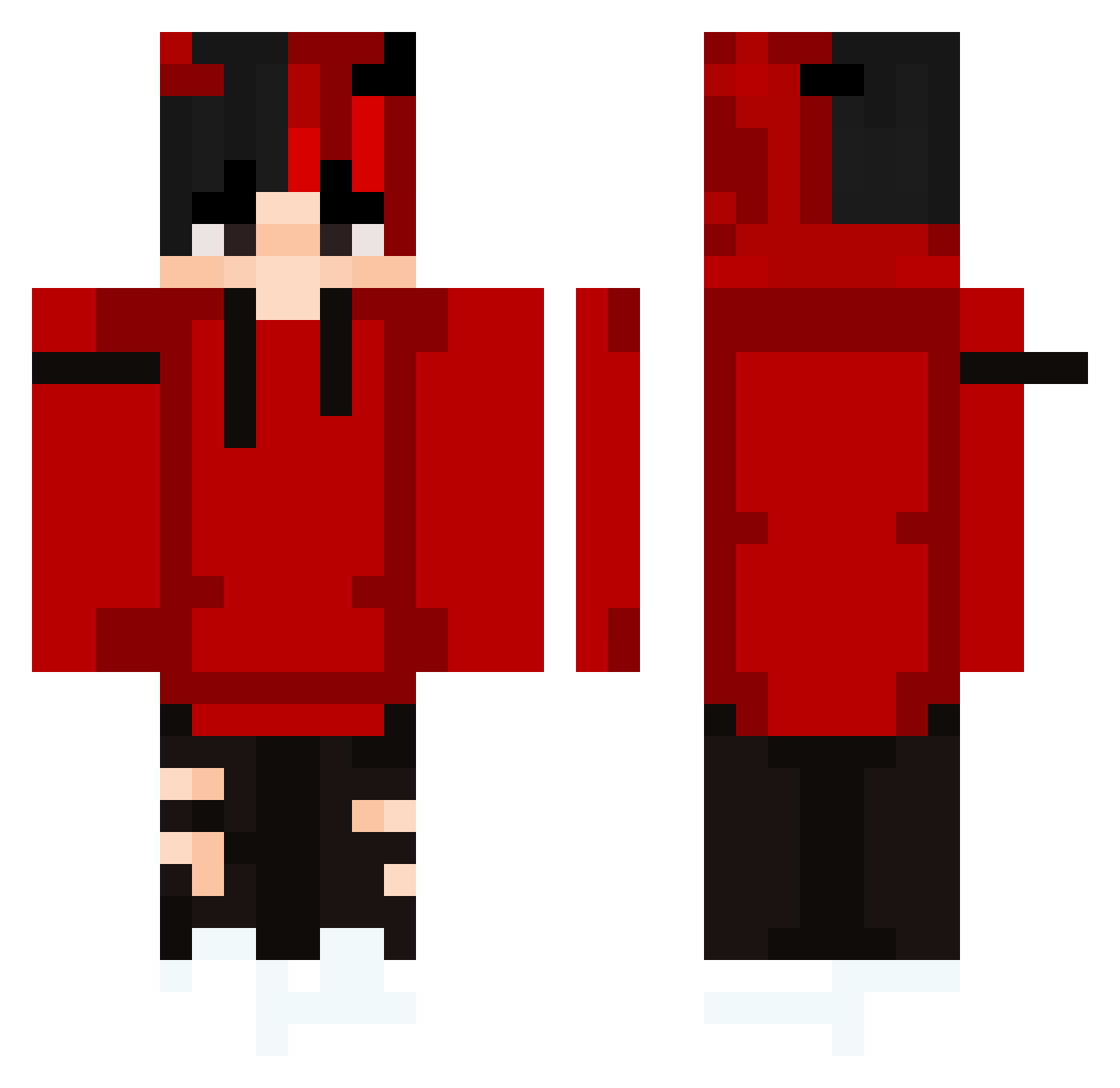
Current Minecraft skin of the player Asphalion_, loaded from the official Mojang API. Rotate the 3D model with your mouse or finger, then download the skin as a PNG file and use it in Minecraft: Bedrock Edition or Java Edition for free. When Asphalion_ changes their skin, this page updates automatically and the old skin stays in the history below.
Other players with this skin (310)
Asphalion_ was the 198th player we have seen with this skin, first spotted on 25.09.2026. The same skin was seen on these players. Open a nickname to see their current skin and skin history.
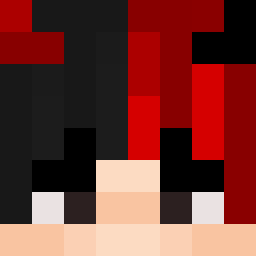 Jhoniisjelly YAKgamer1234 GsznxX JasonIQ DeltaBird2269 PAMONHACOMQUEIJO luisca18 MeLiOnAss JackTheBigBoss Gabry_C Tjalmar HaeshkaOPlay Franpe1303 Deltarox sijun1216 LVbin najtor GenghisKhanIT sivar1818 DarkMikeAlex Rain_Frozen Andre_35 swxglyy te2et Iwholi SFNinj4 Nokkeboy Kenneth98 V0LK4N PhantomDumb XneonXXX ShuiSkyJin partypinguin2411 T4iben Azilvion Danyeleytor Kinut Toxicvenom213 Danakuu Flamfleet Foresterrr QuibQuantum janixx777 gazz189 PVdP aldair_pc Moha7mmed igii2010 jhj0811 Mikelavezz2 MarioRo34 Max01102003 AboAbi aerxiq _AkiKun Nick_Nack06 JayB1003 Hosuk Nepin1112 Rozzica
More Horns Minecraft skins
How to install the Asphalion_ skin
- Press the Download button above to save the skin as a PNG file.
- Minecraft: Bedrock Edition (PE): open the Dressing Room from the main menu (or tap your character → Edit Character), go to Classic Skins → Owned, press the + (new skin) button, choose the downloaded PNG and pick the Classic (Steve) model. Works on PC and mobile; consoles cannot import custom skins.
- Minecraft: Java Edition: open the Minecraft Launcher, go to the Skins tab, click New Skin, load the PNG, pick the Classic (Steve) model and press Save & Use. You can also upload it at minecraft.net → Profile → Change Skin.
The skin does not show up after import - what should I do?
Restart Minecraft and open the Dressing Room again - imported skins sometimes appear only after a restart. Also make sure you selected the imported skin and picked the Classic (Steve) model.
Which model should I choose, Classic or Slim?
This skin is designed for the Classic (Steve) model. If you pick the wrong model, the arms of the skin will look stretched or squeezed.
Is the skin of Asphalion_ free to download?
Yes. Press Download, save the PNG file and use it in Minecraft: Bedrock Edition or Java Edition - no payment or registration needed. The skin also works on multiplayer servers and Realms.
More skins
Looking for more? Go back to all Minecraft skins and check the top skins of the week, month and all time, or find any player's skin by nickname.