
Artemich3 - Minecraft Skins & Skin History
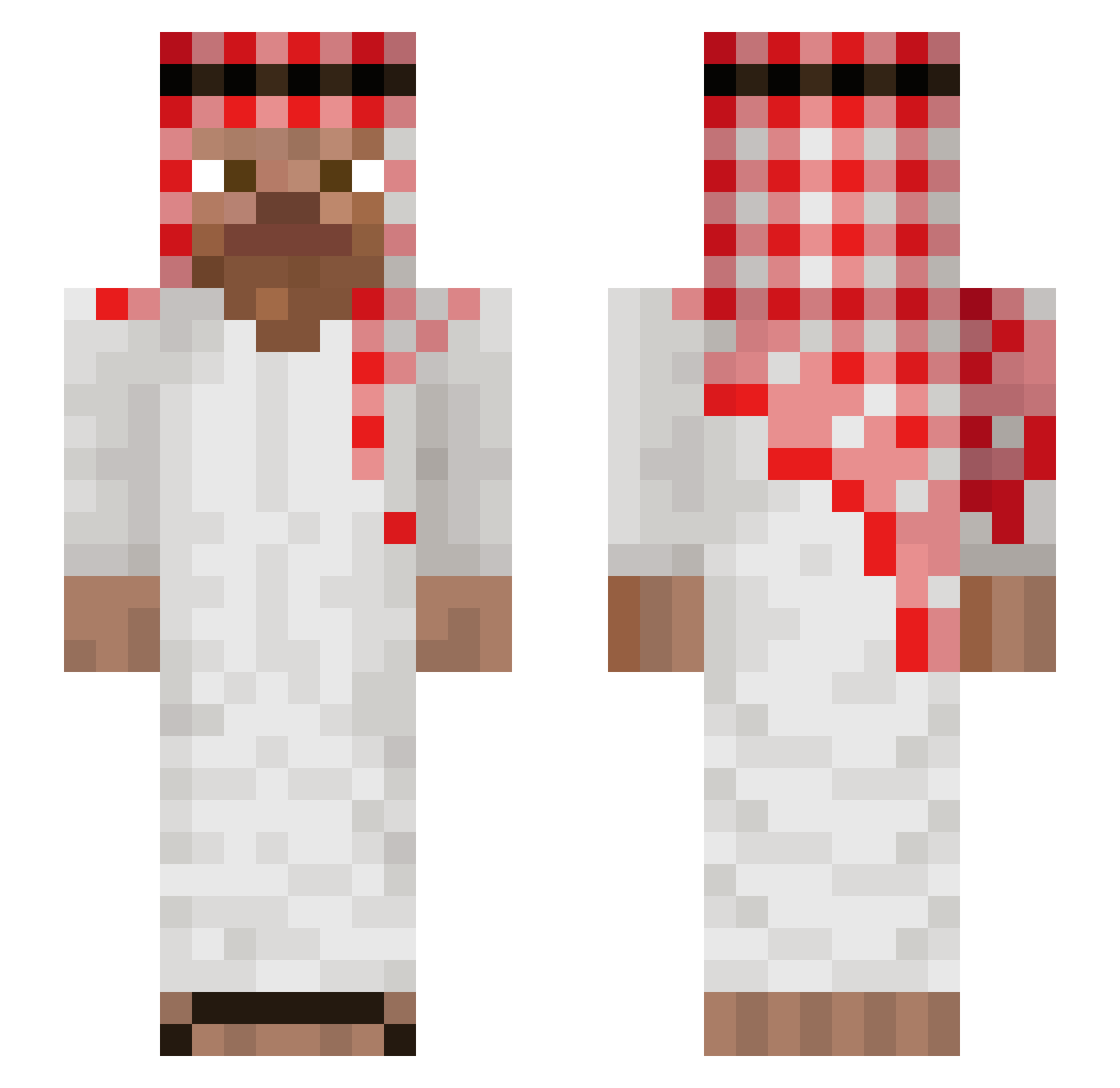
Current Minecraft skin of the player Artemich3, loaded from the official Mojang API. Rotate the 3D model with your mouse or finger, then download the skin as a PNG file and use it in Minecraft: Bedrock Edition or Java Edition for free. When Artemich3 changes their skin, this page updates automatically and the old skin stays in the history below.
Other players with this skin (1035)
Artemich3 was the 833rd player we have seen with this skin, first spotted on 18.10.2026. The same skin was seen on these players. Open a nickname to see their current skin and skin history.
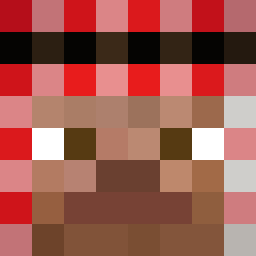 Rovln_ fwsuma T4RUTH vodcuhh DyXo007 Gaming_Skeleton Nothin2Somethin mokrypepek Daserta Livio777 apexyam D1rty_Harry OcupadoHank TheNukeKiller GhostNils69 Firehamazino221 ShellyHorse3522 Bazana DragonloreMC helibaman Hubert3214 Stalline sinwoogay1 sighinghail6959 juiRobs AbdurrahmanA JohnLeCam qnolix No4h424 Conqrain The_Legendary78 xsyxv sansletrousdebal Straysans bidou1406 bloxxsf Fransefriet 0m0nek_ melons372 tulenusatyy12 PithecanthropusD _ElFrajero_ guicrak kh_legendary Grubinii ThatFart Bossie2 _Confusion Persasiu Jac0bs__ CH4IT4NYA _blendoener_ suzuyq adamblhe nfk_ Void1468 YawnY3K Przemek161 Xxtentaded LethargicRussian
More Arabic Minecraft skins
How to install the Artemich3 skin
- Press the Download button above to save the skin as a PNG file.
- Minecraft: Bedrock Edition (PE): open the Dressing Room from the main menu (or tap your character → Edit Character), go to Classic Skins → Owned, press the + (new skin) button, choose the downloaded PNG and pick the Slim (Alex) model. Works on PC and mobile; consoles cannot import custom skins.
- Minecraft: Java Edition: open the Minecraft Launcher, go to the Skins tab, click New Skin, load the PNG, pick the Slim (Alex) model and press Save & Use. You can also upload it at minecraft.net → Profile → Change Skin.
The skin does not show up after import - what should I do?
Restart Minecraft and open the Dressing Room again - imported skins sometimes appear only after a restart. Also make sure you selected the imported skin and picked the Slim (Alex) model.
Which model should I choose, Classic or Slim?
This skin is designed for the Slim (Alex) model. If you pick the wrong model, the arms of the skin will look stretched or squeezed.
Is the skin of Artemich3 free to download?
Yes. Press Download, save the PNG file and use it in Minecraft: Bedrock Edition or Java Edition - no payment or registration needed. The skin also works on multiplayer servers and Realms.
More skins
Looking for more? Go back to all Minecraft skins and check the top skins of the week, month and all time, or find any player's skin by nickname.