
ArrozConPolloGD - Minecraft Skins & Skin History
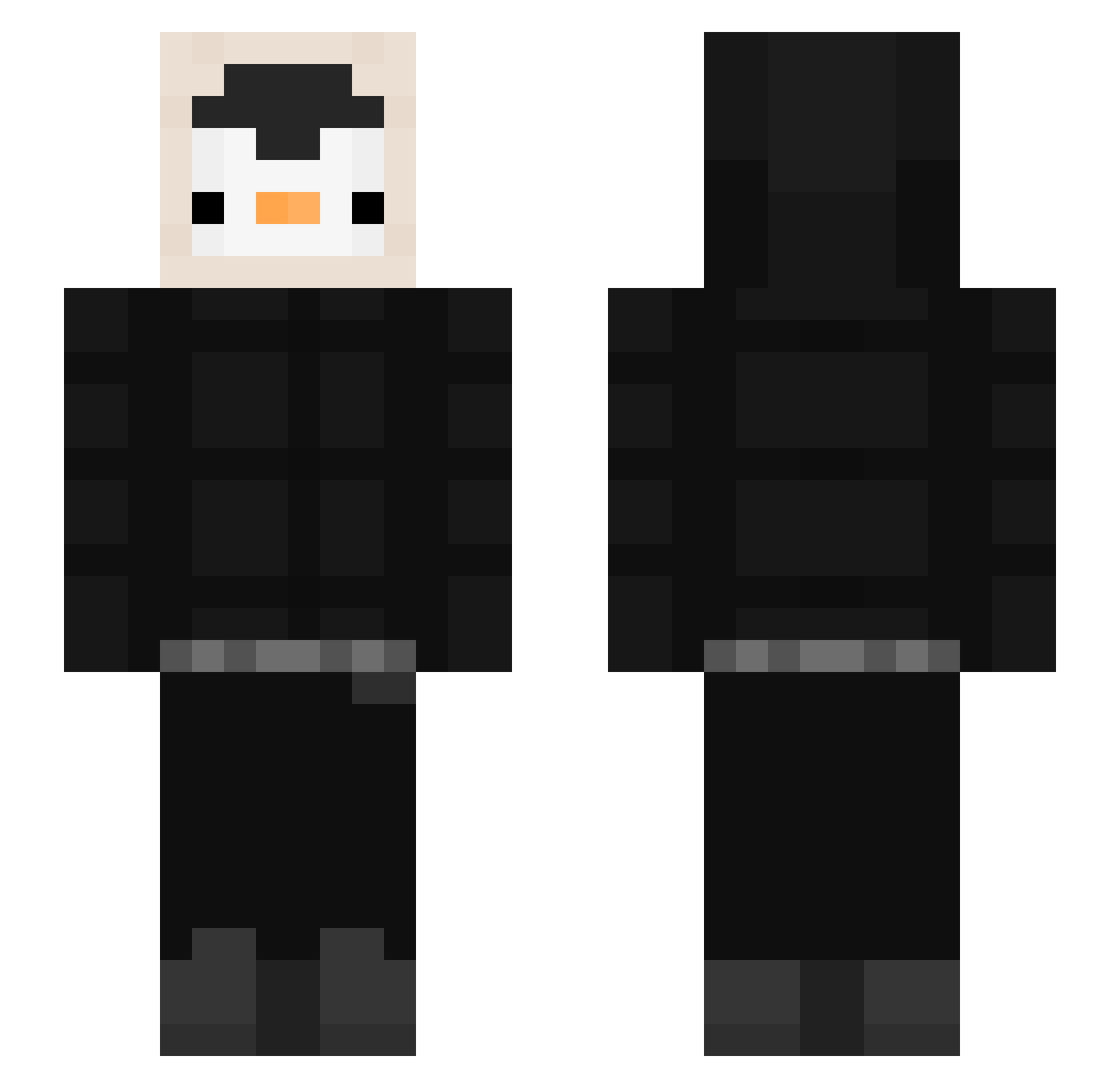
Current Minecraft skin of the player ArrozConPolloGD, loaded from the official Mojang API. Rotate the 3D model with your mouse or finger, then download the skin as a PNG file and use it in Minecraft: Bedrock Edition or Java Edition for free. When ArrozConPolloGD changes their skin, this page updates automatically and the old skin stays in the history below.
Other players with this skin (536)
ArrozConPolloGD was the 479th player we have seen with this skin, first spotted on 24.10.2026. The same skin was seen on these players. Open a nickname to see their current skin and skin history.
 TechnicalR3 roadrages Loooois_D TechOnJava _Nikuss_ MataWeone hanbanf tibs17 Srpinguino27 WABAS KORIDS Pauli612 psj8623 juhquish ramikson KIM_NOUL llKaRimll dmddo_ novatex ksoo17 krim__ godsuny DrChiky kasula1758 temonx PangGu93 DinojulXD dominikzw wateryDGM fatosiclaro skipper_412 cheche1126 iitsMoo mski6 suin0809 djishle gutyashka PhoeniKx BangGubDa oSoarezZ arang02_ Zgredzio33 SmokeYko BodaciousBeluga Ogaka47 knakworstroan ILWFAD Kesin7 Nexha2 Jonas7411 MarssG1 Neogul02 cesarylovo Showin Doemaargames_YT FrangeppeT psiapala69 art455 SportyNebula164 sperebs
More Penguin Minecraft skins
How to install the ArrozConPolloGD skin
- Press the Download button above to save the skin as a PNG file.
- Minecraft: Bedrock Edition (PE): open the Dressing Room from the main menu (or tap your character → Edit Character), go to Classic Skins → Owned, press the + (new skin) button, choose the downloaded PNG and pick the Slim (Alex) model. Works on PC and mobile; consoles cannot import custom skins.
- Minecraft: Java Edition: open the Minecraft Launcher, go to the Skins tab, click New Skin, load the PNG, pick the Slim (Alex) model and press Save & Use. You can also upload it at minecraft.net → Profile → Change Skin.
The skin does not show up after import - what should I do?
Restart Minecraft and open the Dressing Room again - imported skins sometimes appear only after a restart. Also make sure you selected the imported skin and picked the Slim (Alex) model.
Which model should I choose, Classic or Slim?
This skin is designed for the Slim (Alex) model. If you pick the wrong model, the arms of the skin will look stretched or squeezed.
Is the skin of ArrozConPolloGD free to download?
Yes. Press Download, save the PNG file and use it in Minecraft: Bedrock Edition or Java Edition - no payment or registration needed. The skin also works on multiplayer servers and Realms.
More skins
Looking for more? Go back to all Minecraft skins and check the top skins of the week, month and all time, or find any player's skin by nickname.