
Argandec - Minecraft Skins & Skin History
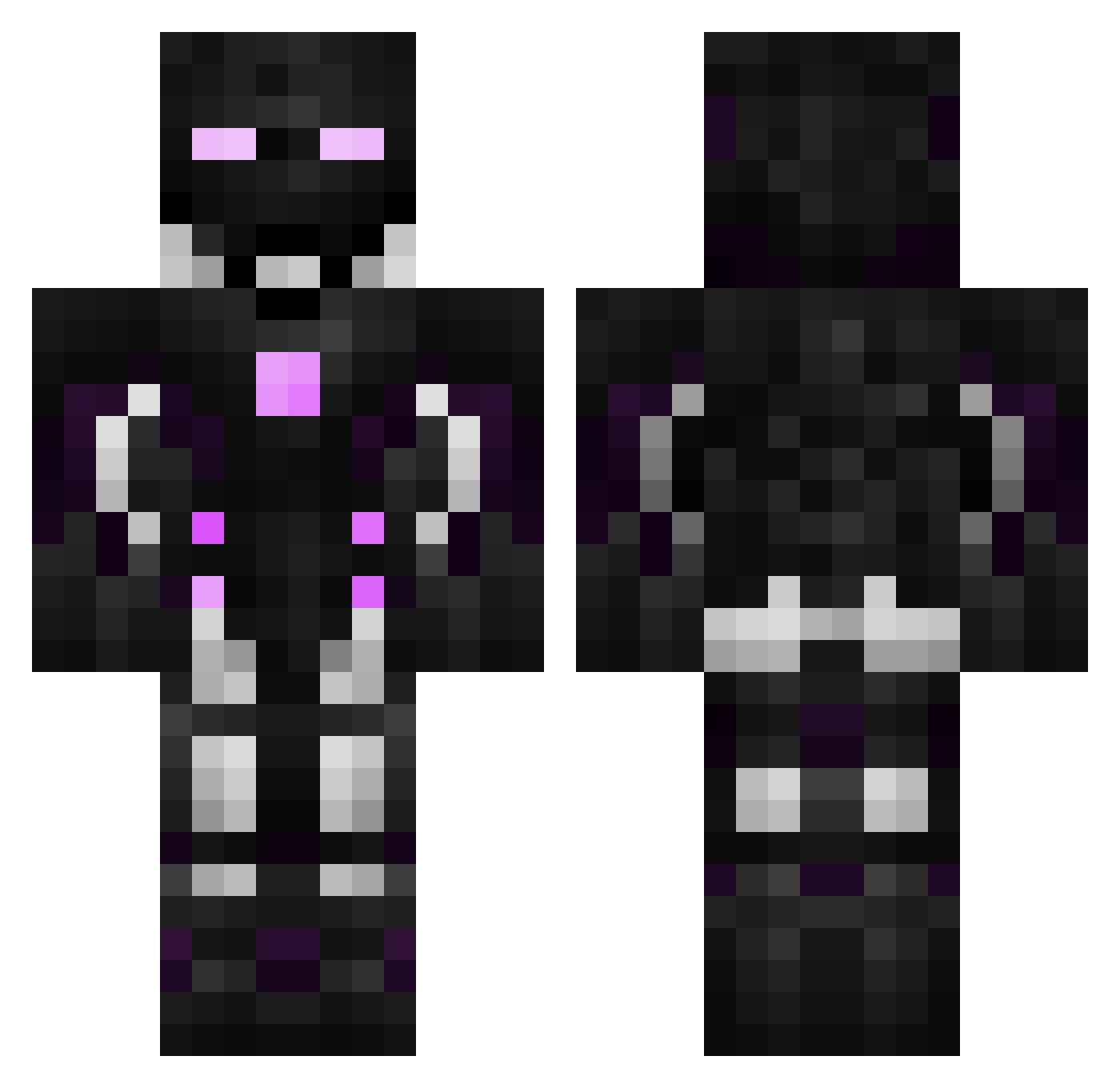
Current Minecraft skin of the player Argandec, loaded from the official Mojang API. Rotate the 3D model with your mouse or finger, then download the skin as a PNG file and use it in Minecraft: Bedrock Edition or Java Edition for free. When Argandec changes their skin, this page updates automatically and the old skin stays in the history below.
Other players with this skin (596)
Argandec was the 365th player we have seen with this skin, first spotted on 04.10.2026. The same skin was seen on these players. Open a nickname to see their current skin and skin history.
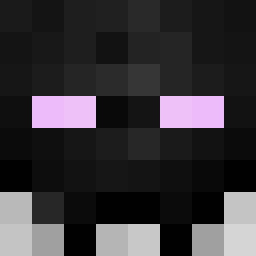 5o_gh sipcabey Ler joy_bro _Basile_boobakar Thunderounette BOBoON94 DemonEX234 Varquase_P VozzatronDragon ArchMozzy KamilekBF TheGLaDOS5240 MvMGuide Stateks liuRen0123 thanklessSophis Night_Stalker21 WingsGB Cayet_13 MCdamian Xautic Manley1 Stank48 TrickstersTp ghtz_pd0B2_0121 KaNaGoNkA _DInT650 Cousin_Blackjack 8kuramasama8 liquidcye Cryhavok1313 CoolMike5000 paperplane2 Giambe93 JayTea98 Tommyking7878 InfernoParadise BibouGaming Better_Be L0r3__ Zeyrox934 _Tommy004_ faddder MilkMint707 Stargalaxy80 SamGo11 Sapphire_Slayer Aaron_oooo SchattenMonster _oldsql1337_ Ruinsmok enoul EmperorKai AssassinSenpai BOWENFLASH Wolfpac419x Jerrand fatmen1129 Zayronica
More Cyborg Minecraft skins
How to install the Argandec skin
- Press the Download button above to save the skin as a PNG file.
- Minecraft: Bedrock Edition (PE): open the Dressing Room from the main menu (or tap your character → Edit Character), go to Classic Skins → Owned, press the + (new skin) button, choose the downloaded PNG and pick the Classic (Steve) model. Works on PC and mobile; consoles cannot import custom skins.
- Minecraft: Java Edition: open the Minecraft Launcher, go to the Skins tab, click New Skin, load the PNG, pick the Classic (Steve) model and press Save & Use. You can also upload it at minecraft.net → Profile → Change Skin.
The skin does not show up after import - what should I do?
Restart Minecraft and open the Dressing Room again - imported skins sometimes appear only after a restart. Also make sure you selected the imported skin and picked the Classic (Steve) model.
Which model should I choose, Classic or Slim?
This skin is designed for the Classic (Steve) model. If you pick the wrong model, the arms of the skin will look stretched or squeezed.
Is the skin of Argandec free to download?
Yes. Press Download, save the PNG file and use it in Minecraft: Bedrock Edition or Java Edition - no payment or registration needed. The skin also works on multiplayer servers and Realms.
More skins
Looking for more? Go back to all Minecraft skins and check the top skins of the week, month and all time, or find any player's skin by nickname.