
ArchlLock - Minecraft Skins & Skin History
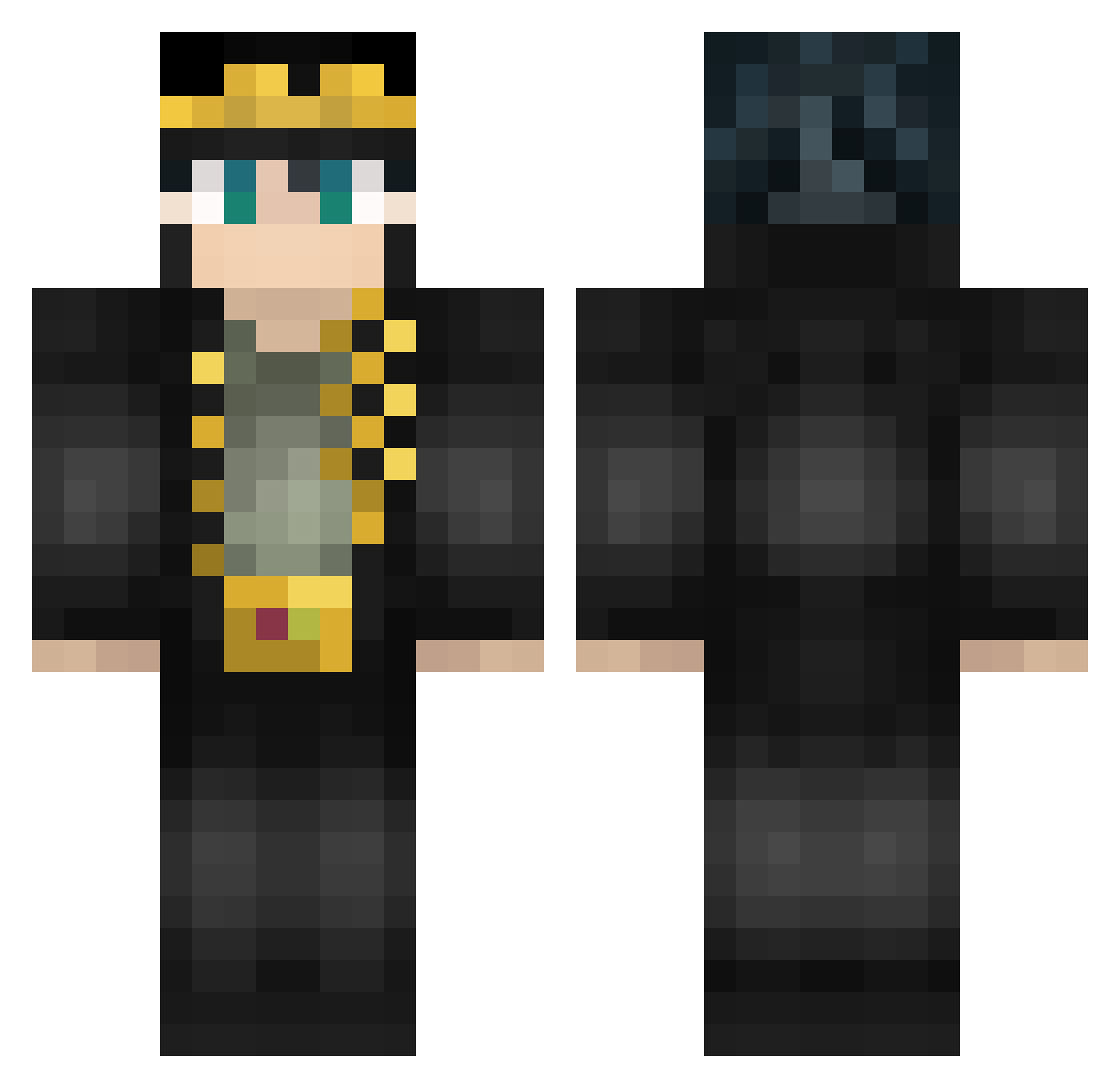
Current Minecraft skin of the player ArchlLock, loaded from the official Mojang API. Rotate the 3D model with your mouse or finger, then download the skin as a PNG file and use it in Minecraft: Bedrock Edition or Java Edition for free. When ArchlLock changes their skin, this page updates automatically and the old skin stays in the history below.
Other players with this skin (587)
ArchlLock was the 457th player we have seen with this skin, first spotted on 18.10.2026. The same skin was seen on these players. Open a nickname to see their current skin and skin history.
 iTz__Gtzxx khangdeeptry GrandmasBear marabuda Midyra Freddy_Fazbear87 pdsewell MonsieurEsclave1 BlueMouse08 Phildesm Mattcraft0201 Keyofdestiny yoyiotis Dolzaev pioneer_zzr BluMillion cyphox64 AwesomeAUBS Gilgenpa diegu_gu anhing himhimlo Blakwido GeneralCornpuff KujoXJotaro Nai0019 BillShakesfear damsgraf_ kemiisan r_o_m_a42 rdeuxfois mcrrrrrrrrr765lt vovopoke Andy__0106 YungLux shengeka seasealman _chakill_ myan09327 PiediFreddi Drexal1 Weekly4e kokoric PrincessFrenchy railly xShadowWolfzx Mr_Gaming54 Ao_909 EpicMCPower Sta3fedd216 Sonik_k Fukaaa ShinyUAX engstrom9202 Bork_kun jarrett008 Rastablasta DrWaffle lalogoonz scripaaa
More Jotaro Kujo Minecraft skins
How to install the ArchlLock skin
- Press the Download button above to save the skin as a PNG file.
- Minecraft: Bedrock Edition (PE): open the Dressing Room from the main menu (or tap your character → Edit Character), go to Classic Skins → Owned, press the + (new skin) button, choose the downloaded PNG and pick the Classic (Steve) model. Works on PC and mobile; consoles cannot import custom skins.
- Minecraft: Java Edition: open the Minecraft Launcher, go to the Skins tab, click New Skin, load the PNG, pick the Classic (Steve) model and press Save & Use. You can also upload it at minecraft.net → Profile → Change Skin.
The skin does not show up after import - what should I do?
Restart Minecraft and open the Dressing Room again - imported skins sometimes appear only after a restart. Also make sure you selected the imported skin and picked the Classic (Steve) model.
Which model should I choose, Classic or Slim?
This skin is designed for the Classic (Steve) model. If you pick the wrong model, the arms of the skin will look stretched or squeezed.
Is the skin of ArchlLock free to download?
Yes. Press Download, save the PNG file and use it in Minecraft: Bedrock Edition or Java Edition - no payment or registration needed. The skin also works on multiplayer servers and Realms.
More skins
Looking for more? Go back to all Minecraft skins and check the top skins of the week, month and all time, or find any player's skin by nickname.