
ArchiBlock31 - Minecraft Skins & Skin History
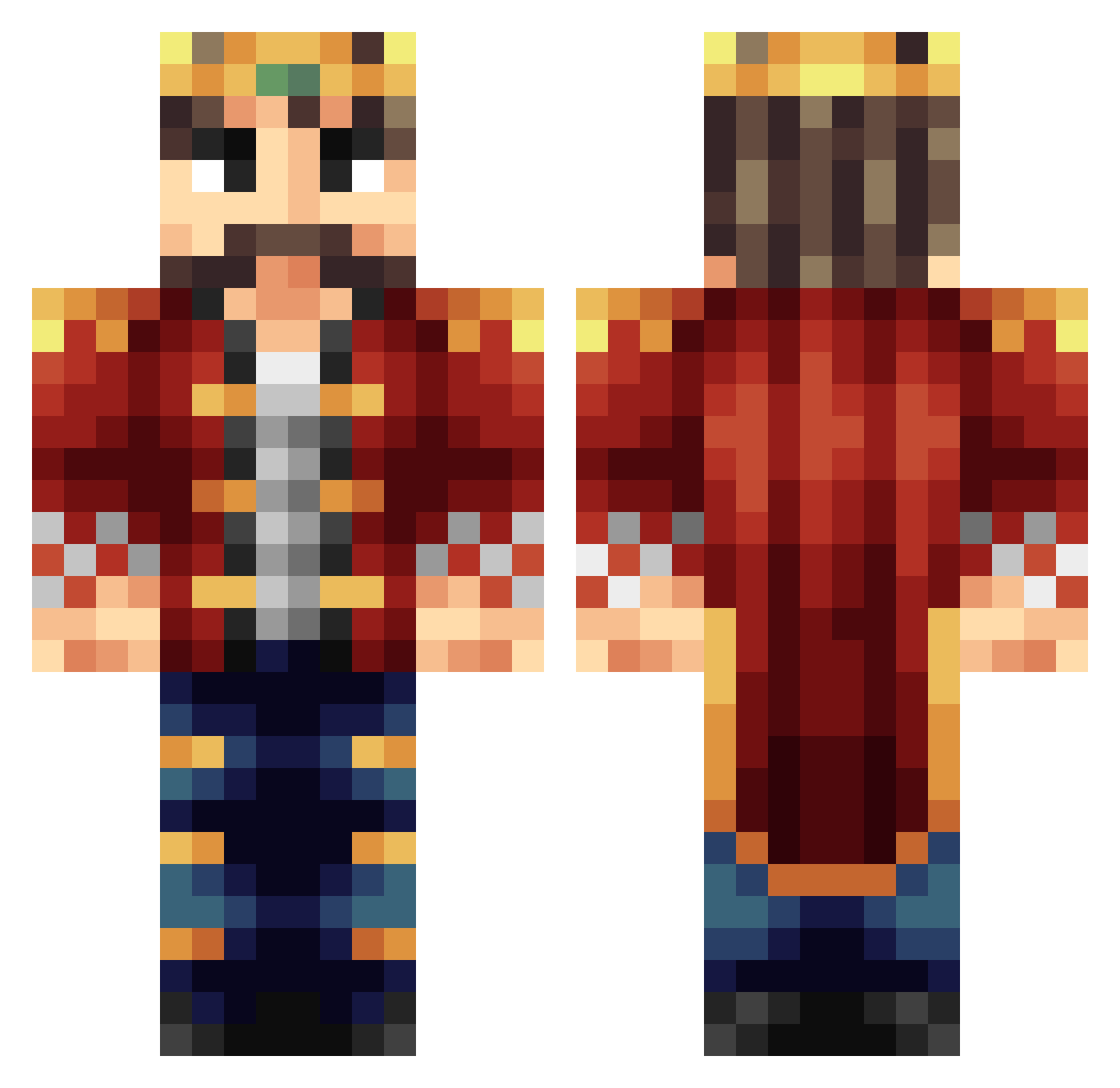
Current Minecraft skin of the player ArchiBlock31, loaded from the official Mojang API. Rotate the 3D model with your mouse or finger, then download the skin as a PNG file and use it in Minecraft: Bedrock Edition or Java Edition for free. When ArchiBlock31 changes their skin, this page updates automatically and the old skin stays in the history below.
Other players with this skin (187)
ArchiBlock31 was the 92nd player we have seen with this skin, first spotted on 29.08.2026. The same skin was seen on these players. Open a nickname to see their current skin and skin history.
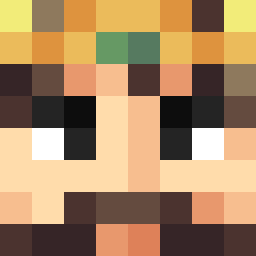 Tryce985 Tony1591 Kaekh ABC7849 M4DM4X176 ChosenArbiter Srodl ForgottenHero Orcsbane jimith99 Valeryion SirGuy22 Martians_Martin BTAnime littlecandlehaha Versallez LordPeanut1 FloTheBiscuit ArteSano3 SpaceRidroc ThebigbossCE IMrLawrence billz004 SuperGoatMan BigBoyLorenzo TheWaRGaS Rawrcardo Deltamat TheFirePrior Timmeh_15 RichieTNT21 Hemaworst14 Leiaoo PieterTuijl 1van007 Alazura Bei_Hai HEPT4GON BestLoafAround KingKy333 Uncle__Yang oBADGERo KoenigLudwig_1 MAXimalSend kingpingpong Tiny_Thor_ AxeBoyd babaev Phaux2 rickyboy20 Quaris7 denyrequest ObeseKing Black_Ya NesparR WeikenL UnlimitedStars Rat_lex Reyiz__ Deadstalk3
More Technoblade Minecraft skins
See all 3463 Technoblade skins
How to install the ArchiBlock31 skin
- Press the Download button above to save the skin as a PNG file.
- Minecraft: Bedrock Edition (PE): open the Dressing Room from the main menu (or tap your character → Edit Character), go to Classic Skins → Owned, press the + (new skin) button, choose the downloaded PNG and pick the Classic (Steve) model. Works on PC and mobile; consoles cannot import custom skins.
- Minecraft: Java Edition: open the Minecraft Launcher, go to the Skins tab, click New Skin, load the PNG, pick the Classic (Steve) model and press Save & Use. You can also upload it at minecraft.net → Profile → Change Skin.
The skin does not show up after import - what should I do?
Restart Minecraft and open the Dressing Room again - imported skins sometimes appear only after a restart. Also make sure you selected the imported skin and picked the Classic (Steve) model.
Which model should I choose, Classic or Slim?
This skin is designed for the Classic (Steve) model. If you pick the wrong model, the arms of the skin will look stretched or squeezed.
Is the skin of ArchiBlock31 free to download?
Yes. Press Download, save the PNG file and use it in Minecraft: Bedrock Edition or Java Edition - no payment or registration needed. The skin also works on multiplayer servers and Realms.
More skins
Looking for more? Go back to all Minecraft skins and check the top skins of the week, month and all time, or find any player's skin by nickname.