
 kingominer TrennexEU zuzukid Jackson_73 ARCHI507 VoidZippo Kingalfred64 RannieL86 SirHonks Cringester ajkelley72 Devjerovf Tabarnik Prosolitor hazelnutman Spike2929 Sugarycupcakes ChiefRansom pierrick417 Daglioglu Kingarthur1001 Old_Brealsk BEAStMASTER64V4 Gilopian_King Koenig33 ProfDrSven KrisWeb Samuel05G jagtai T_Snookey Tiny__Thor olimoray Sorceren333 Madlad2019 Sportvisser ChatKing MrAlpheus keycloud siruteok OliBest slimedoodleYT Simply_Marci HighKingElvis qrk_ Dionist King_Lacka DarkValkyrieSin wolfwitdabigiron sztanek1981 Wrekchos Karlminecraft888 KingsGambit2 OHuang langjokull BrainSmasher1906 WeSparrows Priedus ElectricBanana 1van007 billz004
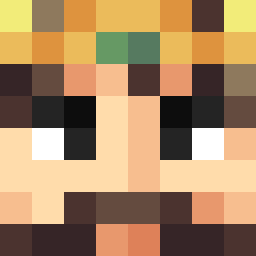
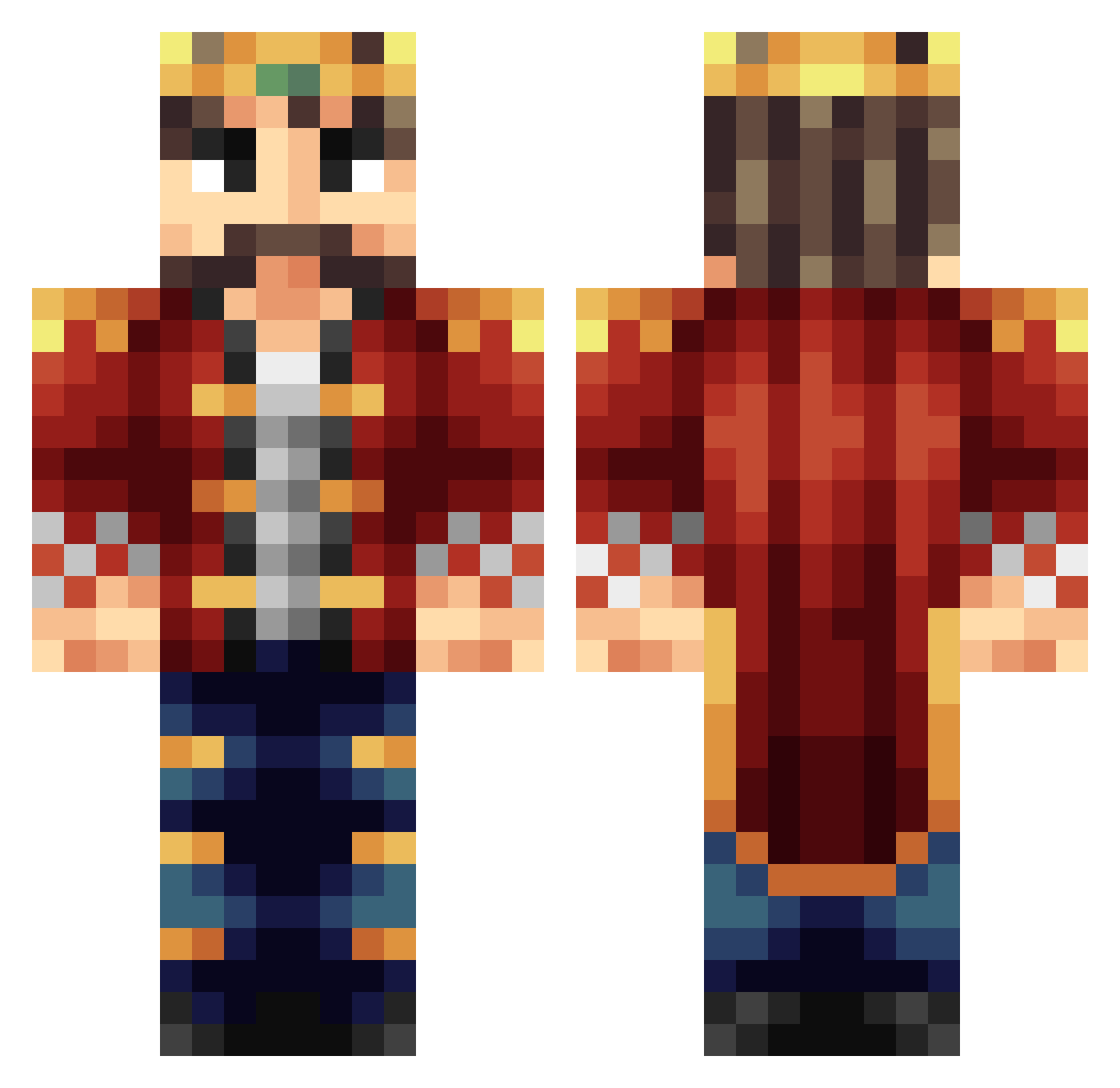
Minecraft skin of FLIXMIX1337. Rotate the 3D model with your mouse or finger to view the skin from every angle, then download it as a PNG file and use it in Minecraft: Bedrock Edition or Java Edition for free. Rate the skin with stars to help other players find the best skins in our collection.
How to install the FLIXMIX1337 skin
- Press the Download button above to save the skin as a PNG file.
- Minecraft: Bedrock Edition (PE): open the Dressing Room from the main menu (or tap your character → Edit Character), go to Classic Skins → Owned, press the + (new skin) button, choose the downloaded PNG and pick the Classic (Steve) model. Works on PC and mobile; consoles cannot import custom skins.
- Minecraft: Java Edition: open the Minecraft Launcher, go to the Skins tab, click New Skin, load the PNG, pick the Classic (Steve) model and press Save & Use. You can also upload it at minecraft.net → Profile → Change Skin.
The skin does not show up after import - what should I do?
Restart Minecraft and open the Dressing Room again - imported skins sometimes appear only after a restart. Also make sure you selected the imported skin and picked the Classic (Steve) model.
Which model should I choose, Classic or Slim?
This skin is designed for the Classic (Steve) model. If you pick the wrong model, the arms of the skin will look stretched or squeezed.
Is this skin free to use?
Yes. Press Download, save the PNG file and use it in Minecraft: Bedrock Edition or Java Edition - no payment or registration needed. The skin also works on multiplayer servers and Realms.
More Technoblade Minecraft skins
See all 4262 Technoblade skins
More skins
Looking for more? Go back to all Minecraft skins and check the top skins of the week, month and all time, or find any player's skin by nickname.