
Araboard - Minecraft Skins & Skin History
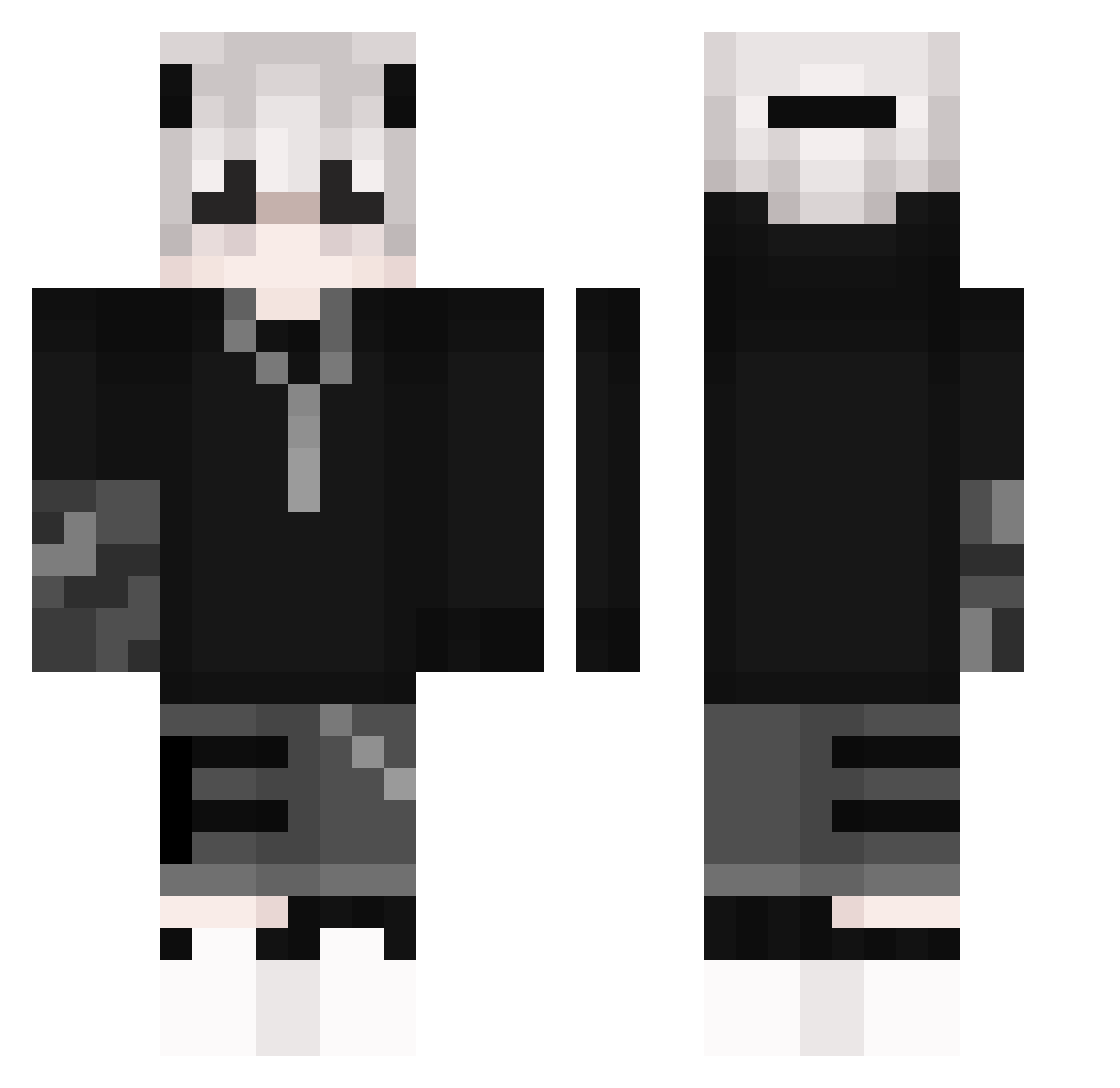
Current Minecraft skin of the player Araboard, loaded from the official Mojang API. Rotate the 3D model with your mouse or finger, then download the skin as a PNG file and use it in Minecraft: Bedrock Edition or Java Edition for free. When Araboard changes their skin, this page updates automatically and the old skin stays in the history below.
Other players with this skin (266)
Araboard was the 120th player we have seen with this skin, first spotted on 26.09.2026. The same skin was seen on these players. Open a nickname to see their current skin and skin history.
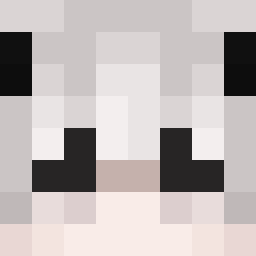 Tanjirou_1 Macbaps Bluewhate xHqnnes bobbyc771 DanteDemonSlay DabbysFinest Xanauf a_aaleexx Andres7936 Sometacos0o ilumpti Grom189 MasterOfDesazter kimmmo7 Waxopez ParadiseBuild3r Kaiyov XDogy1337 julianbacz Kishan_ Dolin420 Stpd_Goat gemjun421 Ne0Nerus _Shieru_ Necroscorp zthns Seanwaffle ACMaster64 Zebax LordRobbStark DavHar HellSmile Kyshiro_ DeityDoggo gkdisrpdla RAINBOWGAM2012 BrightenIce TOBYFY Jhonny0831 poporamaru86 berryYUN Mert895 OquasarO SirHrbad CoolSauce47 huaqi Azylium12 hgf685r OkOn16cps pri374 frozeclipcasxome collectmysoul666 Bunnykiller602 Domis_Zawadiaka siwoo1024 DeXshora Alixienne VHA_Lisboa
More Streetwear Minecraft skins
How to install the Araboard skin
- Press the Download button above to save the skin as a PNG file.
- Minecraft: Bedrock Edition (PE): open the Dressing Room from the main menu (or tap your character → Edit Character), go to Classic Skins → Owned, press the + (new skin) button, choose the downloaded PNG and pick the Classic (Steve) model. Works on PC and mobile; consoles cannot import custom skins.
- Minecraft: Java Edition: open the Minecraft Launcher, go to the Skins tab, click New Skin, load the PNG, pick the Classic (Steve) model and press Save & Use. You can also upload it at minecraft.net → Profile → Change Skin.
The skin does not show up after import - what should I do?
Restart Minecraft and open the Dressing Room again - imported skins sometimes appear only after a restart. Also make sure you selected the imported skin and picked the Classic (Steve) model.
Which model should I choose, Classic or Slim?
This skin is designed for the Classic (Steve) model. If you pick the wrong model, the arms of the skin will look stretched or squeezed.
Is the skin of Araboard free to download?
Yes. Press Download, save the PNG file and use it in Minecraft: Bedrock Edition or Java Edition - no payment or registration needed. The skin also works on multiplayer servers and Realms.
More skins
Looking for more? Go back to all Minecraft skins and check the top skins of the week, month and all time, or find any player's skin by nickname.