
 ejkejXD BapoX_91 Mqrcox0 ygmsh shiny_6_blue xiangguk Foreigner1 xuanxiao776 Bladento Nelsuk GodOfTheArea AxlAndrw Facuwave Wzzyjuega Degarcy Serpentor84 Apricity_bai Gabrielff09 Glys ReikiBlack Tetraodontidae jakal0122 TbhDani_ Ezeckiel_x junseo0109 XaroNick kamifish KazamaArashi r3m1c3k Shiryu6840 jegelsker420 _KKlapeczeq_ MaxixD3 bleedszn JustSimply1 twohero_ Phaezers NaT00o s594569321 MelihAcar JohnConstantine2 akachan1230 RaygamerLP IlyStylo akaindahouse wlwlwl4422 Elixye CardKing1 Bobbyhero SKLRORY CaptainOdog221 iLogaan HailMiks KuschiTuschi Eljuacotim Samrtie09 _Flereous_ xKubaz pcunplugged kintoki012
Minecraft skin of GreenTeaSu. Rotate the 3D model with your mouse or finger to view the skin from every angle, then download it as a PNG file and use it in Minecraft: Bedrock Edition or Java Edition for free. Rate the skin with stars to help other players find the best skins in our collection.
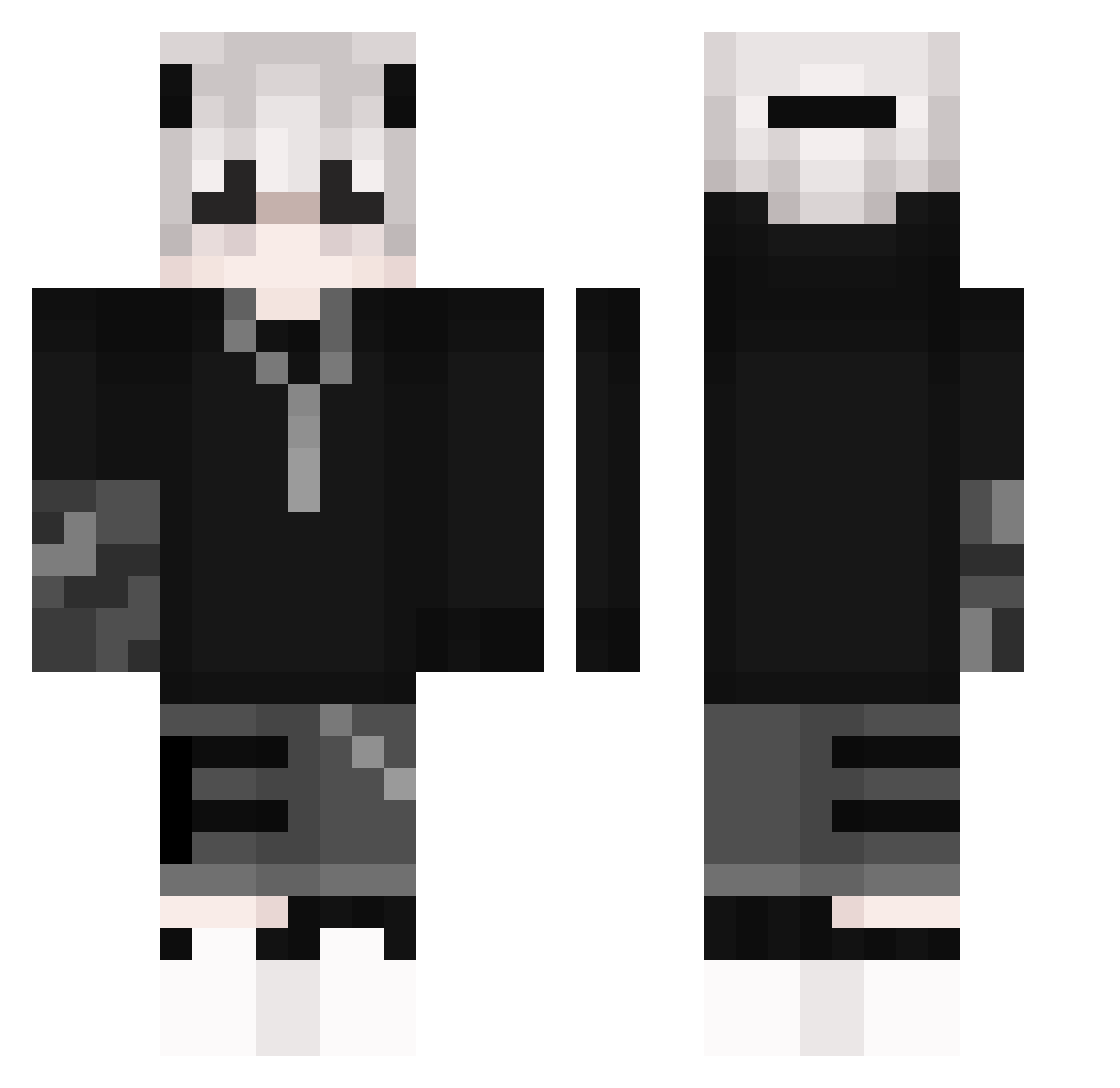
How to install the GreenTeaSu skin
- Press the Download button above to save the skin as a PNG file.
- Minecraft: Bedrock Edition (PE): open the Dressing Room from the main menu (or tap your character → Edit Character), go to Classic Skins → Owned, press the + (new skin) button, choose the downloaded PNG and pick the Classic (Steve) model. Works on PC and mobile; consoles cannot import custom skins.
- Minecraft: Java Edition: open the Minecraft Launcher, go to the Skins tab, click New Skin, load the PNG, pick the Classic (Steve) model and press Save & Use. You can also upload it at minecraft.net → Profile → Change Skin.
The skin does not show up after import - what should I do?
Restart Minecraft and open the Dressing Room again - imported skins sometimes appear only after a restart. Also make sure you selected the imported skin and picked the Classic (Steve) model.
Which model should I choose, Classic or Slim?
This skin is designed for the Classic (Steve) model. If you pick the wrong model, the arms of the skin will look stretched or squeezed.
Is this skin free to use?
Yes. Press Download, save the PNG file and use it in Minecraft: Bedrock Edition or Java Edition - no payment or registration needed. The skin also works on multiplayer servers and Realms.
More Streetwear Minecraft skins
More skins
Looking for more? Go back to all Minecraft skins and check the top skins of the week, month and all time, or find any player's skin by nickname.