
Aqxnt - Minecraft Skins & Skin History
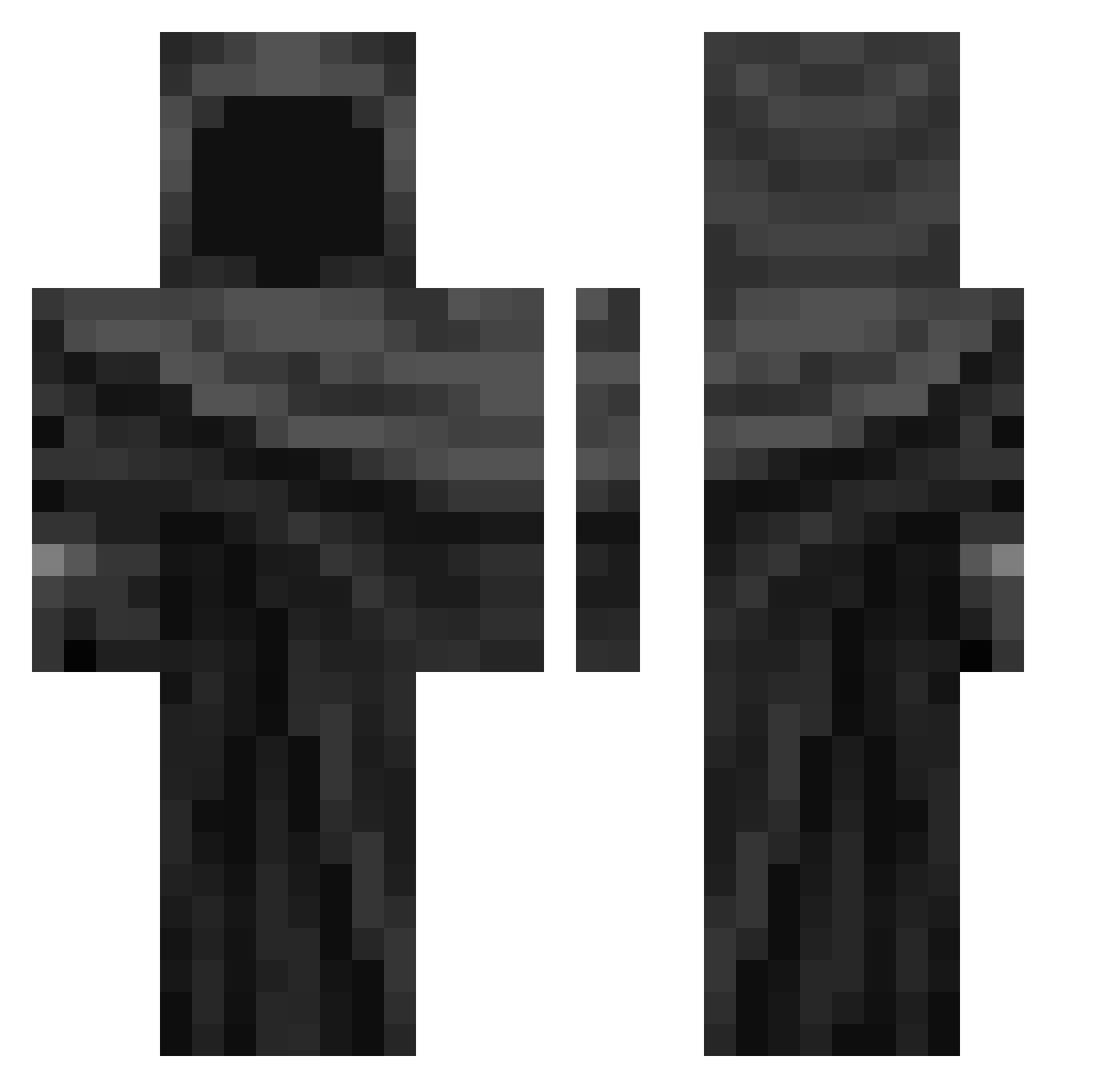
Current Minecraft skin of the player Aqxnt, loaded from the official Mojang API. Rotate the 3D model with your mouse or finger, then download the skin as a PNG file and use it in Minecraft: Bedrock Edition or Java Edition for free. When Aqxnt changes their skin, this page updates automatically and the old skin stays in the history below.
Other players with this skin (343)
Aqxnt was the 269th player we have seen with this skin, first spotted on 11.10.2026. The same skin was seen on these players. Open a nickname to see their current skin and skin history.
 Sulegna SD_21 Specter7XD D4RK521 monsteeeer felix111111 F98K warjohbra MessiahFTP DarklordYun SeaLaMadre yejun040303 Q6N84 OVC_PIT HypnoMonkey37 Poga6797 yyurz_ Makaveli2216 Jiezi_111 EoNeNe KERRYCABUELA Henva Sundaydinner331 wellerson Harxs_ZMT estepute Nati_isCr4zy Haywood_jablome3 Kenjigee DuckMore MuriMito9 Monkey_Marcuss Angelsilva25 ShifuMoon Sweepn LK_ZOORO_ Poryty__ mxico pcpvr Alokda Vebr0s Ryoukoo Bananabol Genvvy Bipolarities Loki136 zero_ls Xetany Johnwong ChildrenEater12 WatsxnGG CwtoYs iRioox Juhk0be Hadesiak531 TraaxVI Senor587 Slade456 MDEREK39 G356
More Cloak Minecraft skins
How to install the Aqxnt skin
- Press the Download button above to save the skin as a PNG file.
- Minecraft: Bedrock Edition (PE): open the Dressing Room from the main menu (or tap your character → Edit Character), go to Classic Skins → Owned, press the + (new skin) button, choose the downloaded PNG and pick the Classic (Steve) model. Works on PC and mobile; consoles cannot import custom skins.
- Minecraft: Java Edition: open the Minecraft Launcher, go to the Skins tab, click New Skin, load the PNG, pick the Classic (Steve) model and press Save & Use. You can also upload it at minecraft.net → Profile → Change Skin.
The skin does not show up after import - what should I do?
Restart Minecraft and open the Dressing Room again - imported skins sometimes appear only after a restart. Also make sure you selected the imported skin and picked the Classic (Steve) model.
Which model should I choose, Classic or Slim?
This skin is designed for the Classic (Steve) model. If you pick the wrong model, the arms of the skin will look stretched or squeezed.
Is the skin of Aqxnt free to download?
Yes. Press Download, save the PNG file and use it in Minecraft: Bedrock Edition or Java Edition - no payment or registration needed. The skin also works on multiplayer servers and Realms.
More skins
Looking for more? Go back to all Minecraft skins and check the top skins of the week, month and all time, or find any player's skin by nickname.