
Aquival21 - Minecraft Skins & Skin History
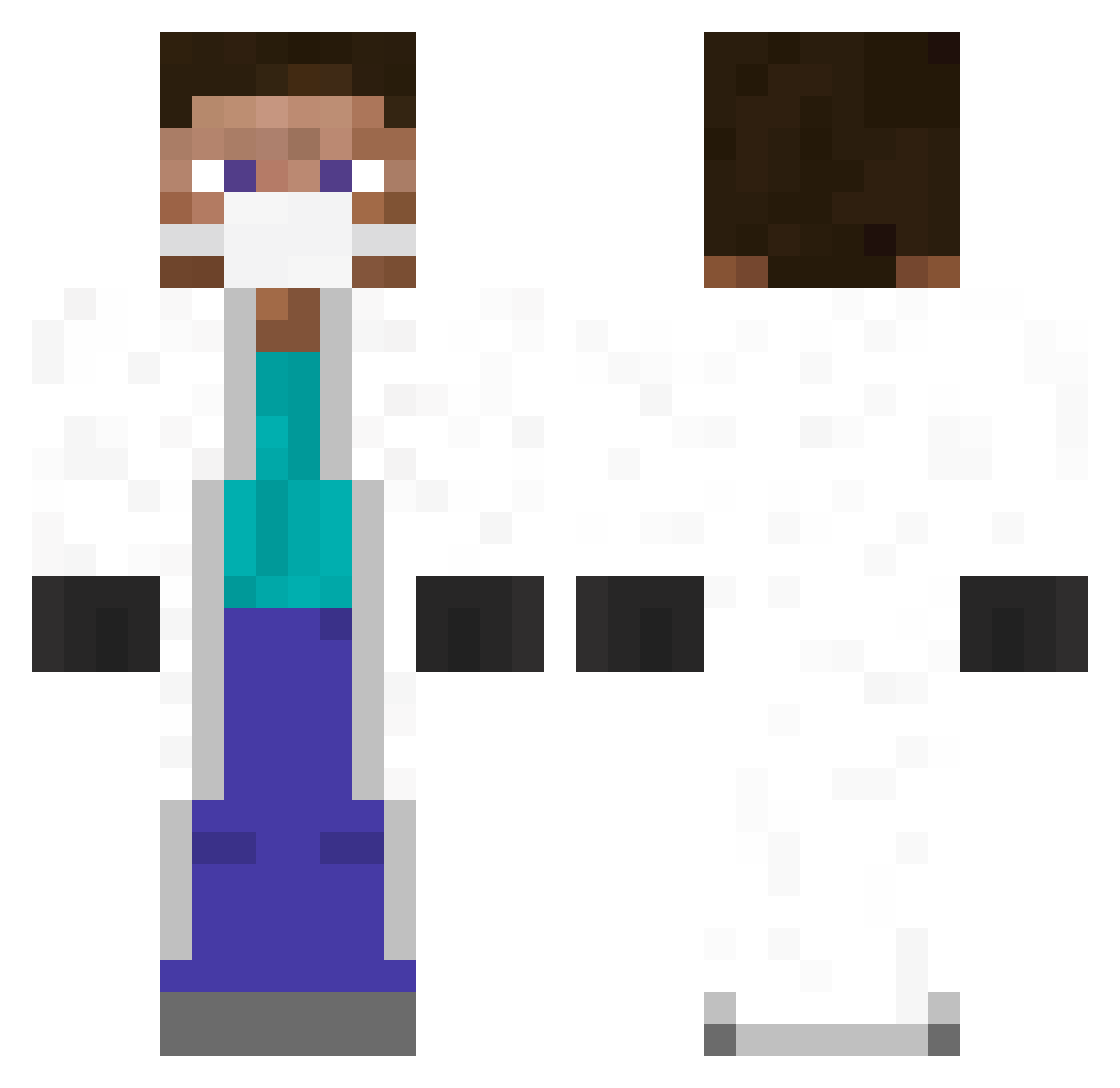
Current Minecraft skin of the player Aquival21, loaded from the official Mojang API. Rotate the 3D model with your mouse or finger, then download the skin as a PNG file and use it in Minecraft: Bedrock Edition or Java Edition for free. When Aquival21 changes their skin, this page updates automatically and the old skin stays in the history below.
Other players with this skin (347)
Aquival21 was the 279th player we have seen with this skin, first spotted on 07.10.2026. The same skin was seen on these players. Open a nickname to see their current skin and skin history.
 sherpaz Neil_N_ Kamrat3Q jnslx dogi3437 AFCSuperCup heiligezitrone xx19759293xx 8tikama Queen_Noctua feiyibaba ThomasJ123 le_ced PhDaddy franie_f Prophet3201 Benny_Boy348 Maincra_Quinn YourBoyLucas Matheus7895 Subraiz CurlyCallum tortitank Tanguy763 Crokodilan luchoabba ITsAbdo_ _DaveBoy Malalanus Koaliesz limeGReeeeN JesusIsUnReal GreenToothpick Nawable Tibbew koalia iamnoob1 budgetbungalow Komkommerr hyeonmibab MaxRak_ Head_Quarter ZezuraNL Malliffet AzarTz maizhong TorpilIe Strudeline yu_meito jackx5mobbs Machadinho22 waterysalad ilcyon whithax RicDod Gawil Simen1308 Filoo jicksub Chub12
More Medical Mask Minecraft skins
How to install the Aquival21 skin
- Press the Download button above to save the skin as a PNG file.
- Minecraft: Bedrock Edition (PE): open the Dressing Room from the main menu (or tap your character → Edit Character), go to Classic Skins → Owned, press the + (new skin) button, choose the downloaded PNG and pick the Classic (Steve) model. Works on PC and mobile; consoles cannot import custom skins.
- Minecraft: Java Edition: open the Minecraft Launcher, go to the Skins tab, click New Skin, load the PNG, pick the Classic (Steve) model and press Save & Use. You can also upload it at minecraft.net → Profile → Change Skin.
The skin does not show up after import - what should I do?
Restart Minecraft and open the Dressing Room again - imported skins sometimes appear only after a restart. Also make sure you selected the imported skin and picked the Classic (Steve) model.
Which model should I choose, Classic or Slim?
This skin is designed for the Classic (Steve) model. If you pick the wrong model, the arms of the skin will look stretched or squeezed.
Is the skin of Aquival21 free to download?
Yes. Press Download, save the PNG file and use it in Minecraft: Bedrock Edition or Java Edition - no payment or registration needed. The skin also works on multiplayer servers and Realms.
More skins
Looking for more? Go back to all Minecraft skins and check the top skins of the week, month and all time, or find any player's skin by nickname.