
Aqua_Aaron05 - Minecraft Skins & Skin History
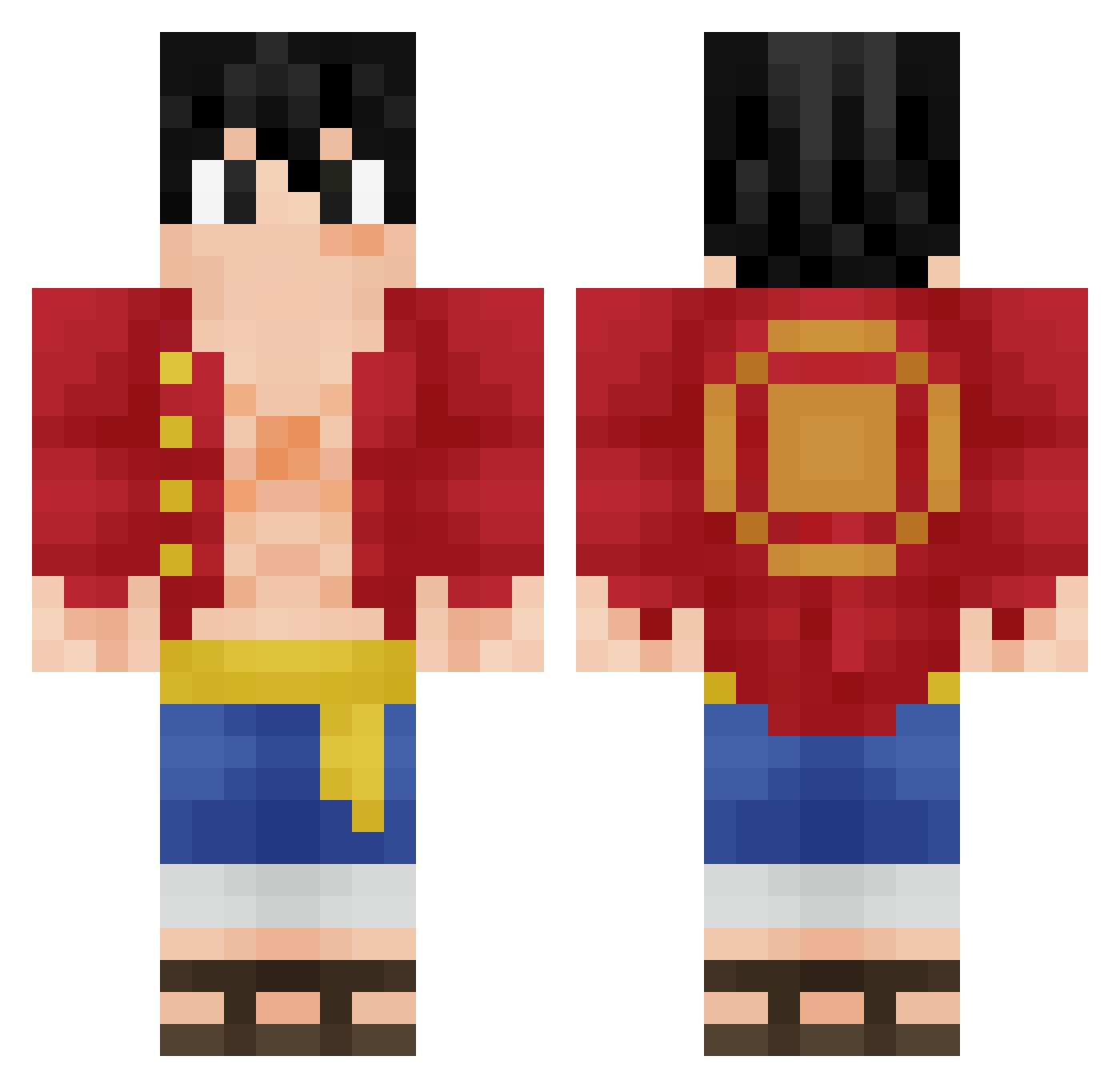
Current Minecraft skin of the player Aqua_Aaron05, loaded from the official Mojang API. Rotate the 3D model with your mouse or finger, then download the skin as a PNG file and use it in Minecraft: Bedrock Edition or Java Edition for free. When Aqua_Aaron05 changes their skin, this page updates automatically and the old skin stays in the history below.
Other players with this skin (418)
Aqua_Aaron05 was the 343rd player we have seen with this skin, first spotted on 29.10.2026. The same skin was seen on these players. Open a nickname to see their current skin and skin history.
 Clohen Saktao dragon76990 Jocxlyn7 Hweiz DingDing55 goopa1 Shaloski liorkenz cacapipi312 CarnVanBeck Fonkaze viclepetitrigolo MurtonLoki MEG_O hitmen3000 Jac0b19 ToxiK30 PandaBear5828 NamKyo1 AxeelFN Kubusaczek Luuckky_ mama0530 _markk_921 DJprofessorK Zwlin falling_player Adri_ssb Moya56 Dom_Bruh1 Leokenji Lauzinhu godwithanxiety g4bsasuke RYM4N94 Ired525 _Merwin_ SH_Jasen alonsopistola RuDi_07 lugeyu MalekOff ognjen__5 Zerogul Gustav_Der_Krebs masagaki HARUKIMARIO Sayaba nixusthe ogaren0108 notDelai Kayann16 Gambeatop dyno_d itisReflect sLegends TomasBorzo JEmilioHA MonkeyDMak
More Monkey D Luffy Minecraft skins
See all 1046 Monkey D Luffy skins
How to install the Aqua_Aaron05 skin
- Press the Download button above to save the skin as a PNG file.
- Minecraft: Bedrock Edition (PE): open the Dressing Room from the main menu (or tap your character → Edit Character), go to Classic Skins → Owned, press the + (new skin) button, choose the downloaded PNG and pick the Classic (Steve) model. Works on PC and mobile; consoles cannot import custom skins.
- Minecraft: Java Edition: open the Minecraft Launcher, go to the Skins tab, click New Skin, load the PNG, pick the Classic (Steve) model and press Save & Use. You can also upload it at minecraft.net → Profile → Change Skin.
The skin does not show up after import - what should I do?
Restart Minecraft and open the Dressing Room again - imported skins sometimes appear only after a restart. Also make sure you selected the imported skin and picked the Classic (Steve) model.
Which model should I choose, Classic or Slim?
This skin is designed for the Classic (Steve) model. If you pick the wrong model, the arms of the skin will look stretched or squeezed.
Is the skin of Aqua_Aaron05 free to download?
Yes. Press Download, save the PNG file and use it in Minecraft: Bedrock Edition or Java Edition - no payment or registration needed. The skin also works on multiplayer servers and Realms.
More skins
Looking for more? Go back to all Minecraft skins and check the top skins of the week, month and all time, or find any player's skin by nickname.