
AlienMDF - Minecraft Skins & Skin History
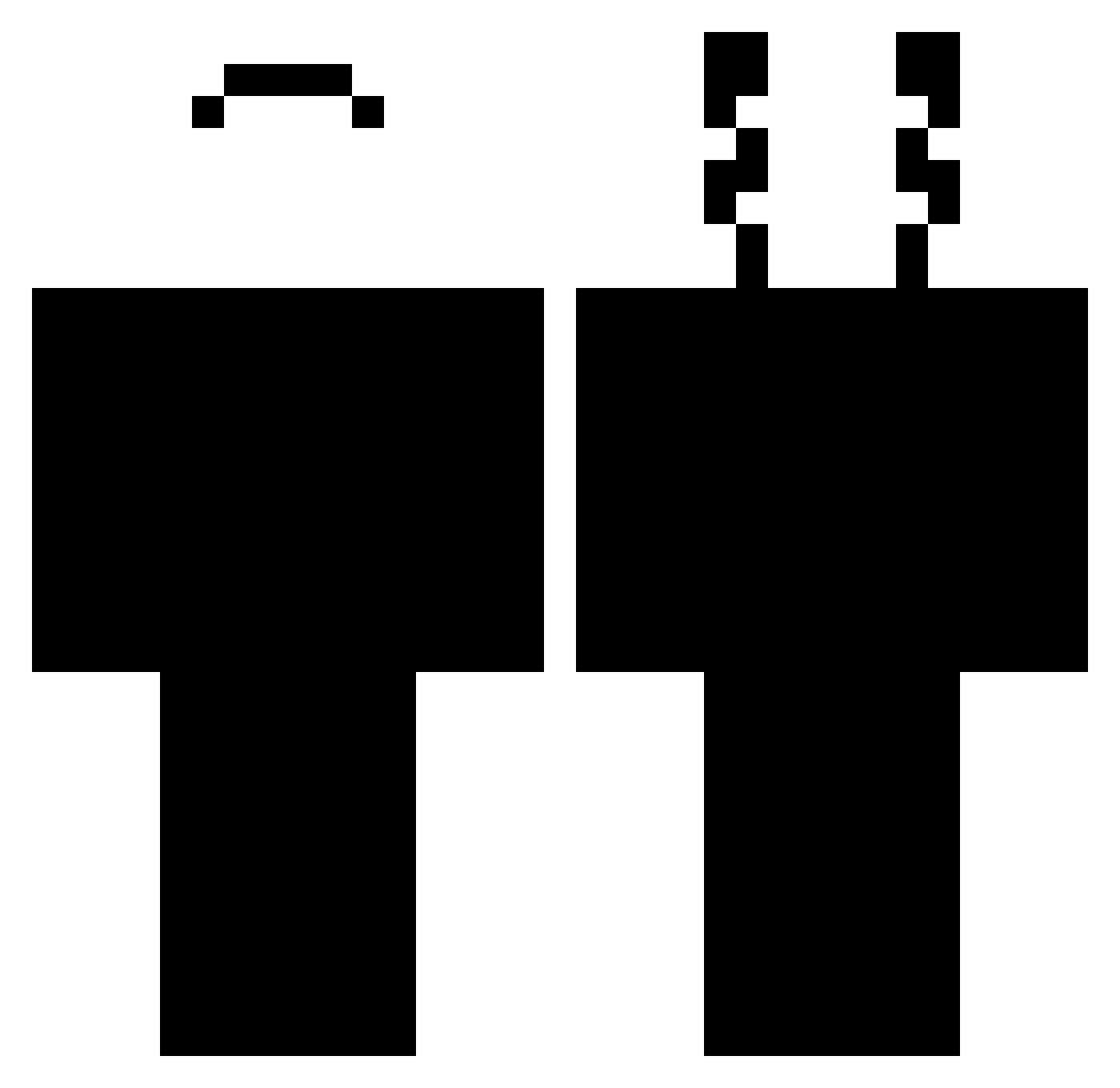
Current Minecraft skin of the player AlienMDF, loaded from the official Mojang API. Rotate the 3D model with your mouse or finger, then download the skin as a PNG file and use it in Minecraft: Bedrock Edition or Java Edition for free. When AlienMDF changes their skin, this page updates automatically and the old skin stays in the history below.
Other players with this skin (444)
AlienMDF was the 364th player we have seen with this skin, first spotted on 17.10.2026. The same skin was seen on these players. Open a nickname to see their current skin and skin history.
 Profilename29 Skyzinn DrBluez JustCoper troolek123 RandamKings Dominictta Rodeng Yokso_ Wonder_Of_Youuu ltwl123 Zaeyak FortJok mccccm Fkfijhy The_Warden6236 Snoanwd 8jkaka BIGDARKSHARK vicZeraa MlodyZeKe Tipflip Iatheus Zezim29 SrtoKaemi iSaimszx Oflez xAlready Maalmstrom Donker11 IMHACKINGAHAHAHA _Speksi_ Pikunio_ Villain_1 Tax243 bhoppper TacosDeBistec ubrenoop coldeyez N3xx0_ bbeyazzencii Njbzj0 Toothywhisper SidewardSpore20 scorpion13411 AmoTorarTraveco Nahucond JFelipe1808 NoisyHell PokiSimp_ Rillozin01 AlVaRo_RdS Thanatosnet Molauker AnaGameuse Lilzytona SirPrivacy iFlizx Exodus974 LyaN_777
How to install the AlienMDF skin
- Press the Download button above to save the skin as a PNG file.
- Minecraft: Bedrock Edition (PE): open the Dressing Room from the main menu (or tap your character → Edit Character), go to Classic Skins → Owned, press the + (new skin) button, choose the downloaded PNG and pick the Classic (Steve) model. Works on PC and mobile; consoles cannot import custom skins.
- Minecraft: Java Edition: open the Minecraft Launcher, go to the Skins tab, click New Skin, load the PNG, pick the Classic (Steve) model and press Save & Use. You can also upload it at minecraft.net → Profile → Change Skin.
The skin does not show up after import - what should I do?
Restart Minecraft and open the Dressing Room again - imported skins sometimes appear only after a restart. Also make sure you selected the imported skin and picked the Classic (Steve) model.
Which model should I choose, Classic or Slim?
This skin is designed for the Classic (Steve) model. If you pick the wrong model, the arms of the skin will look stretched or squeezed.
Is the skin of AlienMDF free to download?
Yes. Press Download, save the PNG file and use it in Minecraft: Bedrock Edition or Java Edition - no payment or registration needed. The skin also works on multiplayer servers and Realms.
More skins
Looking for more? Go back to all Minecraft skins and check the top skins of the week, month and all time, or find any player's skin by nickname.