
AlexanderC654 - Minecraft Skins & Skin History
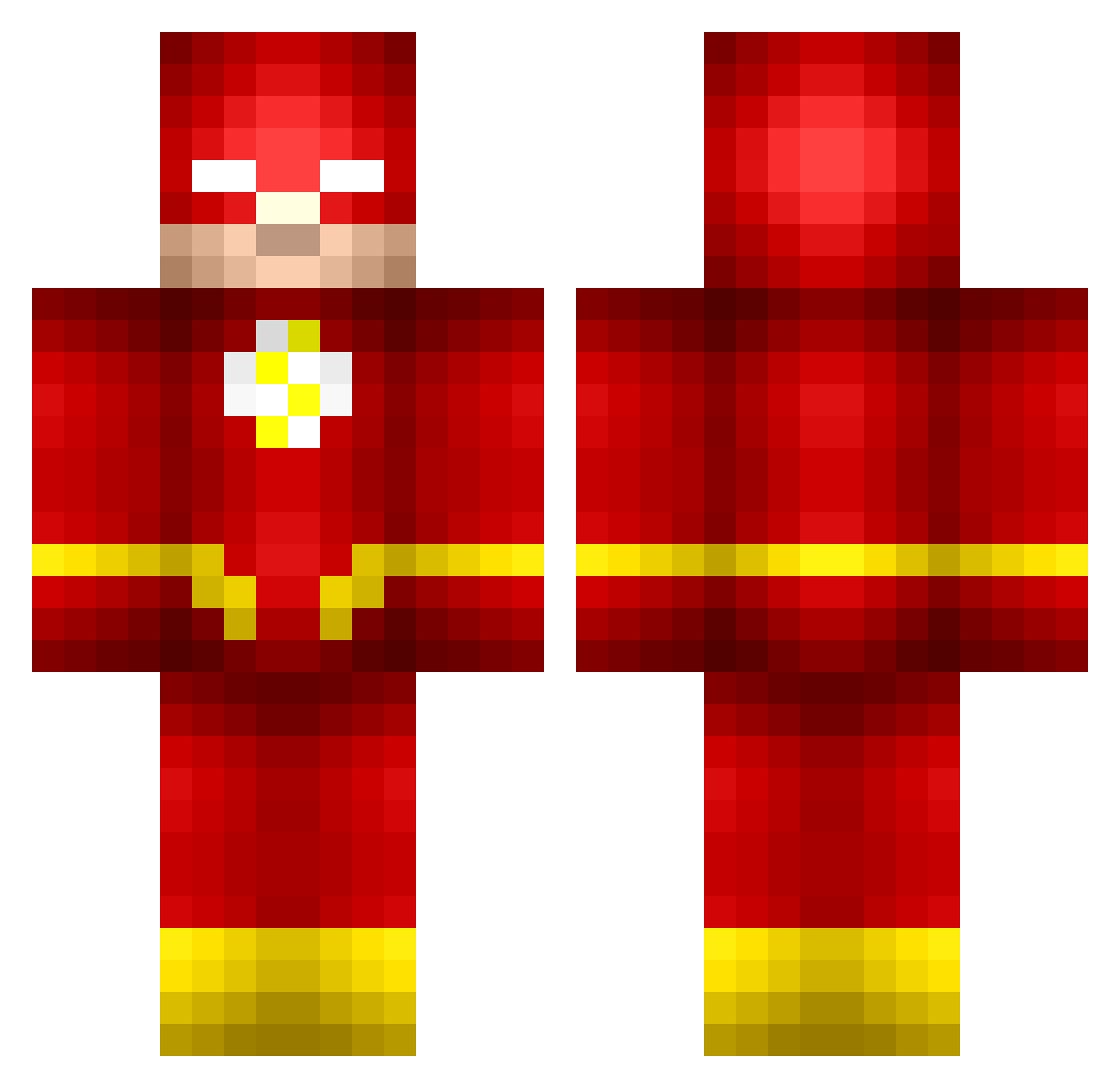
Current Minecraft skin of the player AlexanderC654, loaded from the official Mojang API. Rotate the 3D model with your mouse or finger, then download the skin as a PNG file and use it in Minecraft: Bedrock Edition or Java Edition for free. When AlexanderC654 changes their skin, this page updates automatically and the old skin stays in the history below.
Other players with this skin (673)
AlexanderC654 was the 378th player we have seen with this skin, first spotted on 26.09.2026. The same skin was seen on these players. Open a nickname to see their current skin and skin history.
 Pyorkie boerner2 DavidDAB WakkaEB sbp1717 AugieAvery KnightOwl424 Ginny462 iThinkTank David2121 PlasHD SpeedTuo mookin2 elamous TimoS4N zCim ScridgeXIII ninjamasterbee runkids ali01070 Dowls saccure01 earlegg Aquasmike NoahV6580 PreMalone930 vezzlans EyceAether JustCarl ChubbyBunnies25 D0yLE0 Hallstar45 Canero69 sneakyeturtle jamieferrier Cl0cked FutikWarriors GmanWatse Orange_Juice21 ooscarracsoo MoNsEuS fdvg00 RuisPalikka1330 SuperNightwing17 Vmar Blockcaller bowenboy3000 PlebCheb Kittokiller22 MrVazquez snekipekpek LouisMode devin29 Element_Tsai Sconza ClassicallyMimic glenyboy01 Gav_US zam246 storeadrian4
More The Flash Minecraft skins
How to install the AlexanderC654 skin
- Press the Download button above to save the skin as a PNG file.
- Minecraft: Bedrock Edition (PE): open the Dressing Room from the main menu (or tap your character → Edit Character), go to Classic Skins → Owned, press the + (new skin) button, choose the downloaded PNG and pick the Classic (Steve) model. Works on PC and mobile; consoles cannot import custom skins.
- Minecraft: Java Edition: open the Minecraft Launcher, go to the Skins tab, click New Skin, load the PNG, pick the Classic (Steve) model and press Save & Use. You can also upload it at minecraft.net → Profile → Change Skin.
The skin does not show up after import - what should I do?
Restart Minecraft and open the Dressing Room again - imported skins sometimes appear only after a restart. Also make sure you selected the imported skin and picked the Classic (Steve) model.
Which model should I choose, Classic or Slim?
This skin is designed for the Classic (Steve) model. If you pick the wrong model, the arms of the skin will look stretched or squeezed.
Is the skin of AlexanderC654 free to download?
Yes. Press Download, save the PNG file and use it in Minecraft: Bedrock Edition or Java Edition - no payment or registration needed. The skin also works on multiplayer servers and Realms.
More skins
Looking for more? Go back to all Minecraft skins and check the top skins of the week, month and all time, or find any player's skin by nickname.