
 AndeSteg 30marshman dgbonomo EthanOfTheEdgy MaestroVL fiddlewizard SamWerewolf ladycardinal MrJacoby5252 ASIskills ckjointz flashavenger the_zilla angrymike19 D0ct0rteeth ags770 Tyberios prokchops alex8639f1 ToxicChlorine BDAWG105 goldman3009 Grez_ HamzaBatman WildWing72 TheChosenOnee TudorTheMinion kritte1203 TheHappyJacks Hot_Baby_Afro LUKESTAR_1 KS3A bcocacola Antster_ TheEzflash legendville CuteSchoolGirl Illway13 BahnSchubser KeVaughn60 By_Chuky SnowmenMSP TilFHunTeR696 CrazyZeek13 cheesed_face UtCung Glenius Shadows68 Midtsilver BrownBoyMark DFrog126 wolax3 cjecoverley snakesniffer12 flying_grunneger Titobear Zeesus99 quinn0003 Lukieloko Moon_Blaze
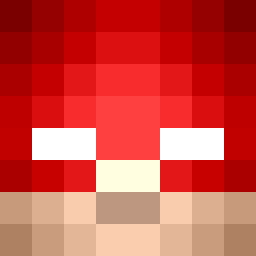
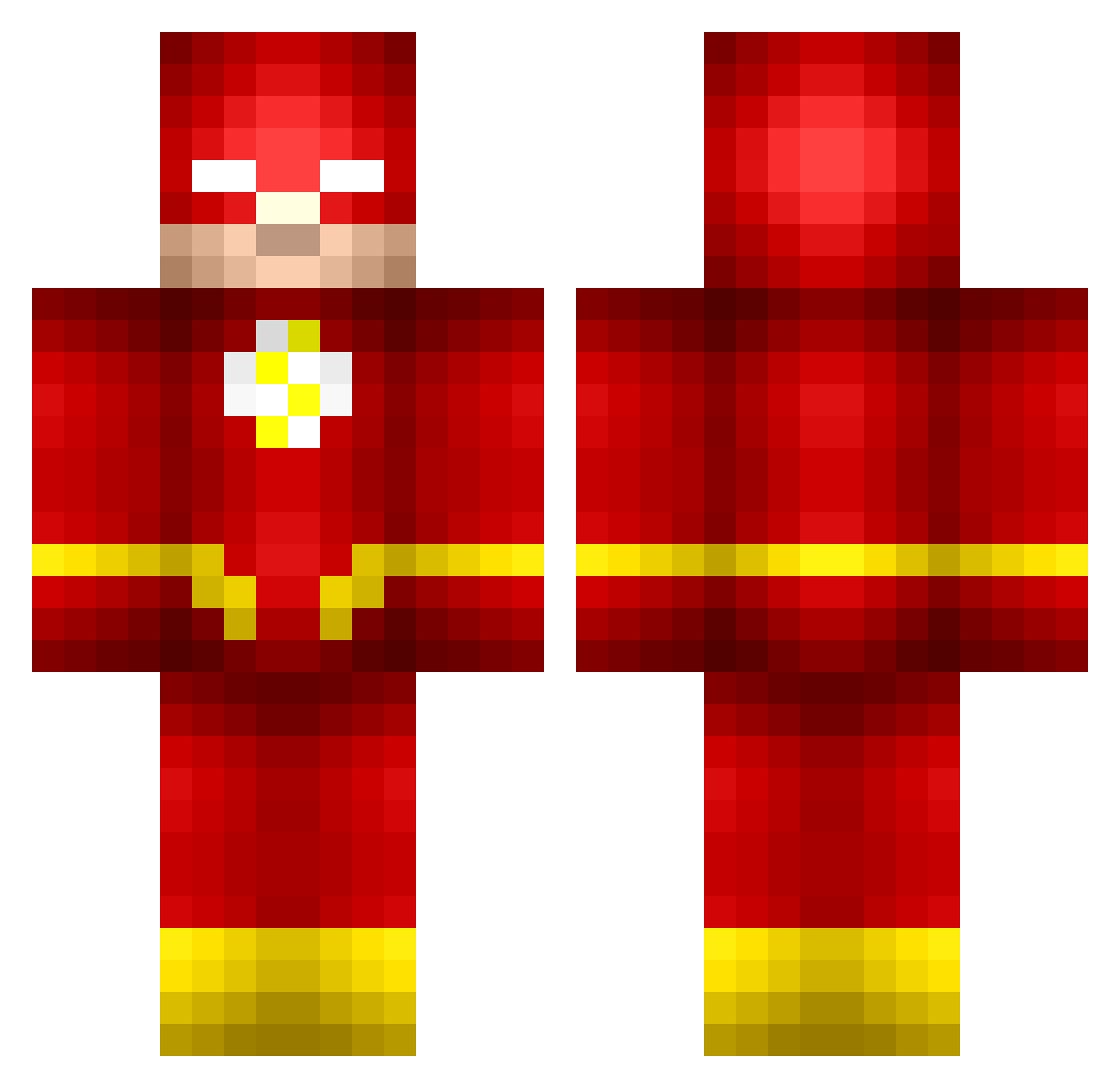
Minecraft skin of Wrumple. Rotate the 3D model with your mouse or finger to view the skin from every angle, then download it as a PNG file and use it in Minecraft: Bedrock Edition or Java Edition for free. Rate the skin with stars to help other players find the best skins in our collection.
How to install the Wrumple skin
- Press the Download button above to save the skin as a PNG file.
- Minecraft: Bedrock Edition (PE): open the Dressing Room from the main menu (or tap your character → Edit Character), go to Classic Skins → Owned, press the + (new skin) button, choose the downloaded PNG and pick the Classic (Steve) model. Works on PC and mobile; consoles cannot import custom skins.
- Minecraft: Java Edition: open the Minecraft Launcher, go to the Skins tab, click New Skin, load the PNG, pick the Classic (Steve) model and press Save & Use. You can also upload it at minecraft.net → Profile → Change Skin.
The skin does not show up after import - what should I do?
Restart Minecraft and open the Dressing Room again - imported skins sometimes appear only after a restart. Also make sure you selected the imported skin and picked the Classic (Steve) model.
Which model should I choose, Classic or Slim?
This skin is designed for the Classic (Steve) model. If you pick the wrong model, the arms of the skin will look stretched or squeezed.
Is this skin free to use?
Yes. Press Download, save the PNG file and use it in Minecraft: Bedrock Edition or Java Edition - no payment or registration needed. The skin also works on multiplayer servers and Realms.
More The Flash Minecraft skins
More skins
Looking for more? Go back to all Minecraft skins and check the top skins of the week, month and all time, or find any player's skin by nickname.